
Zoom Phone 10DLC Registration Help
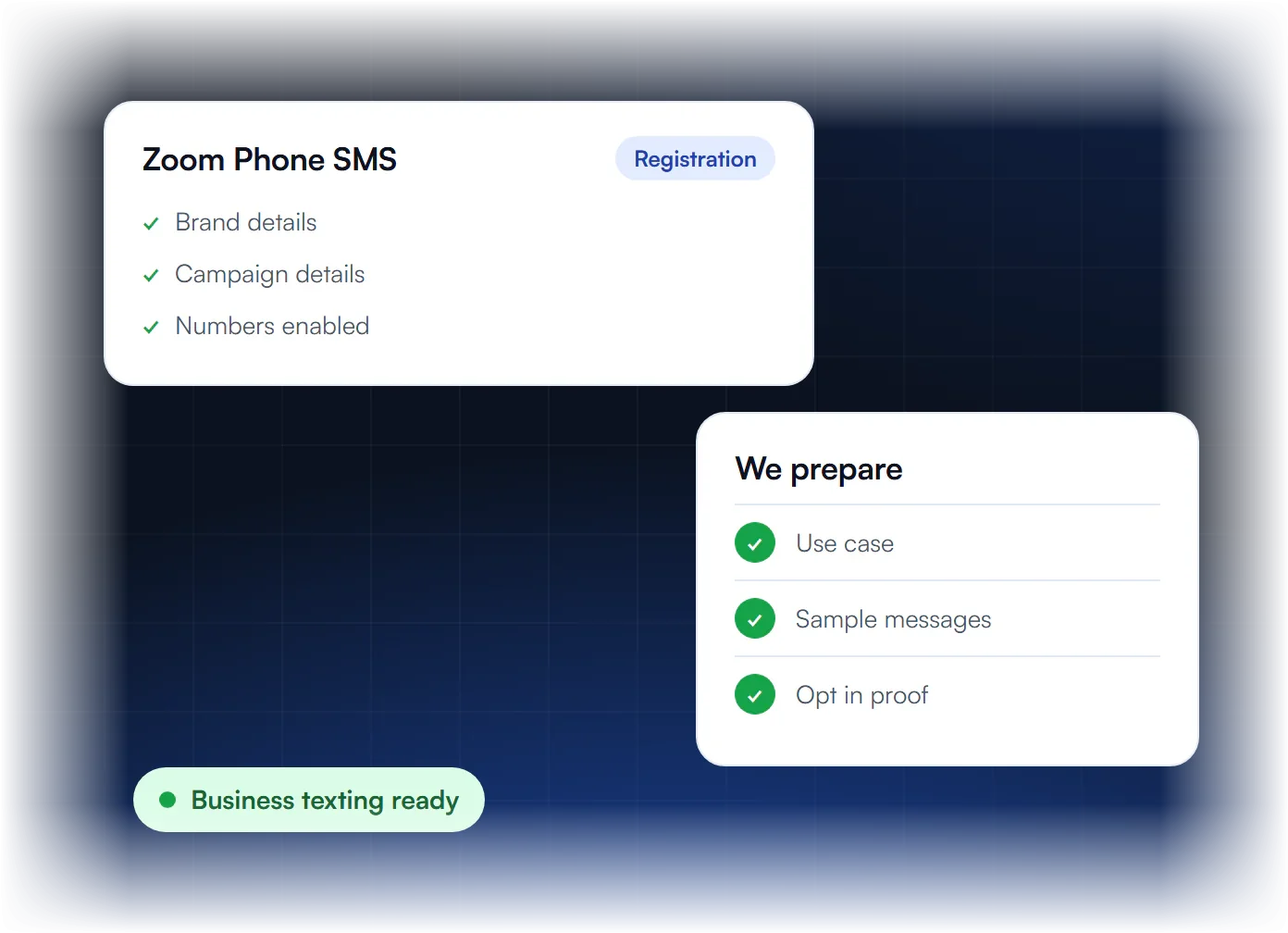
Zoom Phone 10DLC registration has three steps in the Zoom web portal: create a brand, create an SMS campaign, then assign numbers. We prepare each step for $50.

Zoom Phone SMS Registration Questions
Zoom Phone numbers need A2P 10DLC when a business texts US customers from standard 10-digit numbers. Carriers require a registered brand and campaign first. You need your legal name and EIN as on IRS records, your address and a website with a privacy policy. Add sample messages with STOP wording and a clear opt-in description.
Do Zoom Phone numbers need A2P 10DLC?
Yes, when a business texts customers in the US from standard 10 digit numbers, carriers require a registered brand and campaign.
What will my sample messages look like?
Real examples of the texts you send, such as appointment reminders, with your business name and instructions to reply STOP to opt out.
What details do you need?
Your legal name and EIN as on IRS records, address, a website with a privacy policy, your use case and opt-in. Zoom does not accept an SSN.
Can you help after approval?
Yes. We help with new campaigns and updates when your business details or messaging change.
Everything a Zoom Phone Registration Needs
We prepare each of these four details to match what reviewers check. The brand details must match your official business records. The use case describes who you text and why. Sample messages fit the use case and include opt-out wording. The opt-in proof describes your consent flow so reviewers can verify it.
Brand Details
Business identity matched to your official records.
Use Case
A clear description of who you text and why.
Sample Messages
Samples that match your use case and include opt out wording.
Opt In Proof
Your consent flow described so reviewers can verify it.
How Zoom Phone 10DLC Registration Works
Share your details once. We prepare the brand, the SMS campaign and the number assignment for your Zoom web portal. We write the use case, sample messages and opt-in description, then file them for carrier review. If reviewers ask for changes, we make them, and then you assign your numbers to the approved campaign.
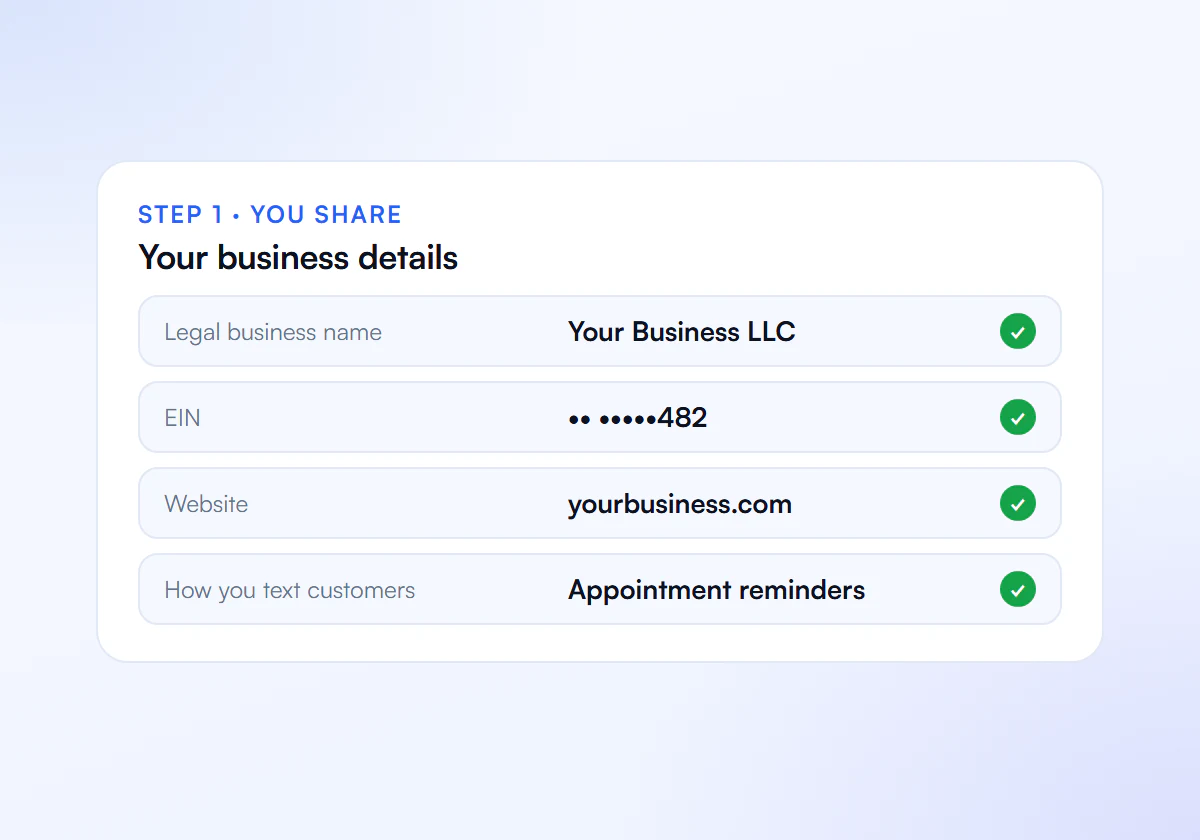
Share Your Details
Send us your business details, website and how you text customers.
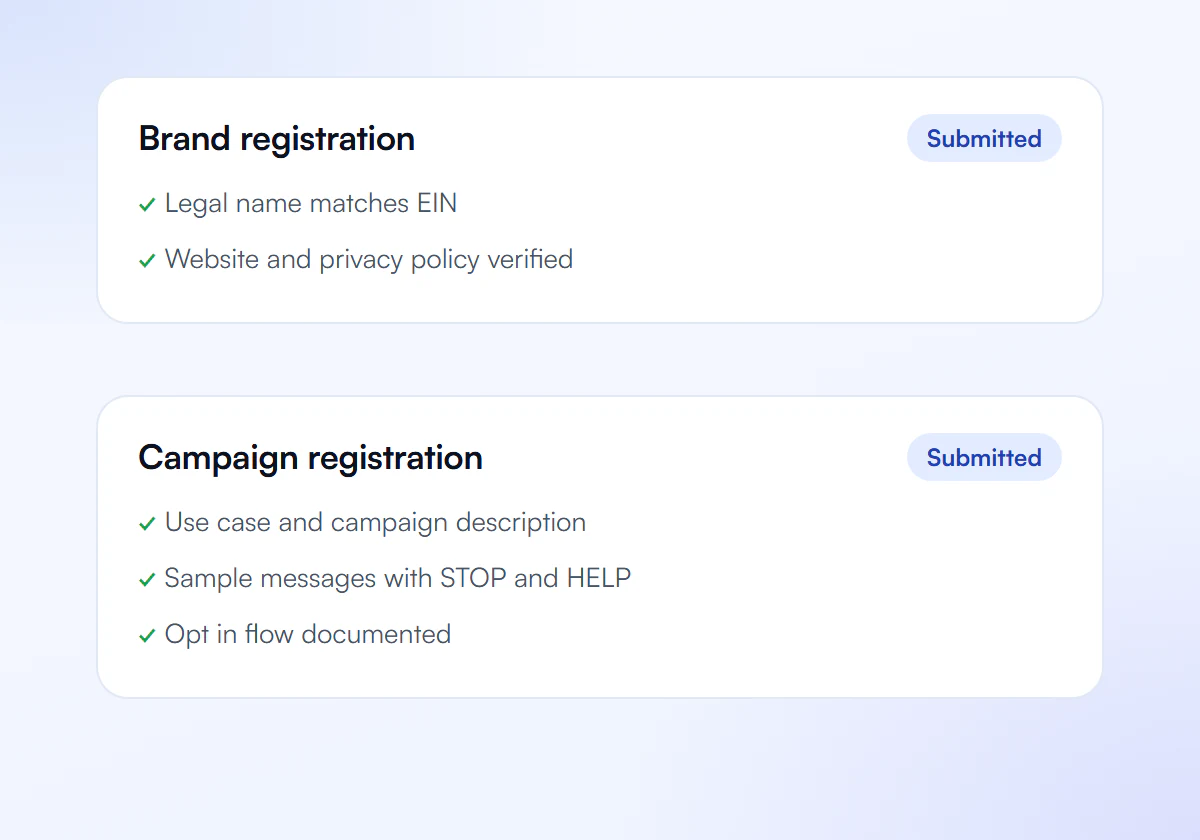
We Prepare and Submit
We write your brand and SMS campaign for the Zoom web portal.
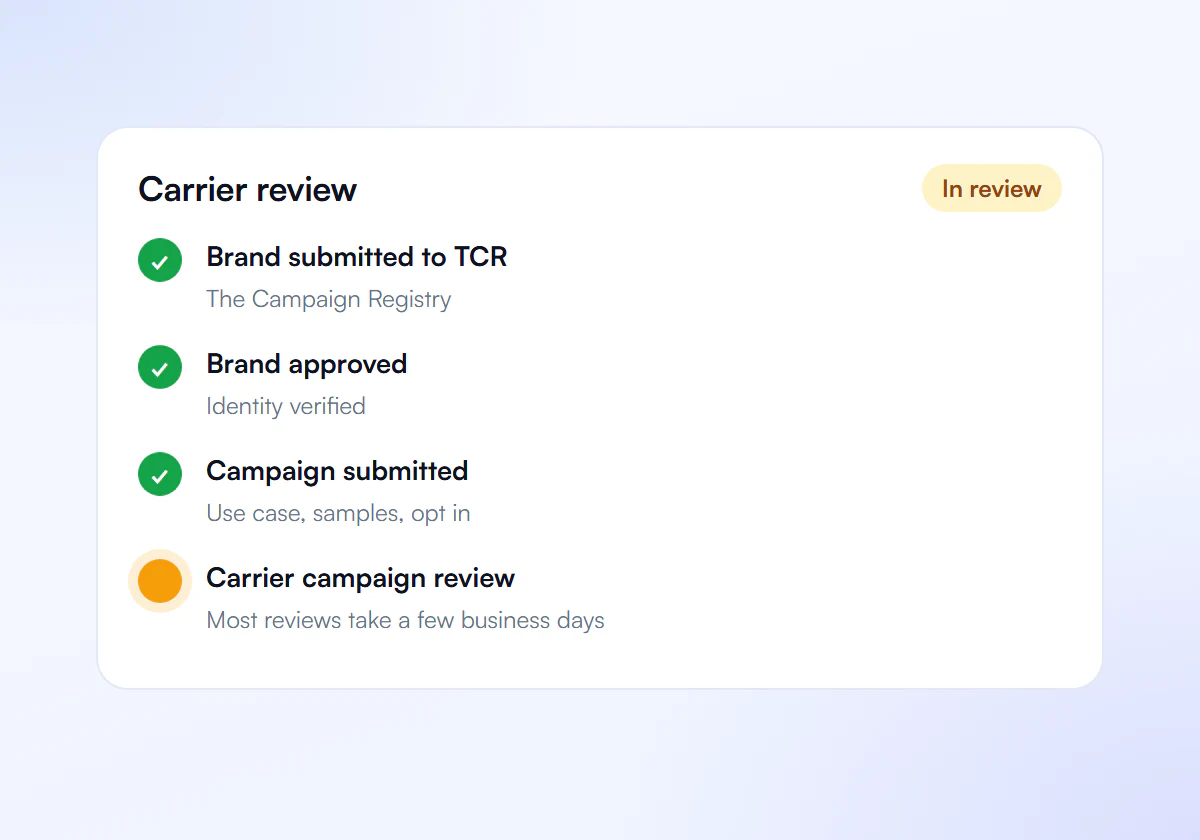
Carrier Review
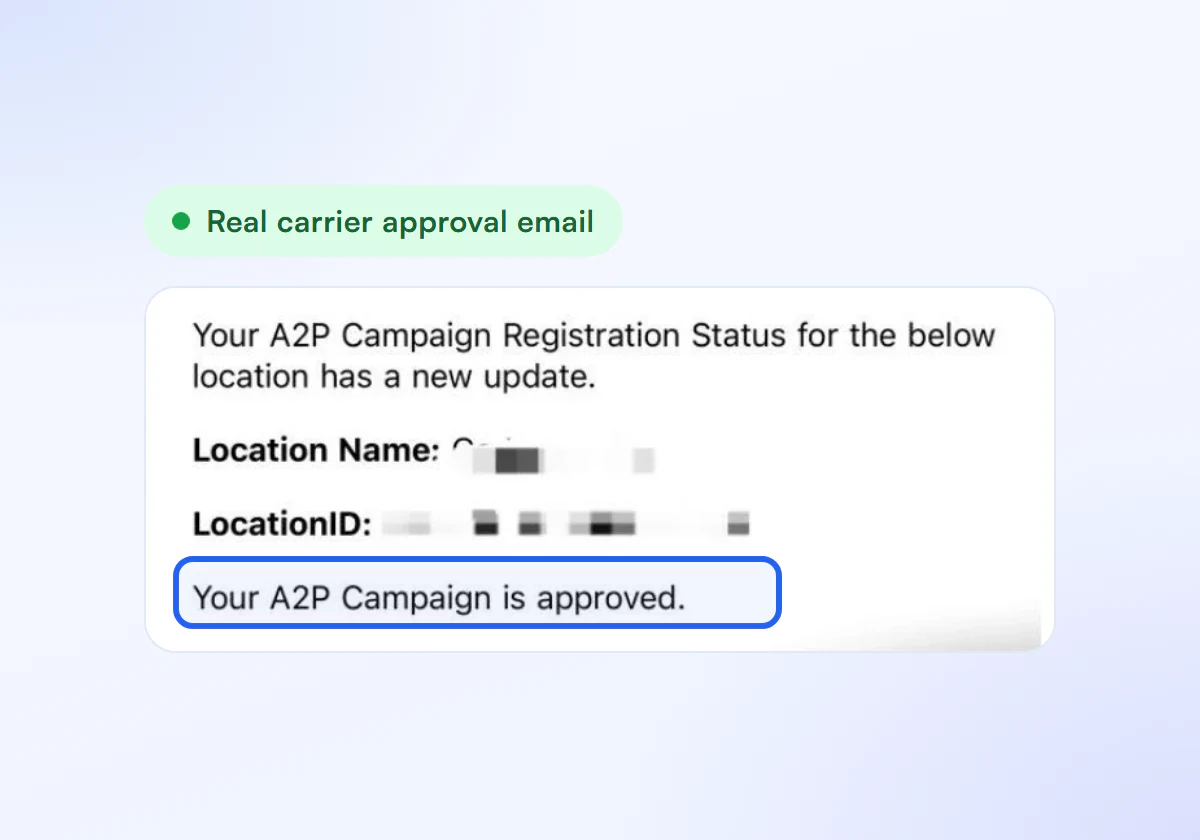
Carriers review your campaign. Most reviews take a few business days to a few weeks.
Get Approved
Assign your numbers to the approved campaign and start texting.
Zoom Phone Registration, One Flat Price
We prepare your Zoom Phone 10DLC registration for a flat fee. One business costs $50, paid once, and a pack of ten costs $399, or $39.90 each. Rejection fixes and resubmission are part of the price. Your SMS provider charges registration and carrier fees separately.
Single Verification
$50
per verification, paid once
For one business that needs carrier approval to text its customers.
- Brand registration with The Campaign Registry
- Campaign registration with use case and sample messages
- Opt in, privacy policy and STOP and HELP review
- Fixes and resubmission until approved
10 Verification Pack
$399
10 verifications, $39.90 each
For agencies and multi location businesses verifying several brands. Just $39.90 per verification.
- Everything in Single Verification
- 10 verifications for your clients or locations
- $39.90 each instead of $50, you save $101
- Fixes and resubmission until each one is approved
Your SMS provider charges registration and carrier fees separately.
Get Your Zoom Phone Texts Approved
Send us your details and we prepare your registration for review.
