
Campaign Descriptions and Sample Messages That Pass
Vague descriptions and mismatched samples are among the most common rejection reasons. Here is how to write them so reviewers approve.
Write Descriptions Reviewers Approve
What makes a good campaign description?
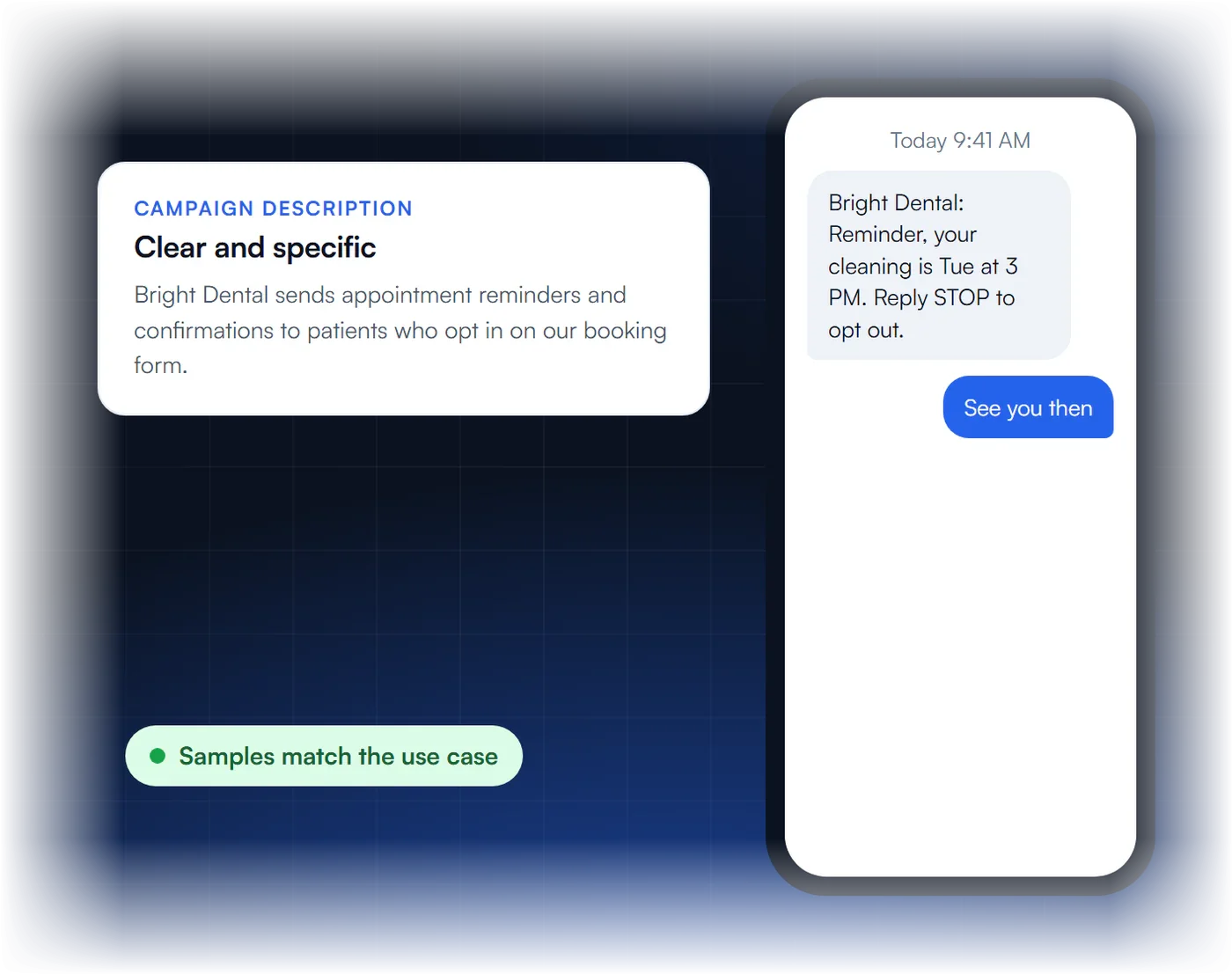
It clearly says who sends the messages, who receives them and why, and it matches your use case, samples, brand and website.
How many sample messages do I need?
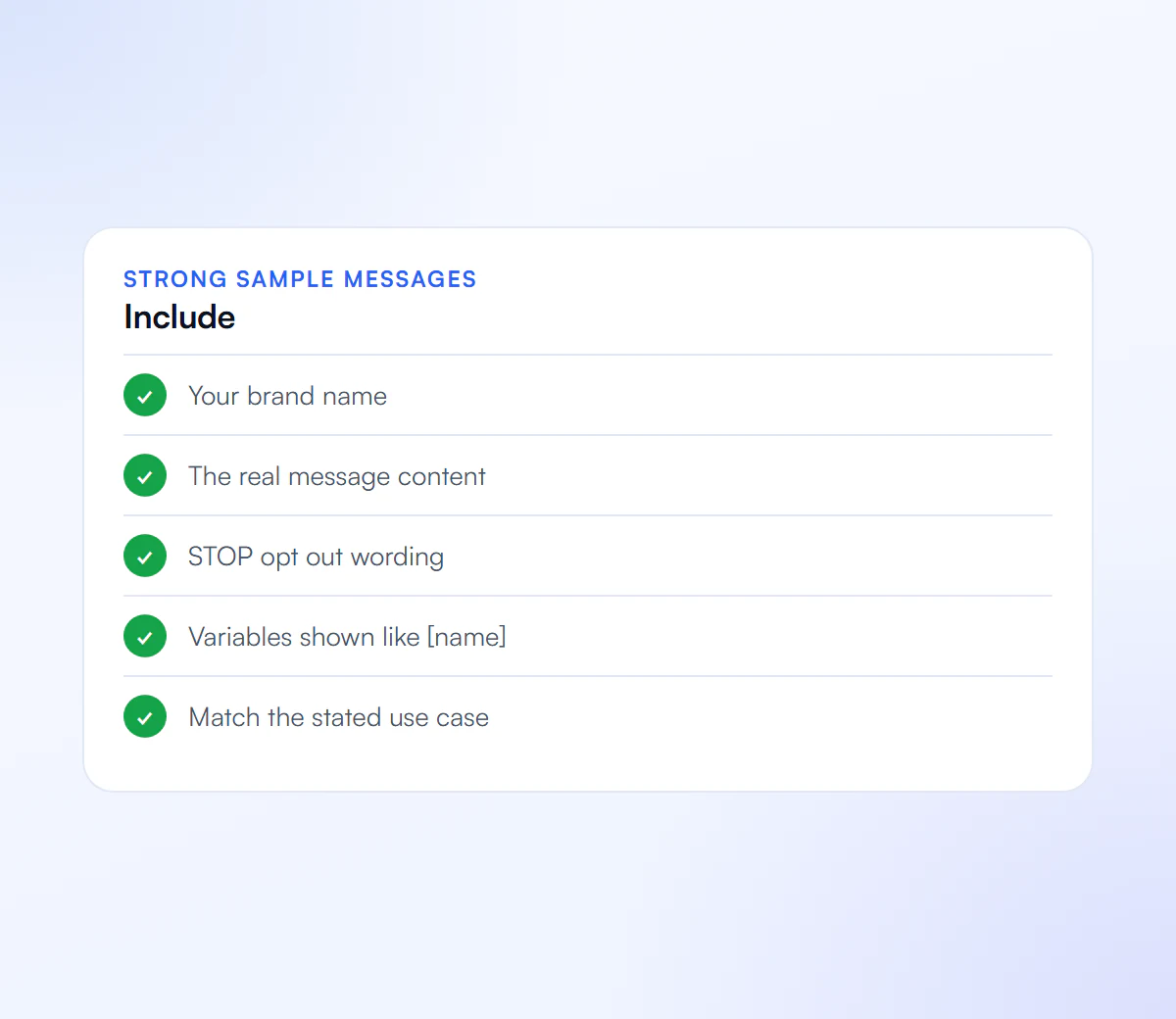
Provide at least two realistic samples. Show variable parts in brackets, such as [name] or [time].
What should samples include?
Your business name, real message content that fits the use case, and opt out wording such as Reply STOP to opt out in at least one sample.
Can I use shortened links?
Avoid public link shorteners. Use your full business URL or a branded short domain you own, and make sure links use HTTPS.
What Should a 10DLC Campaign Description Say?
A 10DLC campaign description should state who sends the messages, who receives them, how they opted in, and why the messages are sent, in a few plain sentences that match the selected use case and the sample messages. It names the registered business, not the platform used to send. Vague or mismatched descriptions are rejected with error 30886.
| Part | Weak | Strong |
|---|---|---|
| Sender | “We send texts.” | “Riverside Dental (the registered brand) sends texts.” |
| Recipients | “To customers.” | “To patients who entered their mobile number on our booking form and checked the SMS consent box.” |
| Purpose | “Marketing and updates.” | “Appointment reminders, rescheduling links and replies to patient questions.” |
The example business is illustrative; use your own registered name and program. More on rejections: error 30886.
What Do Sample Messages That Pass Look Like?
Sample messages that pass read like real texts from a named business, use brackets for the parts that change, stay inside the use case, and include the business name and opt-out wording in at least one. Provide at least two. Use your own HTTPS domain for any link, never a public shortener.
- Reminder: “[Business name]: Hi [first name], your appointment is on [date] at [time]. Reply C to confirm. Reply STOP to opt out.”
- Customer care: “[Business name] support: thanks [first name], we received request [ticket number] and will reply within one business day.”
- Marketing: “[Business name]: [first name], our [season] offer is live: [offer details] at [your domain link]. Reply STOP to opt out.”
These are illustrative patterns, not copy to paste. Sample rejections are explained on error 30893, and link rules on error 30892.
How Do You Match the Use Case, Description and Samples?
Pick the use case that covers every message you send, describe exactly that program, and write samples that show each type. Reviewers compare the three, and carriers can later compare live traffic with them, so a reminder-only campaign should not carry promotions, and a mixed campaign should show both.
- List what you really send: reminders, alerts, support replies, promotions.
- Choose the use case that covers all of it; mixed or low-volume mixed if you send several types.
- Write the description from that list.
- Write one sample per message type, at least two in total.
- Check the opt-in covers each type, especially marketing; see SMS opt-in language.
Monthly campaign fees differ by use case; see A2P 10DLC fees.
Why Descriptions and Samples Get Rejected
Each of these has its own carrier error code.
Vague Description
Does not say who sends, who receives and why.
Mismatched Samples
Samples do not fit the selected use case.
Public Shorteners
Links from public URL shorteners or without HTTPS.
No Opt Out
Samples missing STOP opt out wording.
We Write Them for You
We write your description and samples to match your use case, then handle the full registration.
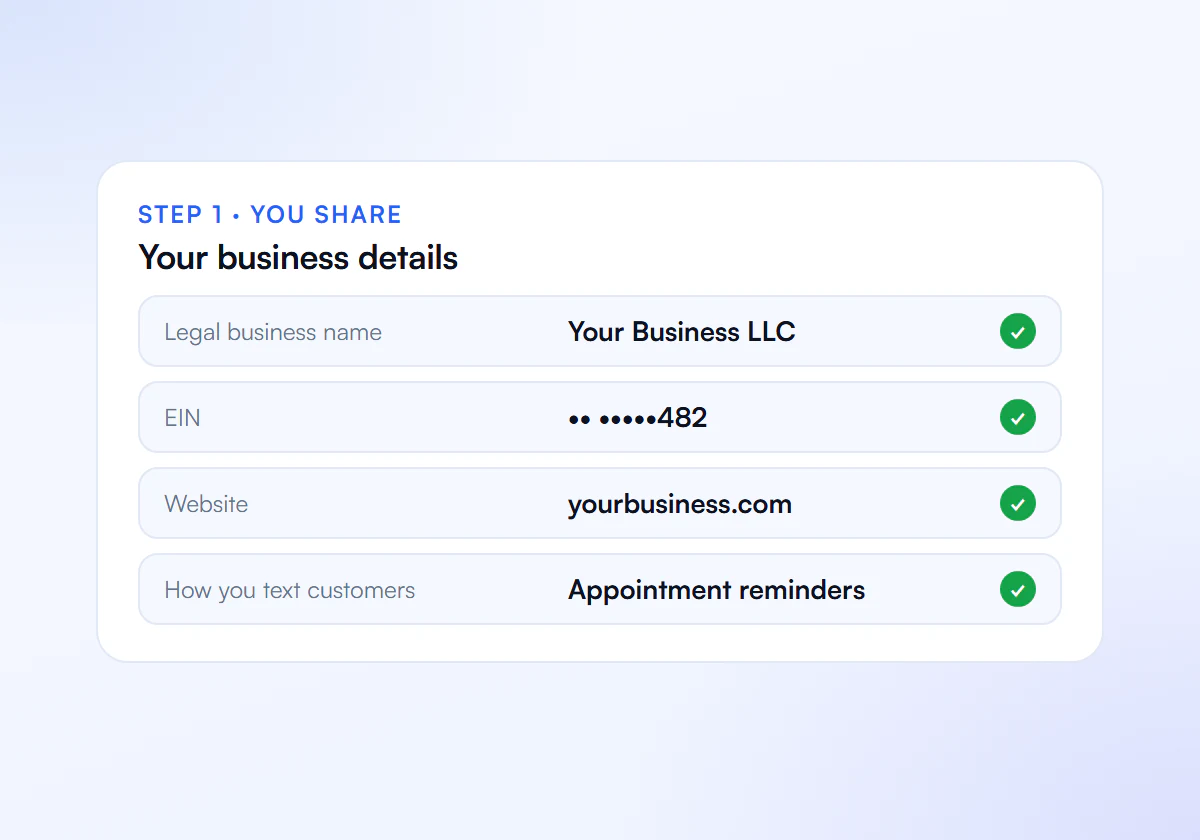
Share Your Details
Send us your business details, website and how you text customers.
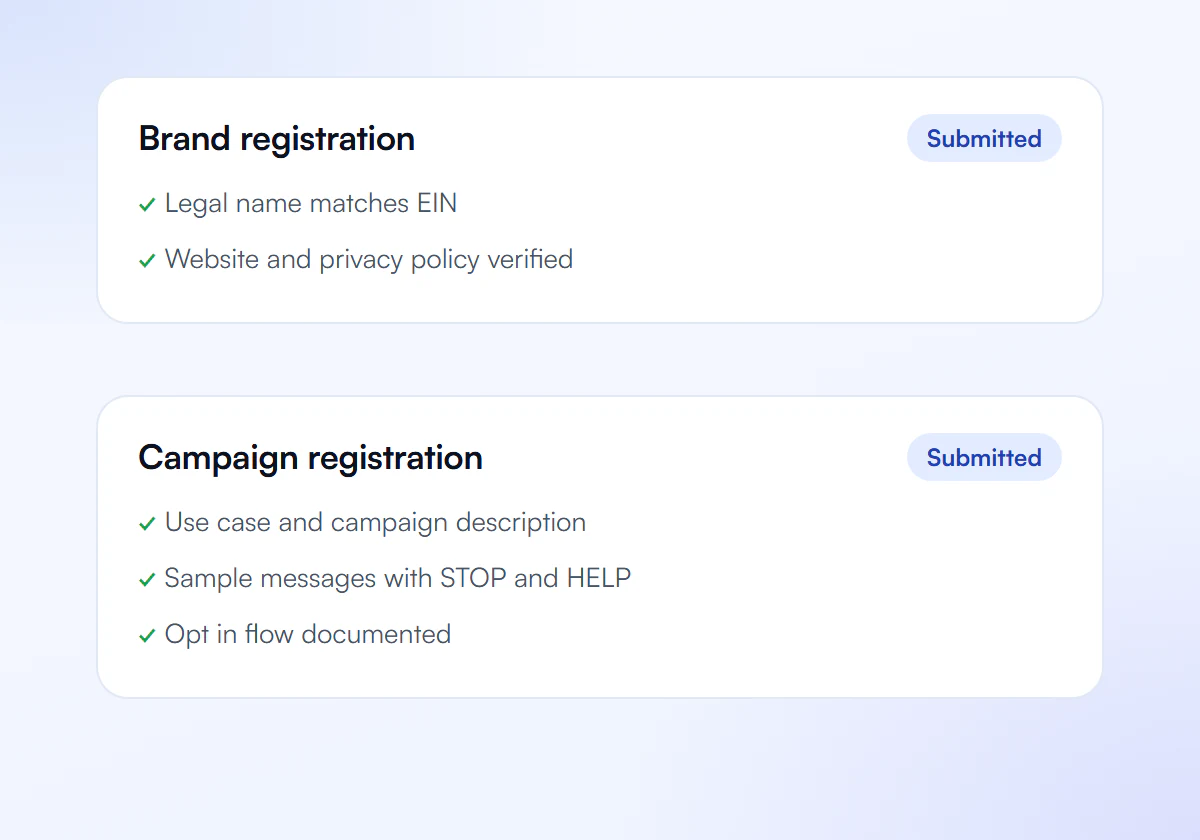
We Prepare and Submit
We write your brand and campaign and submit them to The Campaign Registry.
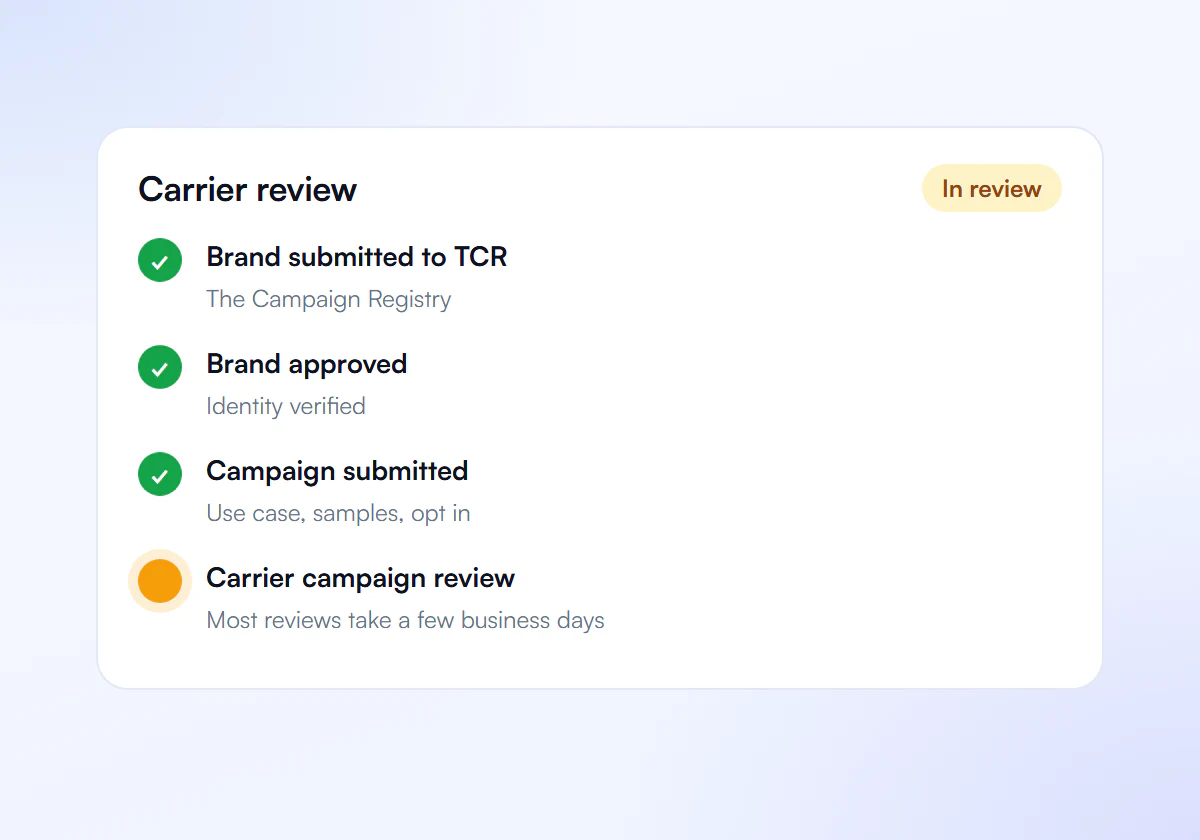
Carrier Review
Carriers review your campaign. Most reviews take a few business days.
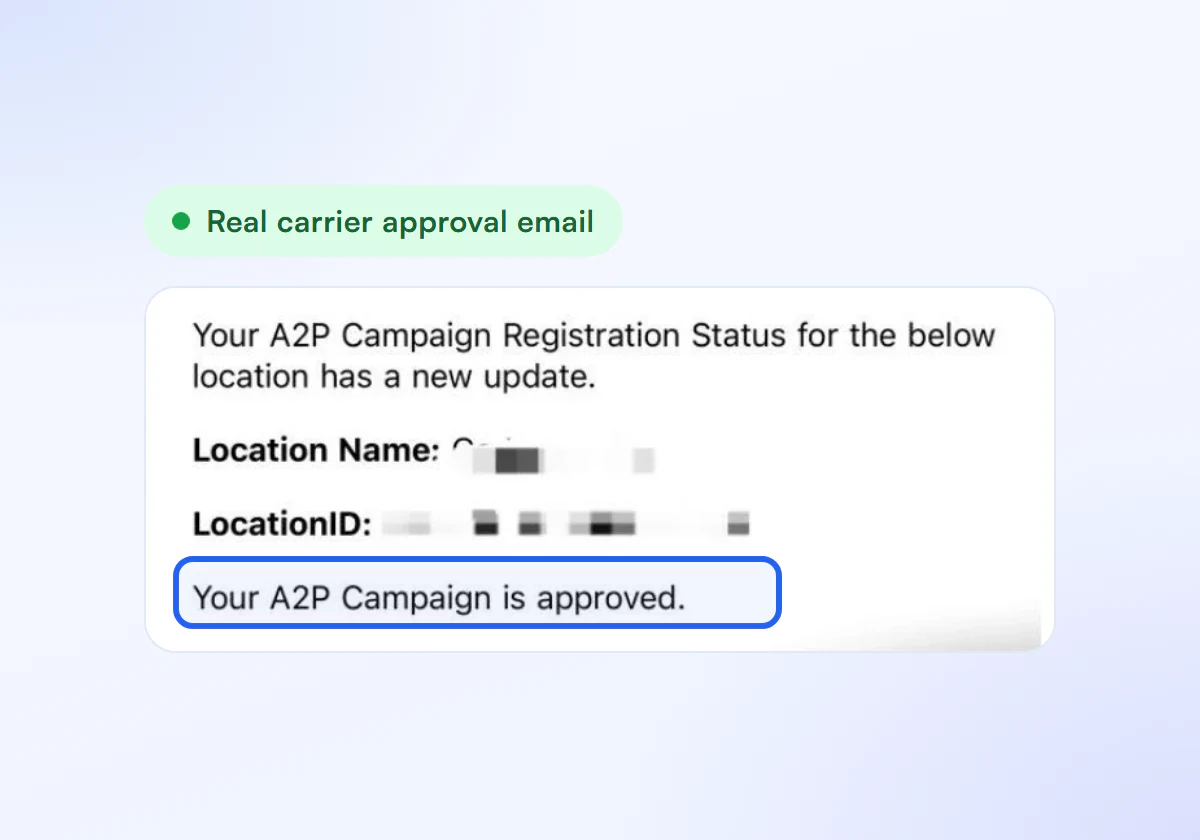
Get Approved
Link your numbers and start sending compliant texts.
Written Right, One Flat Price
Complete A2P 10DLC verification, done for you. $50 for one business, $399 for ten.
Single Verification
$50
per verification, paid once
For one business that needs carrier approval to text its customers.
- Brand registration with The Campaign Registry
- Campaign registration with use case and sample messages
- Opt in, privacy policy and STOP and HELP review
- Fixes and resubmission until approved
10 Verification Pack
$399
10 verifications, $39.90 each
For agencies and multi location businesses verifying several brands. Just $39.90 per verification.
- Everything in Single Verification
- 10 verifications for your clients or locations
- $39.90 each instead of $50, you save $101
- Fixes and resubmission until each one is approved
Registration and carrier fees are charged separately by your SMS provider.
Frequently Asked Questions
Can I name my CRM or SMS platform in the campaign description?
Name the business that sends the messages. Twilio’s 30886 guidance says a description that identifies the ISV or platform instead of the actual sending business is a cause of rejection.
Do sample messages need to be real messages?
They should represent the real messages you will send, with brackets for the parts that change. Samples that do not reflect your actual program are a common rejection cause and cause trouble later if traffic does not match.
How many sample messages should I provide?
At least two. Twilio’s guidance for error 30893 asks for at least two samples, with the business name and opt-out wording in at least one of them.
Should the description mention how people opt in?
Yes. Saying how recipients agreed to receive messages connects the description to the opt-in flow reviewers check, and helps the whole campaign read as one consistent program.
Want Your Campaign Written for You?
Tell us what you text and we write the description and samples.
