
Error 30892: Link Shorteners Are Not Allowed
A sample message used a public link shortener or an unsecured link. Here is how to use links reviewers accept.
Why Links Get Rejected
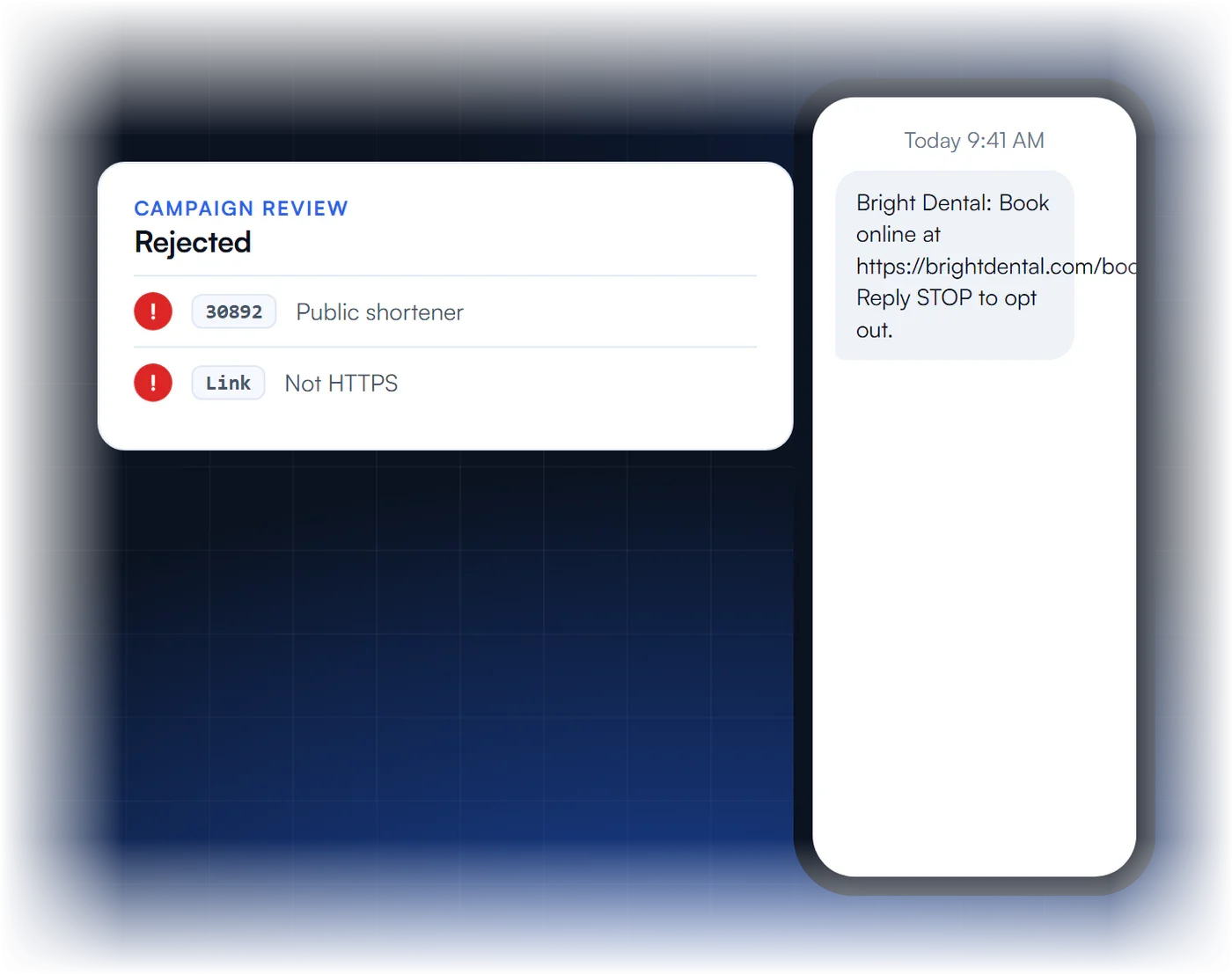
What does 30892 mean?
A sample message contains a link from a public URL shortener or an unsecured link that does not use HTTPS.
Why are public shorteners a problem?
They hide the destination and are widely used in spam, so carriers do not accept them in business messages.
What should I use instead?
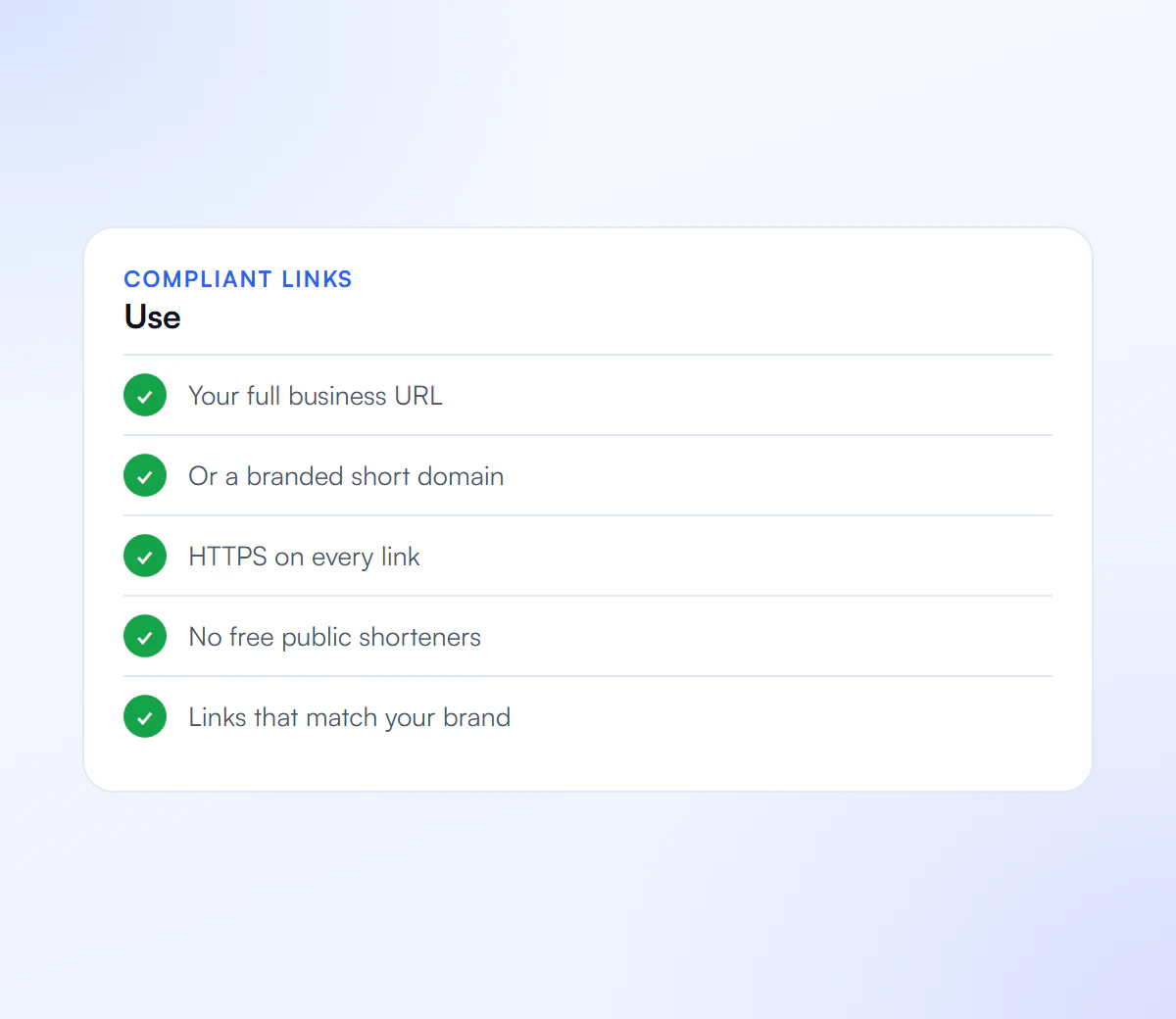
Your full business URL, or a branded short domain that your business owns, with HTTPS.
Can the campaign be resubmitted?
Yes. Update the sample messages with compliant links and resubmit.
What Does Error 30892 Mean?
Error 30892 means an A2P 10DLC campaign was rejected during vetting because a sample message contains a public URL shortener, such as bit.ly or TinyURL, or an unsecured website link. Shared shorteners hide the destination and are widely used in spam, so reviewers reject them. The fix is to use your own domain, or a branded short domain your business owns.
Twilio’s error reference names three causes:
- A link from a shared public shortener instead of a business-owned branded short domain.
- An unsecured (non-HTTPS) website URL.
- A URL that does not clearly identify your business.
Which Links Are Allowed in A2P Sample Messages?
Links that pass are secure, publicly reachable and clearly yours: your main domain, a page on it, or a branded short domain registered to your business. Every link in a sample should point somewhere that matches the business and the campaign you are registering.
| Link type | Example | Result |
|---|---|---|
| Your own domain, HTTPS | https://yourbusiness.com/book | Accepted |
| Branded short domain you own | https://ybiz.link/book | Accepted |
| Public shared shortener | bit.ly, tinyurl.com and similar | Rejected (30892) |
| Unsecured link | http://yourbusiness.com | Rejected (30892) |
| Someone else’s domain | An unrelated third-party site | High rejection risk |
The example domains are illustrative. If you need short links at scale, Twilio supports link shortening on your own branded domain through Messaging Services.
How Do You Fix Error 30892 and Resubmit?
To fix error 30892, replace every public shortener and every non-HTTPS link in your sample messages with a secure link on your own domain or a branded short domain, check that each link opens publicly, and resubmit the same campaign. Fix your live messages too, because carriers filter shortened links in real traffic as well.
- Find every link in the samples and the description.
- Swap shared shorteners for direct URLs on your domain, or set up a branded short domain.
- Make every link HTTPS and publicly reachable without a login.
- Check the other samples against error 30893: business name, brackets, opt-out wording.
- Resubmit the existing campaign. See rejected A2P campaigns.
Shortened links in live traffic are also a common reason for error 30007 filtering, so the same fix protects delivery after approval.
Links Carriers Accept
Every link in your samples should pass these.
Your Domain
A link that clearly belongs to you.
Branded Shortener
A short domain your business owns.
HTTPS
Secure links only.
No Public Shorteners
Avoid generic free shortening services.
We Fix Your Samples and Resubmit
We update your sample messages with compliant links and resubmit.
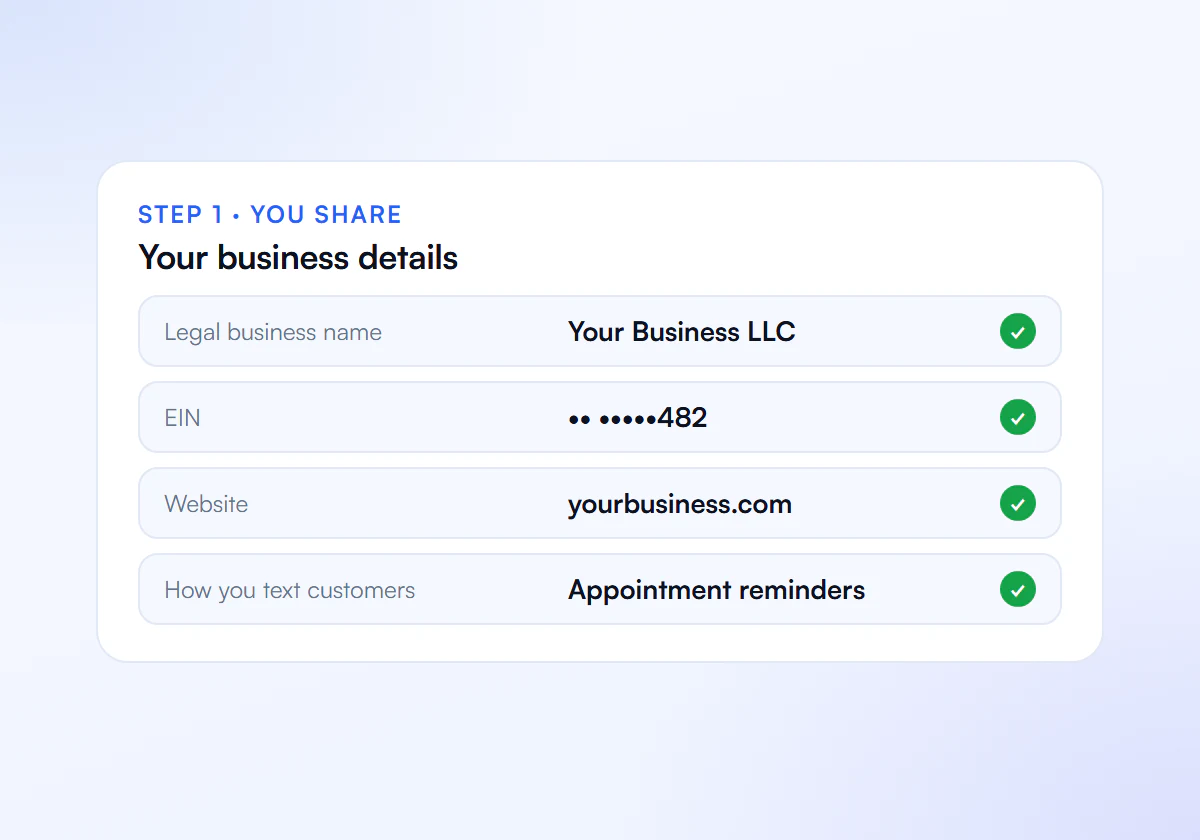
Share Your Details
Send us your business details, website and how you text customers.
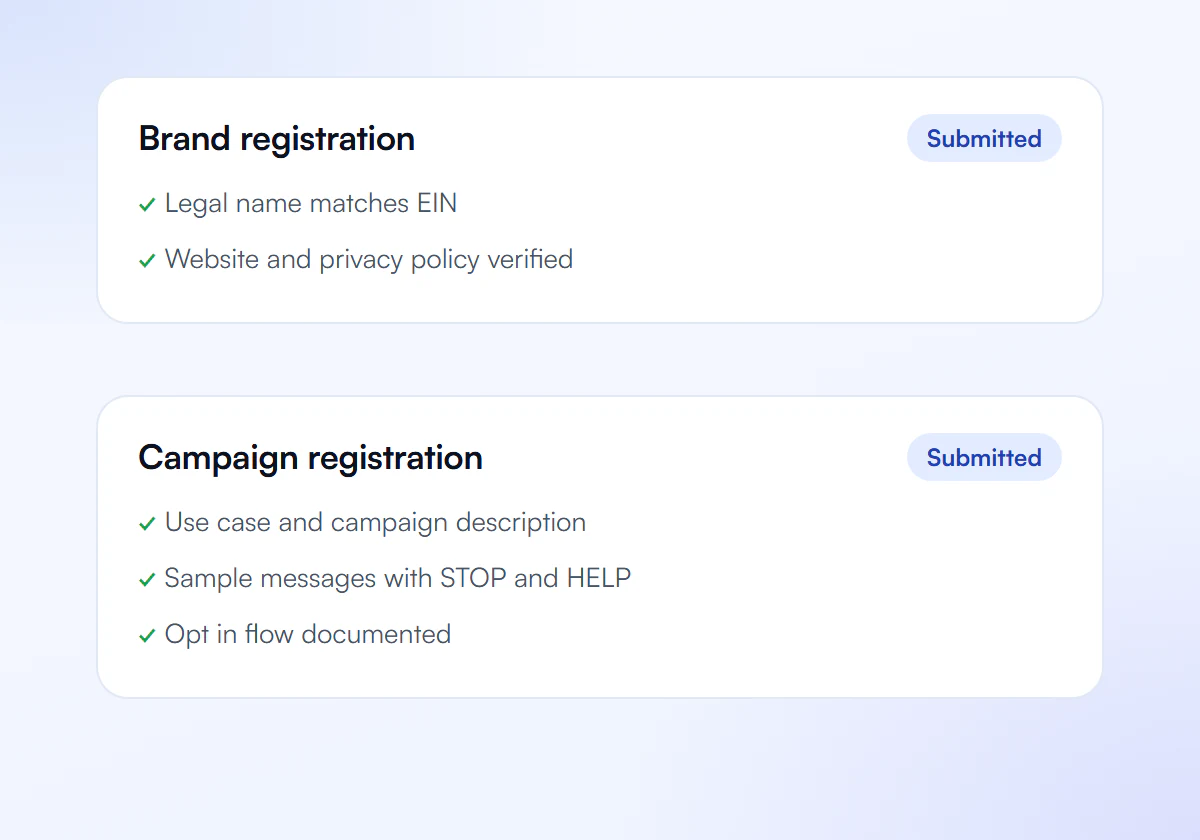
We Prepare and Submit
We write your brand and campaign and submit them to The Campaign Registry.
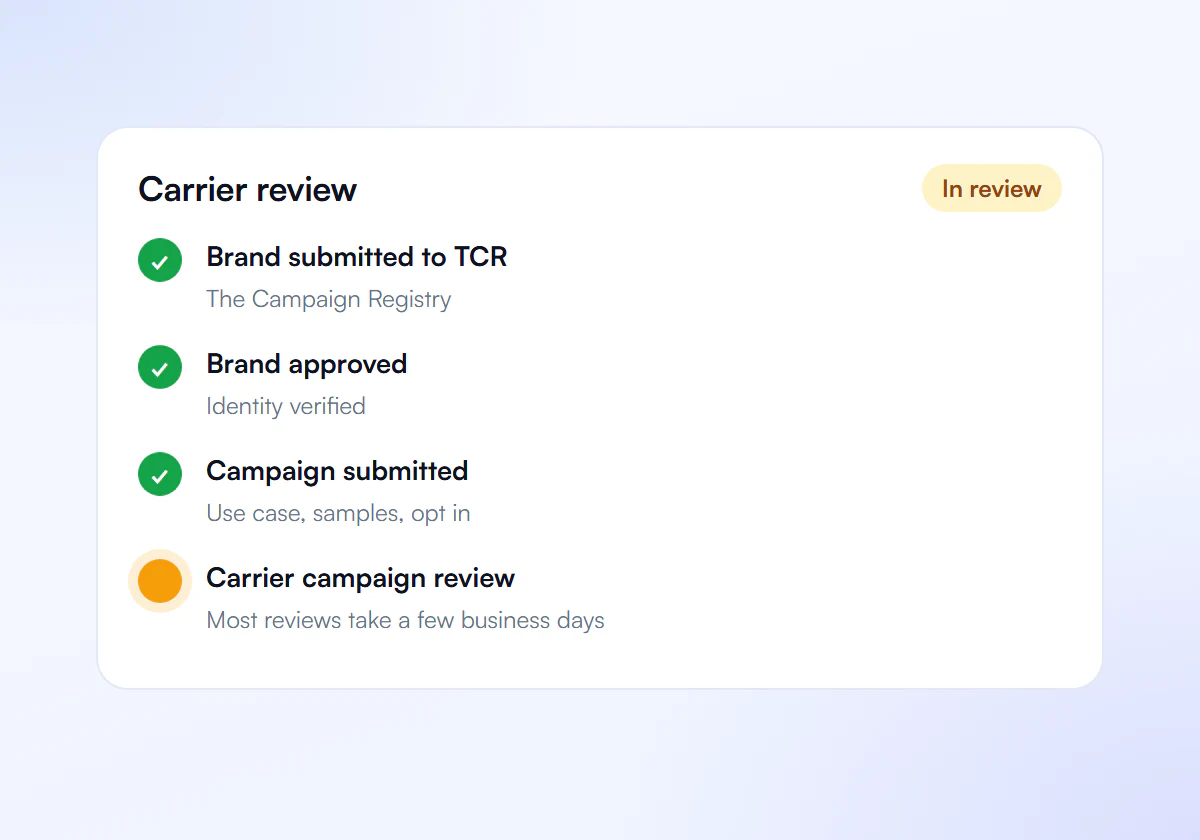
Carrier Review
Carriers review your campaign. Most reviews take a few business days.
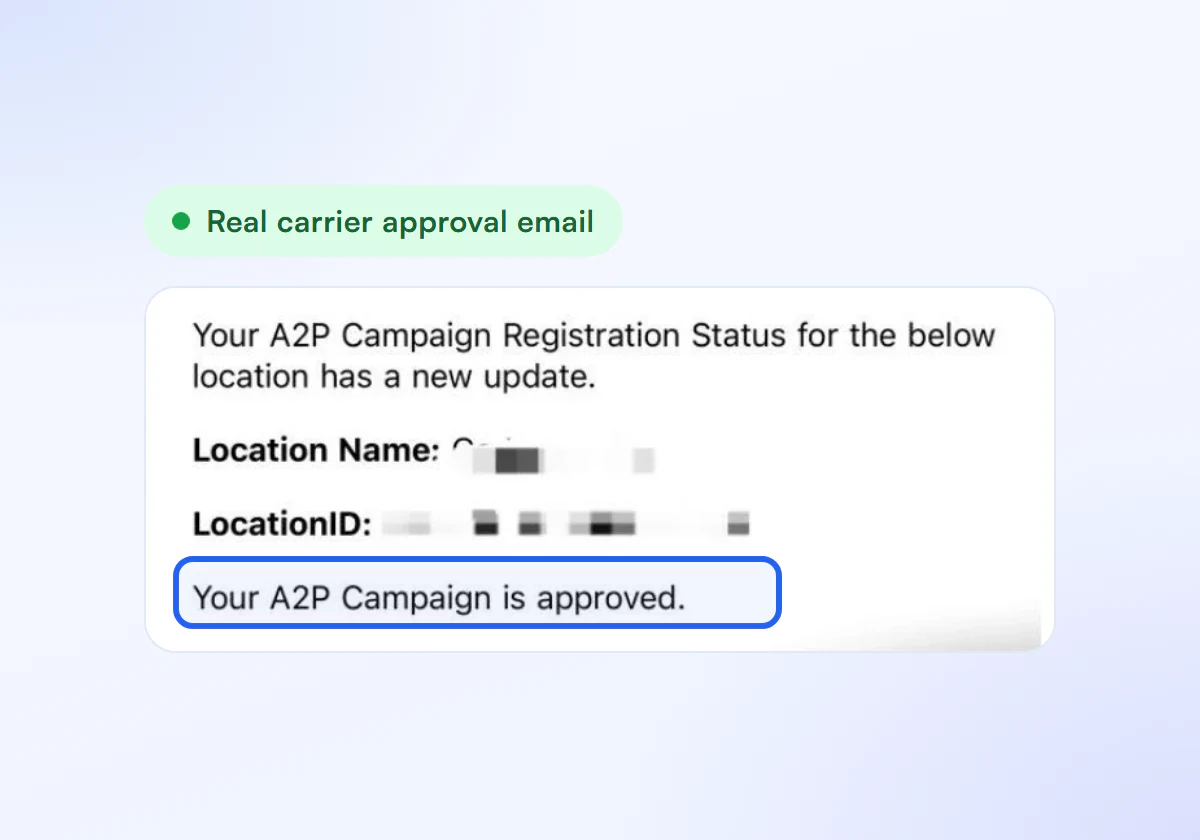
Get Approved
Link your numbers and start sending compliant texts.
Rejection Fixes Included
Complete A2P 10DLC verification, done for you. $50 for one business, $399 for ten.
Single Verification
$50
per verification, paid once
For one business that needs carrier approval to text its customers.
- Brand registration with The Campaign Registry
- Campaign registration with use case and sample messages
- Opt in, privacy policy and STOP and HELP review
- Fixes and resubmission until approved
10 Verification Pack
$399
10 verifications, $39.90 each
For agencies and multi location businesses verifying several brands. Just $39.90 per verification.
- Everything in Single Verification
- 10 verifications for your clients or locations
- $39.90 each instead of $50, you save $101
- Fixes and resubmission until each one is approved
Registration and carrier fees are charged separately by your SMS provider.
Frequently Asked Questions
Can I use bit.ly links in business text messages?
Avoid them. Public shared shorteners cause error 30892 in campaign review and are a common trigger for carrier filtering in live traffic. Use your own domain or a branded short domain that belongs to your business.
What is a branded short domain?
It is a short domain your business owns and uses only for its own links, for example a short version of your brand name. Because it is yours, the destination is traceable to you, unlike a shared shortener used by millions of senders.
Do links in live messages matter after approval?
Yes. Approval does not stop carrier filters, and shortened or unrelated links are a frequent cause of error 30007. Keep using the same secure, branded links in real messages that you used in your samples.
Can a sample message have no link at all?
Yes. Links are optional. If your messages will include links, show them in the samples as they will appear; if they will not, there is no need to add one.
Rejected for 30892?
Send us your samples and we fix the links.
