
Error 30893: Sample Messages Rejected
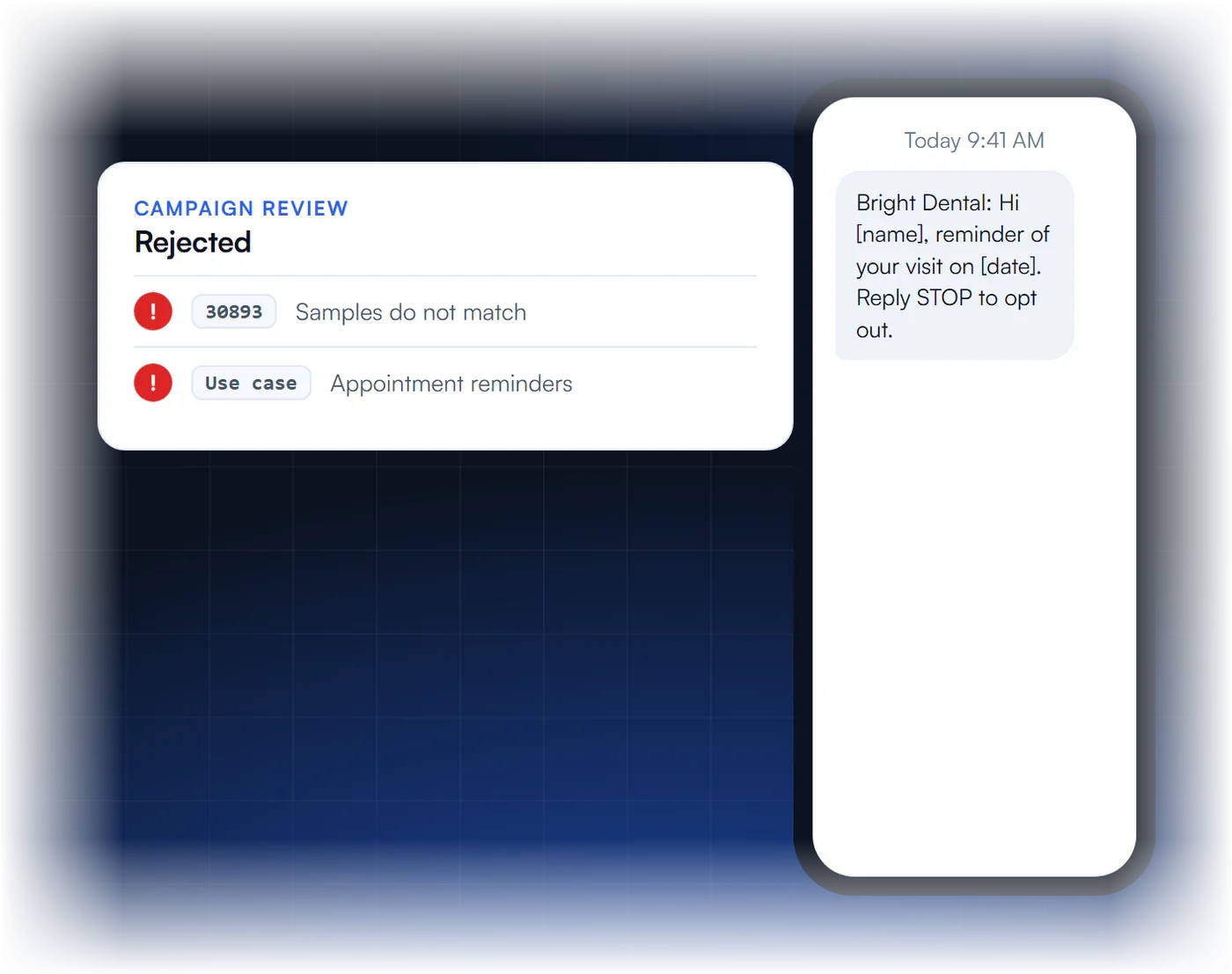
Your sample messages did not match the use case you selected. Here is how to write samples that line up with your campaign.
Why Samples Get Rejected
What does 30893 mean?
The sample messages are inconsistent with the selected use case, so reviewers cannot confirm what you will send.
What causes it?
Samples that are missing or unclear, samples that do not fit the use case, or samples with content that is not allowed.
How many samples should I give?
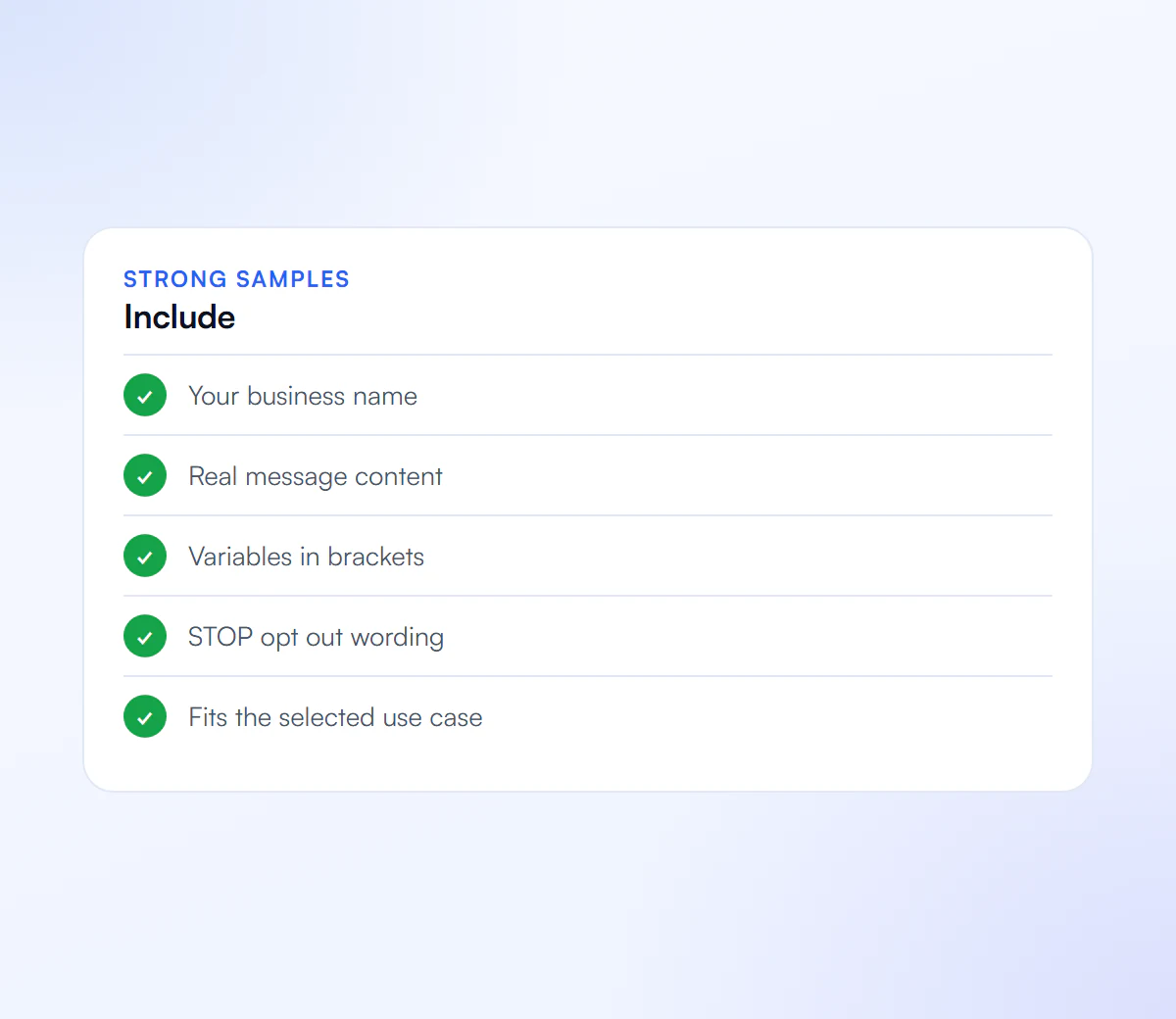
At least two realistic samples, with variable parts in brackets such as [name] or [date].
What must they include?
Your business name and opt out wording in at least one sample, and content that matches your use case and description.
What Does Error 30893 Mean?
Error 30893 means an A2P 10DLC campaign was rejected during vetting because the sample messages do not match the campaign’s use case. Either the samples are missing, unclear or too thin, or what they show is not what the use case and description promise. Reviewers read the samples as a preview of your real traffic, so any mismatch reads as risk.
Twilio’s error reference names two causes: sample messages that are missing, unclear or off the use case, and invalid content inside the samples. Its fixes are just as specific:
- Make the samples accurate, detailed and true to the messages you will send.
- Mark templated fields with brackets, such as [first name] or [appointment time].
- Put your business name and opt-out wording in at least one sample.
- Provide at least two samples.
- Make sure the use case and the campaign description agree with each other.
What Do Sample Messages That Pass Look Like?
Sample messages that pass read like real texts from a named business, use brackets for the parts that change, and stay inside the use case you selected. One of them carries the business name and an opt-out line. They are written for the reviewer, so they should be complete messages, not fragments or placeholders.
| Use case | Weak sample | Sample that fits |
|---|---|---|
| Appointment reminders | “Reminder about your appointment.” | “[Business name]: Hi [first name], this is a reminder of your appointment on [date] at [time]. Reply C to confirm. Reply STOP to opt out.” |
| Customer care | “We got your message.” | “[Business name] support: thanks [first name], we received your request [ticket number] and will reply within one business day.” |
| Marketing | “Big sale! Click here.” | “[Business name]: [first name], our [season] offer is live: [offer details] at [your domain link]. Reply STOP to opt out.” |
The wording is illustrative; write samples from your real program. Use your own domain for links, because public shorteners trigger a separate rejection (error 30892). More examples are in our guide to campaign descriptions and sample messages.
How Do You Fix Error 30893 and Resubmit?
To fix error 30893, rewrite the samples so they match the selected use case, add brackets for variable fields, include the business name and opt-out wording, provide at least two, check that the description agrees, and resubmit the same campaign. A wrong use case is the one case where a new campaign makes more sense than an edit.
- List every code on the rejection. 30893 often comes with 30886 (description) or 30909 (opt-in flow). Fix all of them together.
- Check the use case first. If you send promotions on a reminder-only campaign, the samples will never fit. Pick the use case that covers what you really send.
- Rewrite the samples using the pattern above: named business, brackets, complete sentences, opt-out in at least one.
- Match the description so it promises the same messages the samples show.
- Resubmit the existing campaign. See rejected A2P campaigns for how resubmission works.
Twice rejected already? We rewrite and resubmit for a flat $50.
Samples That Get Approved
Each sample should pass all four.
Brand Name
Your business name in the message.
Matches Use Case
Reads like the campaign you selected.
Clear Variables
Placeholders shown in brackets.
Opt Out
Reply STOP wording in at least one.
We Write Your Samples
We write samples that match your use case, then resubmit the campaign.
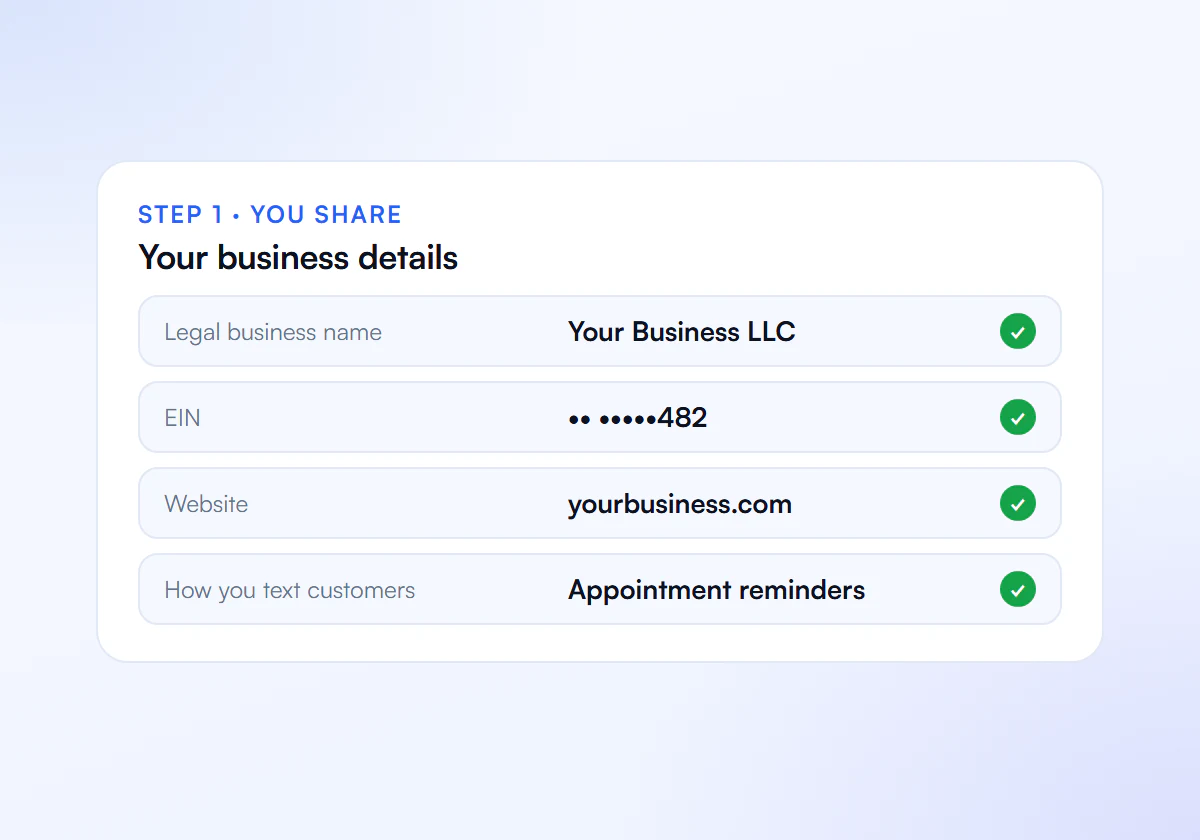
Share Your Details
Send us your business details, website and how you text customers.
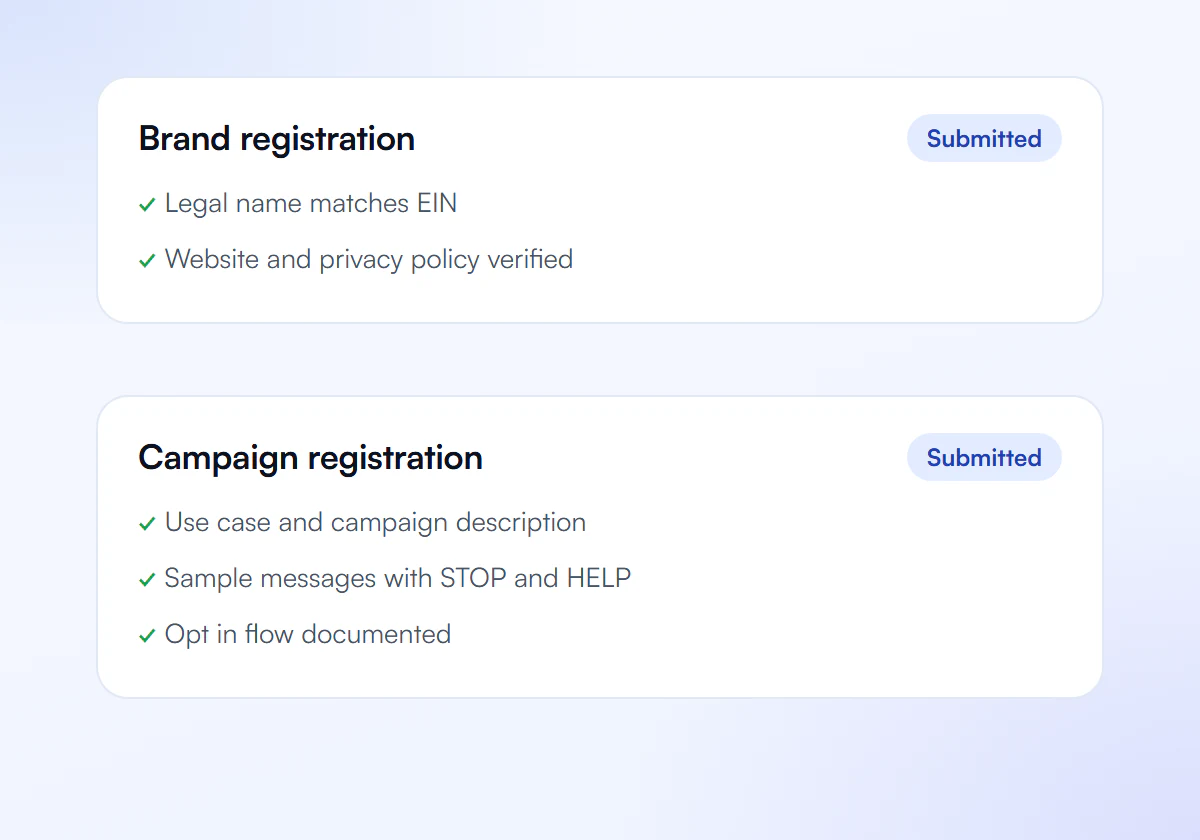
We Prepare and Submit
We write your brand and campaign and submit them to The Campaign Registry.
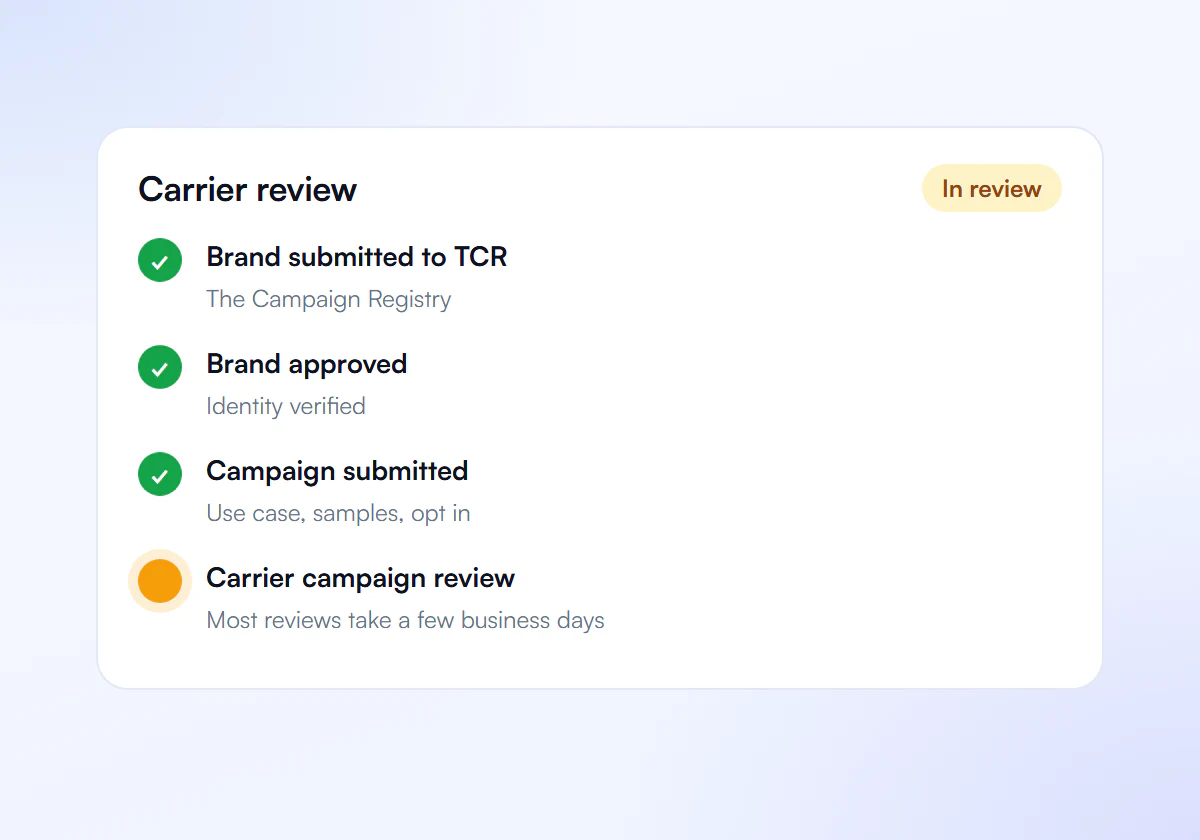
Carrier Review
Carriers review your campaign. Most reviews take a few business days.
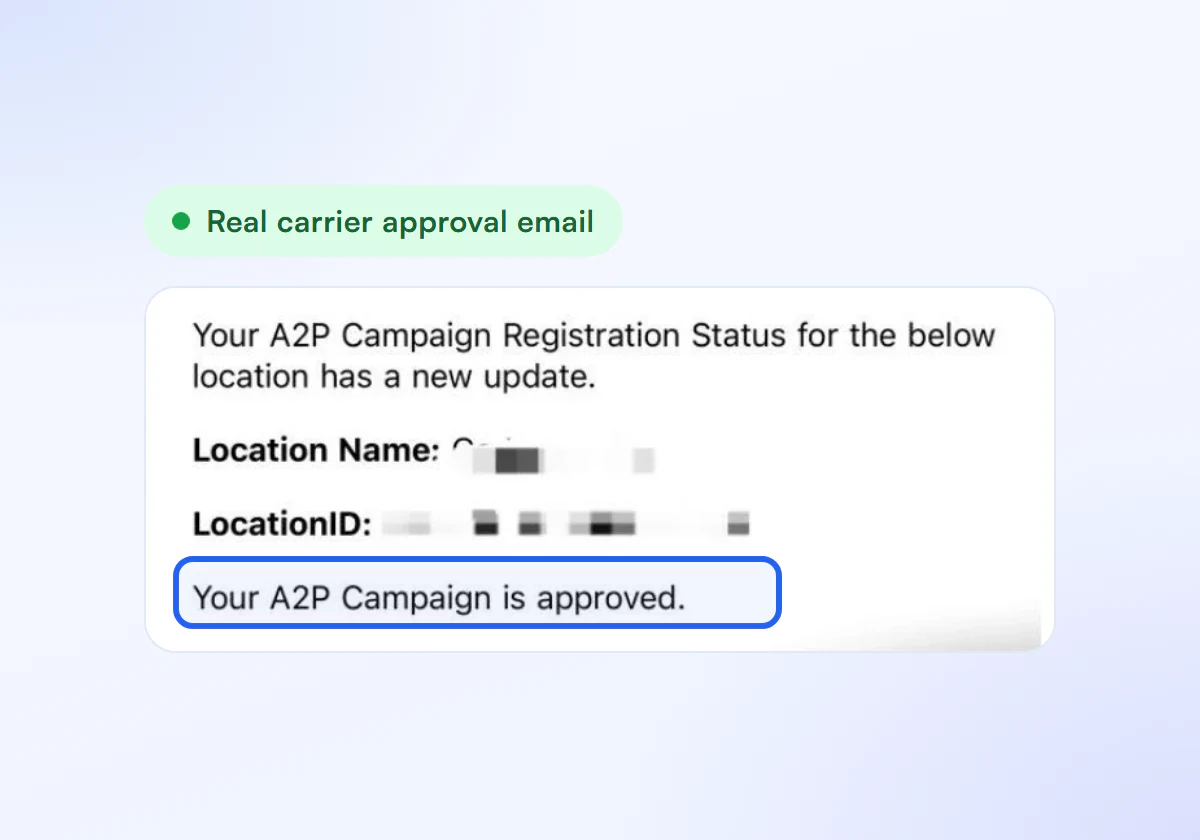
Get Approved
Link your numbers and start sending compliant texts.
Rejection Fixes Included
Complete A2P 10DLC verification, done for you. $50 for one business, $399 for ten.
Single Verification
$50
per verification, paid once
For one business that needs carrier approval to text its customers.
- Brand registration with The Campaign Registry
- Campaign registration with use case and sample messages
- Opt in, privacy policy and STOP and HELP review
- Fixes and resubmission until approved
10 Verification Pack
$399
10 verifications, $39.90 each
For agencies and multi location businesses verifying several brands. Just $39.90 per verification.
- Everything in Single Verification
- 10 verifications for your clients or locations
- $39.90 each instead of $50, you save $101
- Fixes and resubmission until each one is approved
Registration and carrier fees are charged separately by your SMS provider.
Frequently Asked Questions
Can sample messages include links?
Yes, if each link is secure, publicly reachable and on your own domain or a branded short domain you control. Public link shorteners such as bit.ly cause their own rejection, error 30892, so replace them before you resubmit.
Do sample messages have to match my real texts exactly?
They should reflect the real messages you will send under the campaign. Reviewers compare them with your use case and description, and carriers can compare live traffic with them later, so samples that do not represent your program cause trouble twice.
Why use brackets in sample messages?
Brackets show reviewers which parts change from message to message, such as [first name] or [appointment time]. Twilio’s guidance asks for templated fields to be marked this way, so the sample reads as a template rather than one person’s real data.
Can one campaign cover reminders and promotions?
A mixed use case can cover several message types, but the samples and description must then show each type you send. A campaign registered only for reminders should not carry promotional samples or promotional traffic.
Do I pay again to resubmit after a 30893 rejection?
Fee rules depend on your provider, so check its current terms. Twilio’s guidance is to update and resubmit the existing campaign rather than create a new one, which avoids starting the registration over.
Rejected for 30893?
Tell us what you text and we write matching samples.
