
Error 30909: Opt-In Could Not Be Verified
Reviewers could not verify how your customers agree to receive texts. Here is how to describe your opt in so it can be checked.
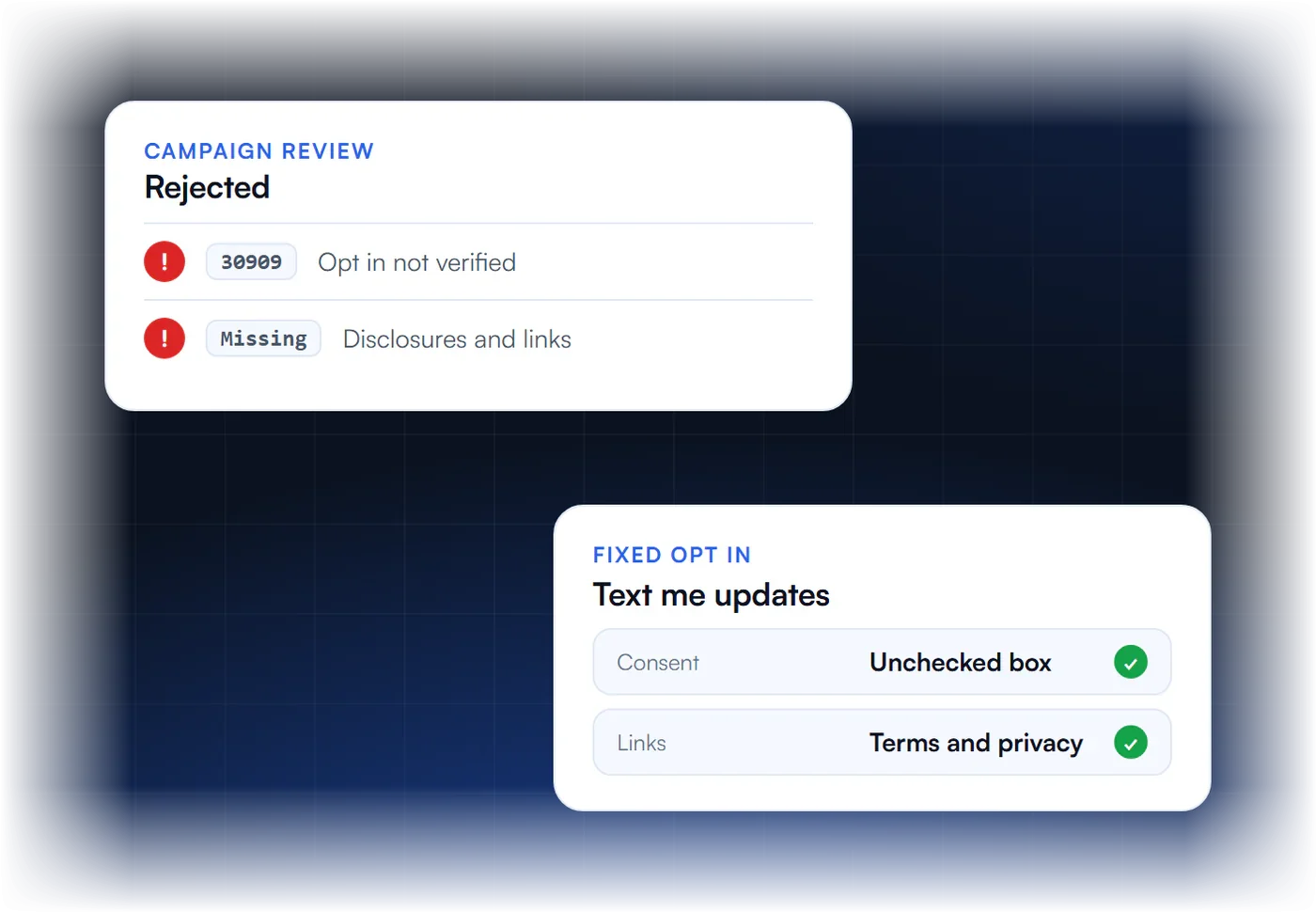
Why Message Flow Gets Rejected
What does 30909 mean?
Reviewers could not verify the message flow, which is how end users consent to receive your messages.
What causes it?
An offline opt in that is not explained, a web form missing terms, privacy policy, message frequency or the message and data rates disclosure, or an opt in page behind a login.
How do I fix it?
Describe every opt in path from start to finish, link your terms and privacy policy, include all disclosures, and give a public URL or screenshots of the consent step.
Should I delete the campaign?
No. Edit it and resubmit. The vetting fee is charged once per campaign, so deleting and recreating costs again.
What Does Error 30909 Mean?
Error 30909 means an A2P 10DLC campaign was rejected because its Message Flow, also called the Call to Action, does not give reviewers enough to verify how people agree to receive your texts. On Twilio this is the message_flow field, shown as “How do end-users opt in to receive messages?” in the console. Reviewers need to see the full opt-in path, not a one-line summary.
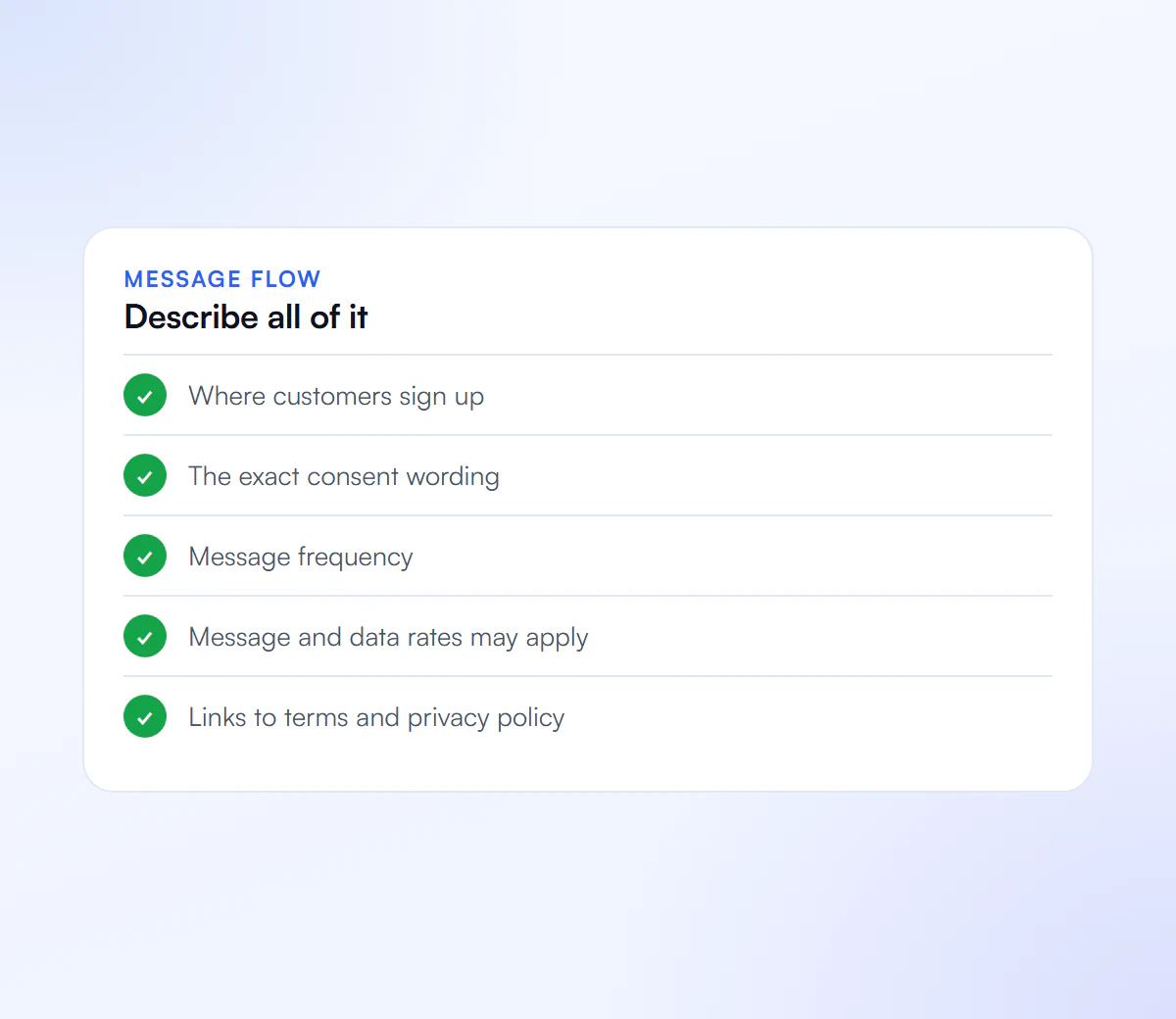
A good message flow states where people opt in (web form, keyword, paper form, checkout, in person), what they see at that moment, and links to the live page or a screenshot. It should show the business name, what messages they will get, how often, that message and data rates may apply, how to get help and how to opt out, plus links to your Terms and Privacy Policy.
Which More Specific Codes Can Come With 30909?
Twilio now often returns a more specific code alongside or instead of 30909. Each one names the exact gap in the opt-in flow, which makes the fix faster. These are the related codes Twilio lists for message-flow rejections:
| Code | What is missing |
|---|---|
| 30543 | A live opt-in link was not provided. |
| 30544 | The Call to Action does not state the message purpose. |
| 30545 | The Call to Action does not state message frequency. |
| 30547 | The Call to Action is missing opt-out instructions. |
| 30549 | No Terms of Service link in the opt-in flow. |
| 30550 | No Privacy Policy link in the opt-in flow. |
| 30551 | The consent does not specify SMS or text messaging. |
| 30556 | SMS consent is bundled with other communication channels. |
| 30568 | The Call to Action is missing the business or brand name. |
| 30569 | The Call to Action is missing the message and data rates disclosure. |
| 30570 | The Call to Action is missing customer-support instructions. |
| 30896 | Opt-in error. |
| 30907 | Website URL validation issue. |
| 30908 | A compliant privacy policy is required (see also 30932). |
| 30917 | Every opt-in method needs a complete workflow description. |
What Opt-In Wording Passes Review?
Opt-in wording that passes names the business, says the messages are texts, states what they are about and how often they come, mentions message and data rates, explains HELP and STOP, and links the Terms and Privacy Policy. The SMS consent box must be separate from email or other consent and must start unchecked.
An illustrative checkbox line looks like this:
- “I agree to receive [appointment reminders and account updates] by text message from [Business name] at the number provided. Message frequency varies. Message and data rates may apply. Reply HELP for help or STOP to opt out. See our [Terms] and [Privacy Policy].”
Adapt the bracketed parts to your real program. Our SMS opt-in language guide covers keyword and paper opt-in too, and the free opt-in language generator drafts a version for you.
How Do You Fix Error 30909 and Resubmit?
To fix error 30909, rewrite the message flow so it walks a reviewer through every opt-in method, make the opt-in page or a screenshot publicly reachable, add any missing disclosures from the table above, and resubmit the same campaign. Twilio’s own guidance stresses both parts: correct the flow, then resubmit. It does not promise approval.
- Read every code on the rejection, including the specific ones above.
- List every opt-in method you use and describe each one end to end.
- Make the proof reachable: a live public URL for web forms, or a hosted screenshot for forms behind a login, paper or in-person opt-in.
- Fix the page itself, not only the description. Reviewers open the link.
- Resubmit the existing campaign. See rejected A2P campaigns.
Want it done for you? We document your opt-in flow and resubmit for $50.
What Reviewers Must See
Make every part publicly verifiable.
Full Opt In Path
Every step from signup to first text.
Terms and Privacy
Linked from the opt in form.
Disclosures
Frequency, rates may apply, STOP and HELP.
Public Access
No login needed to view the opt in.
We Document Your Opt In Flow
We describe your consent flow clearly and resubmit the campaign.
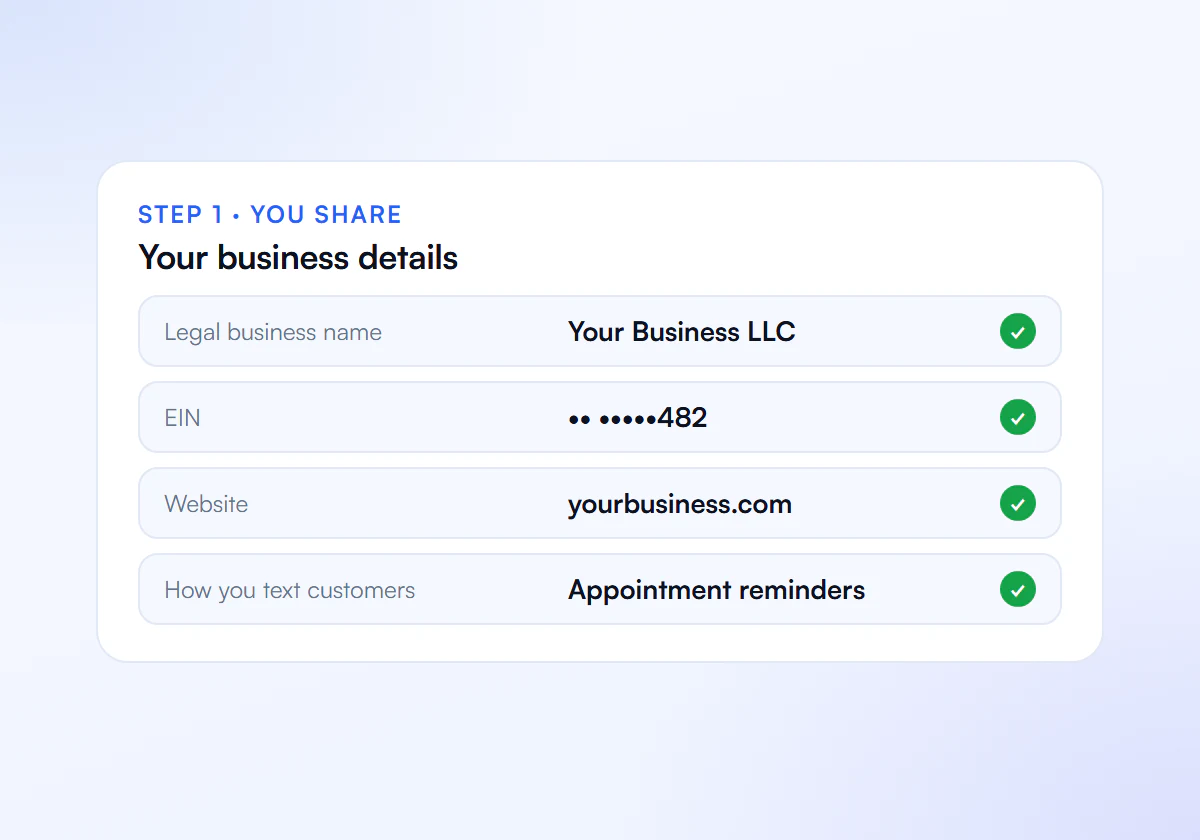
Share Your Details
Send us your business details, website and how you text customers.
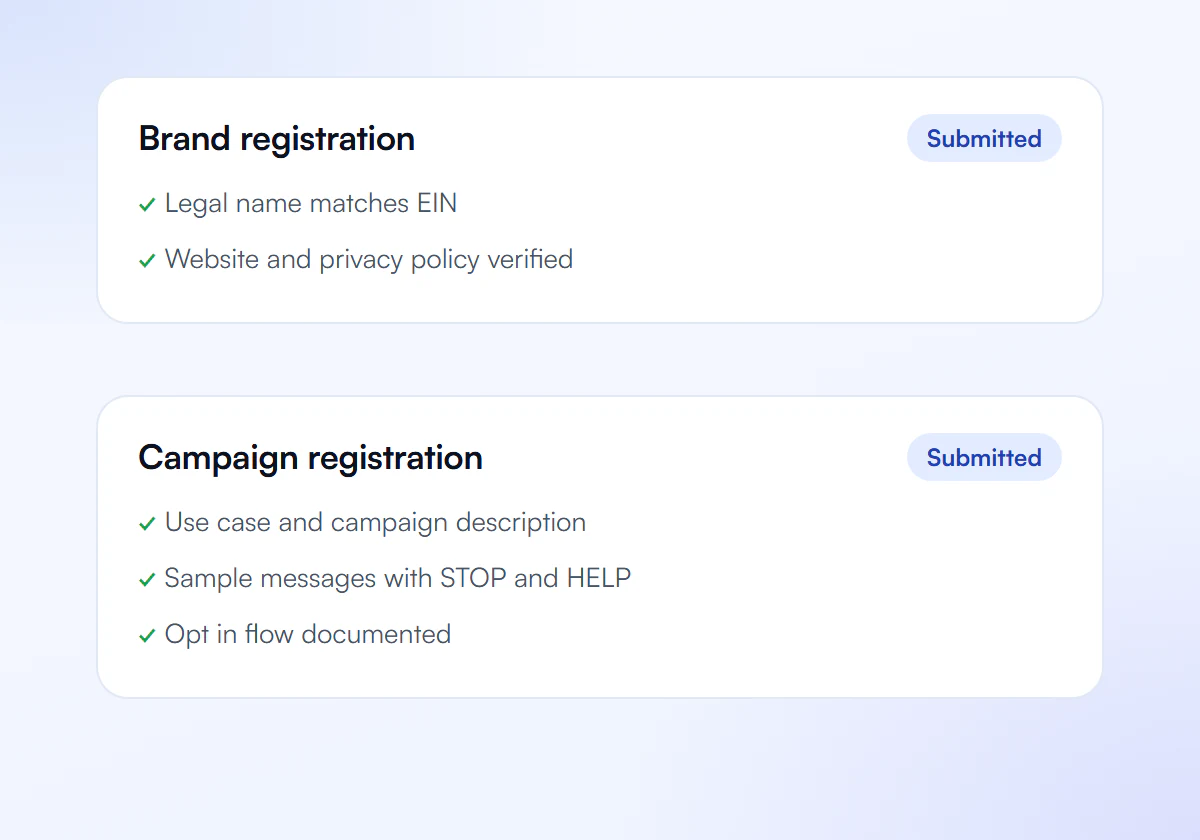
We Prepare and Submit
We write your brand and campaign and submit them to The Campaign Registry.
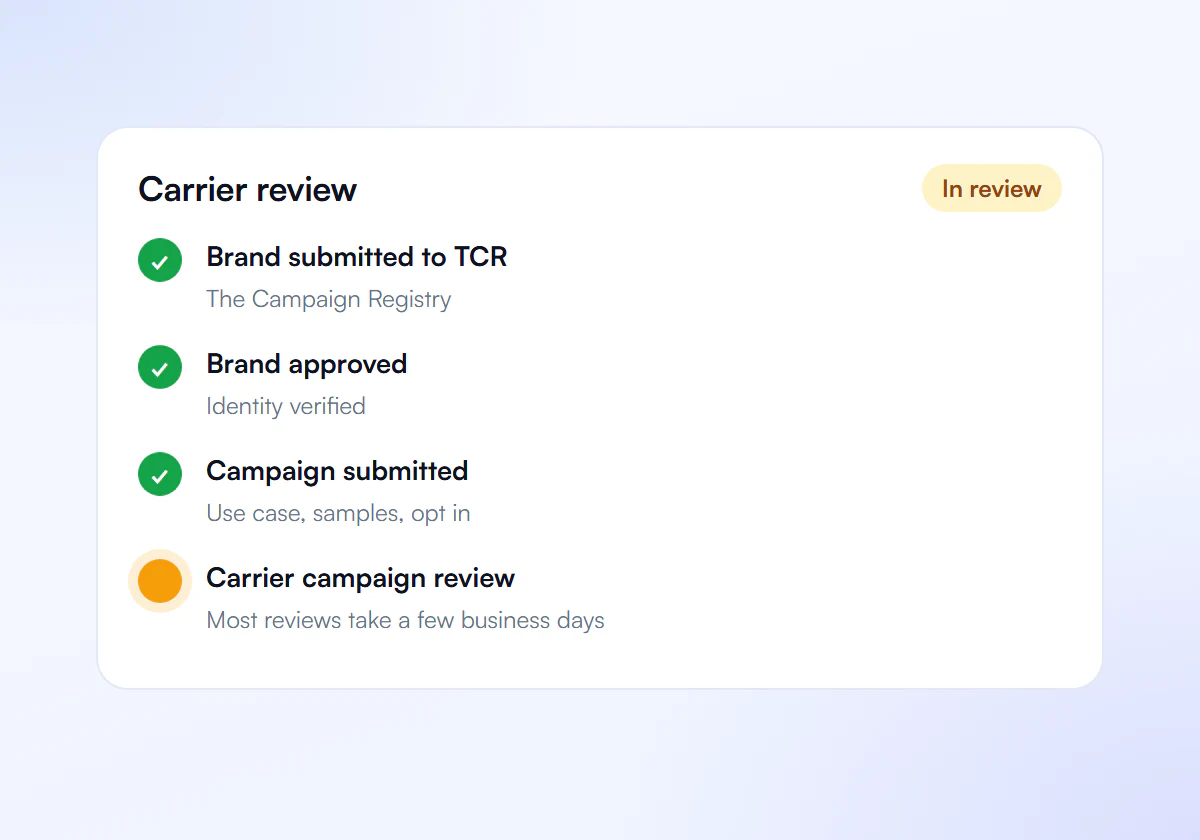
Carrier Review
Carriers review your campaign. Most reviews take a few business days.
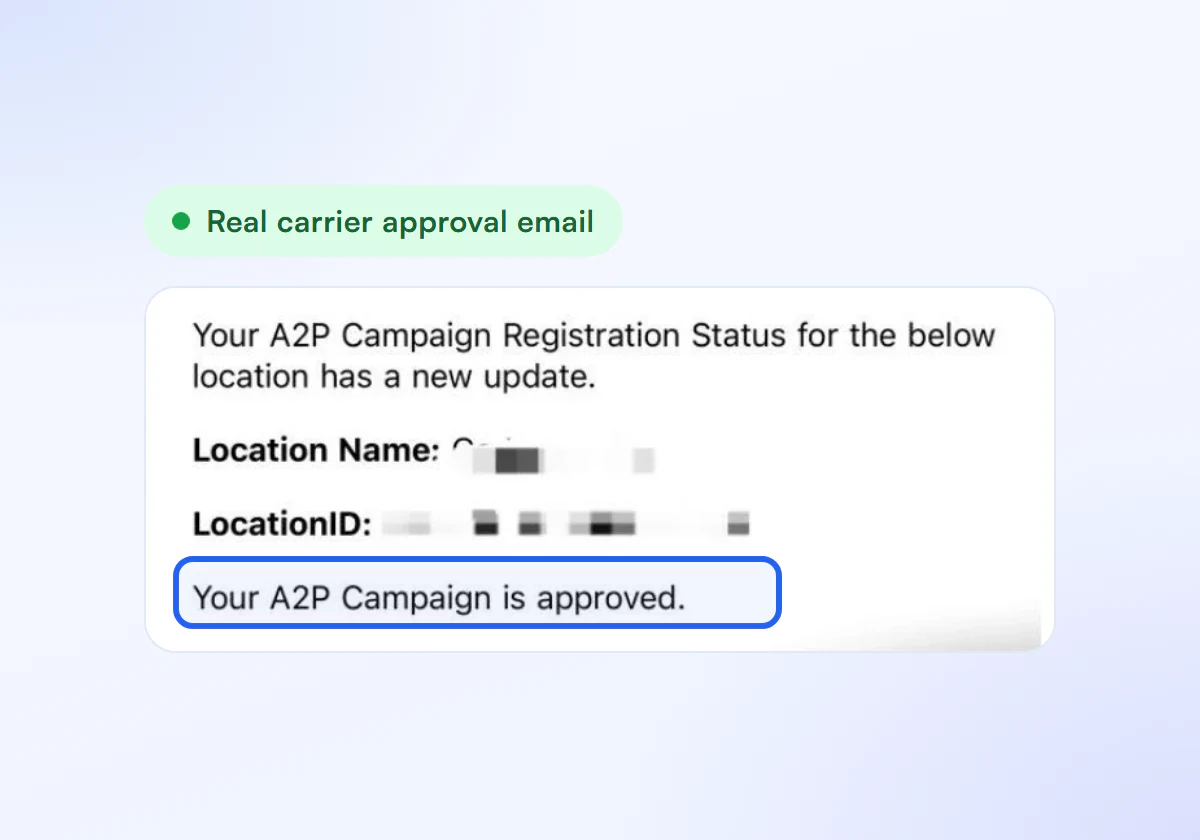
Get Approved
Link your numbers and start sending compliant texts.
Rejection Fixes Included
Complete A2P 10DLC verification, done for you. $50 for one business, $399 for ten.
Single Verification
$50
per verification, paid once
For one business that needs carrier approval to text its customers.
- Brand registration with The Campaign Registry
- Campaign registration with use case and sample messages
- Opt in, privacy policy and STOP and HELP review
- Fixes and resubmission until approved
10 Verification Pack
$399
10 verifications, $39.90 each
For agencies and multi location businesses verifying several brands. Just $39.90 per verification.
- Everything in Single Verification
- 10 verifications for your clients or locations
- $39.90 each instead of $50, you save $101
- Fixes and resubmission until each one is approved
Registration and carrier fees are charged separately by your SMS provider.
Frequently Asked Questions
Does my opt-in page have to be public?
Reviewers must be able to see how people opt in. A public URL is simplest. If the form sits behind a login or opt-in happens on paper or in person, describe the method fully and provide a hosted screenshot or image that shows the consent wording.
Can SMS consent be combined with email consent?
No. Twilio lists bundled consent as its own rejection reason, error 30556. Use a separate, unchecked SMS consent box or opt-in step that specifically mentions text messages.
Does the consent checkbox have to start unchecked?
Yes. Consent has to be an action the person takes. A pre-checked SMS box does not show that they chose to receive texts, so reviewers treat it as a failed opt-in.
What is the difference between 30909 and 30896?
30909 is the general rejection for a message flow or call to action that cannot be verified. 30896 is a related opt-in error code. Read the exact wording on your rejection and fix every point it names before you resubmit.
Rejected for 30909?
Tell us how customers sign up and we fix your message flow.
