
A2P Website Rejections
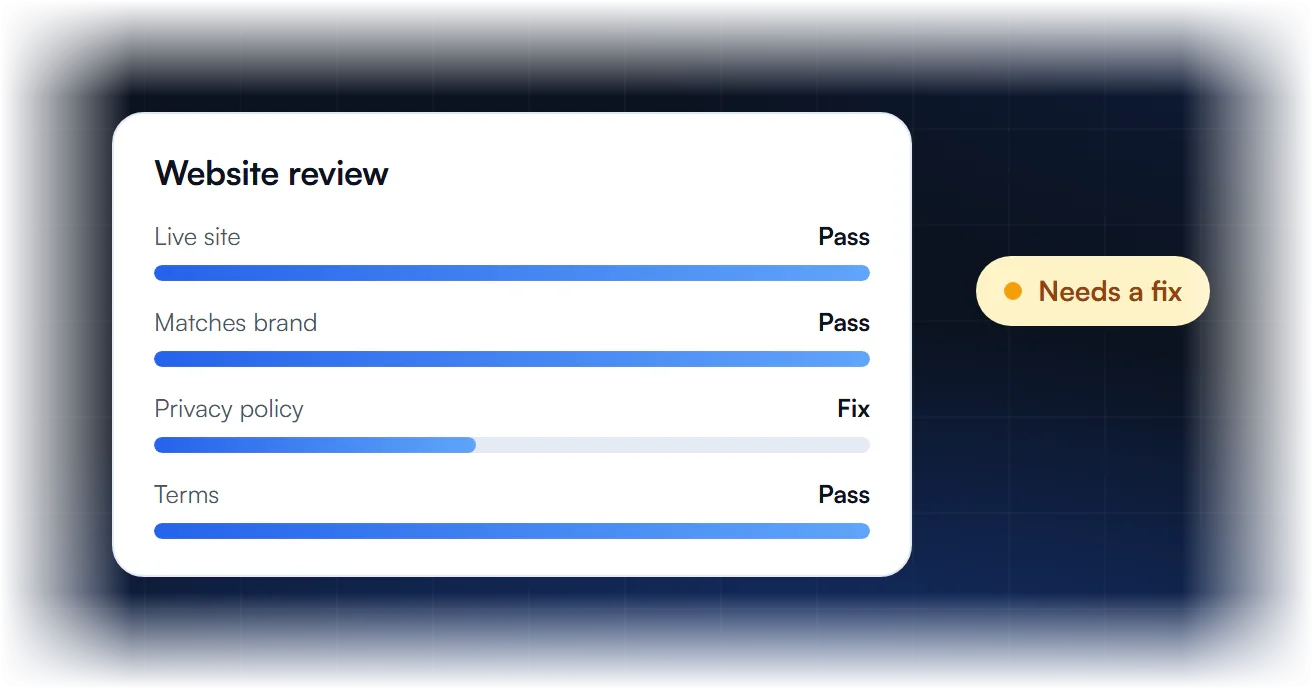
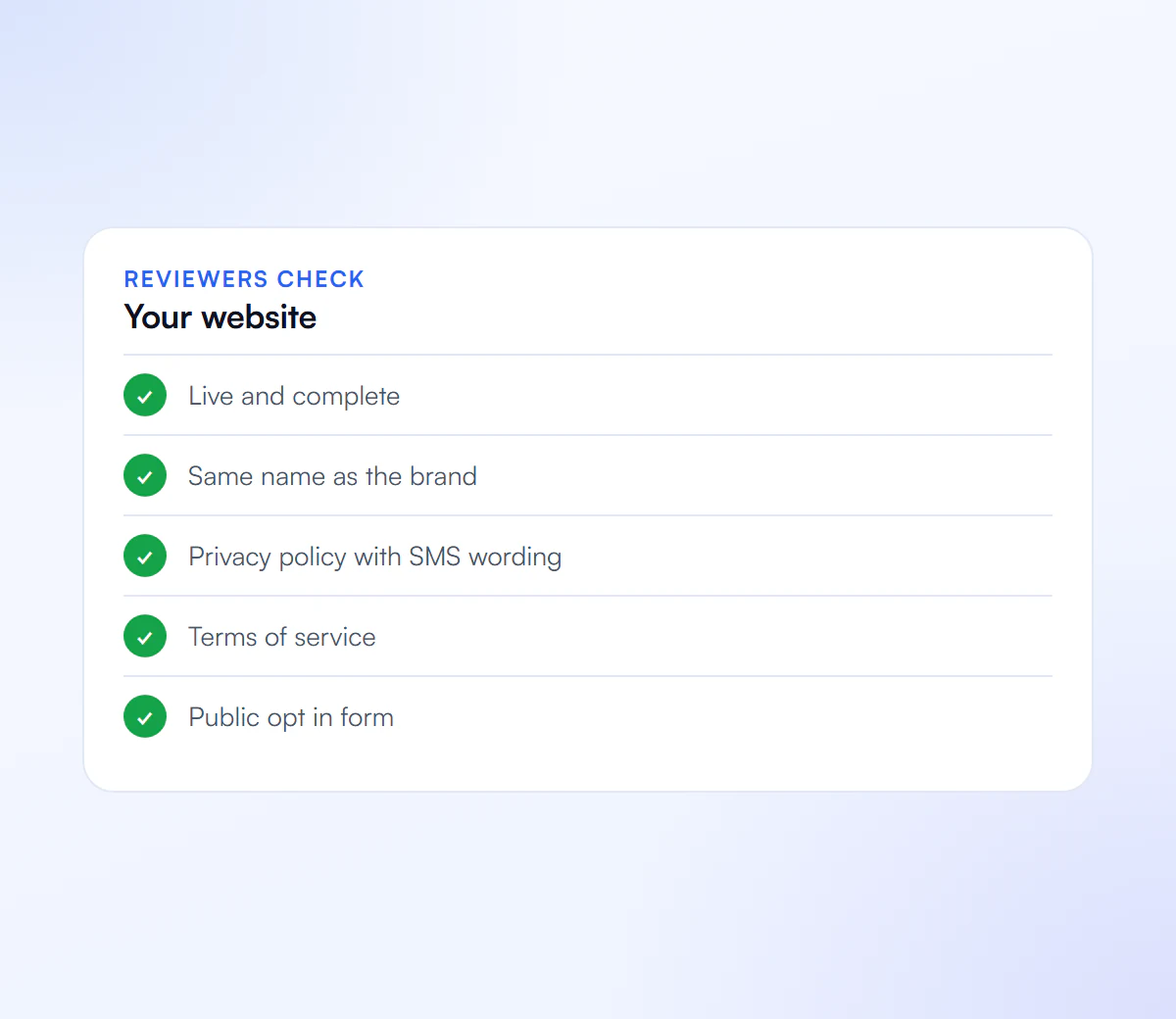
Reviewers check that your website is real, matches your brand and supports your messaging. Here is what they look for.
Why Websites Cause Rejections
Why does my website matter?
Reviewers use it to confirm your business is real and that your campaign description, opt in and privacy policy match what you registered.
What gets a website flagged?
A site that is not live, under construction, does not match the brand name, or has no privacy policy or terms.
Does my opt in need to be on the site?
If customers opt in online, the form should be publicly viewable, not behind a login, with links to your terms and privacy policy.
What if I do not have a website?
Reviewers rely on it to verify you. Publishing a simple live site with your business details, privacy policy and terms helps.
What Do Carriers Check on Your Website?
Carriers check that your website is a live, public site on a domain that matches your brand, and that it shows who you are and supports the messaging program you registered. That means your company name, the services you offer, contact details, a reachable privacy policy and terms, and ideally a mention of your SMS program and opt-in.
| Code | Website problem |
|---|---|
| 30919 | Missing company name, services, contact info, privacy policy or a mention of the SMS program. |
| 30920 | The site is only a form, with no real business content. |
| 30921 | The site is behind a login wall. |
| 30922 / 30891 | The site is under construction or the URL is broken. |
| 30907 | The website URL does not match the brand. |
| 30908 | The privacy policy is not linked in the message flow. |
| 30888 | An age gate is missing where the content needs one. |
These are the website codes documented by HighLevel, which mirror Twilio’s.
What Should an A2P-Ready Website Include?
An A2P-ready website is a finished, public site on your own domain, matching the registered brand, with the business name, services, address or contact details, a privacy policy with the SMS non-sharing clause, terms with an SMS section, and the opt-in form or a description of how people sign up.
- Own domain that matches the brand name or DBA.
- Business details: name, services, phone or email, and an address where appropriate.
- Privacy policy with mobile data non-sharing wording; see SMS privacy policy requirements.
- Terms that describe the SMS program, frequency, rates, STOP and HELP.
- The opt-in on a public page, built as in SMS opt-in language.
- No placeholders: no lorem ipsum, broken pages or under-construction notices.
The free compliance scanner runs a quick check of these items.
How Do You Fix a Website Rejection?
To fix a website rejection, read the code, fix the live site so it meets that point, confirm every page in the registration opens publicly on your own domain, and resubmit. Reviewers visit the site, so the change has to be live before you resubmit, not just planned.
- Match the code to the table above.
- Publish the missing pages or details on your own domain.
- Test the links in a private browser window: no logins, redirects to unrelated sites or errors.
- Align the brand: the domain, the business name on the site and the registered brand should agree.
- Resubmit. See rejected A2P campaigns.
What Your Site Should Show
Make it easy for reviewers to verify you.
Live Website
Working, not a placeholder page.
Matches Brand
Same business name and details.
Privacy Policy
Including SMS data wording.
Terms
Public and linked from your opt in.
We Review Your Website
We check your site against what reviewers verify and handle the registration.
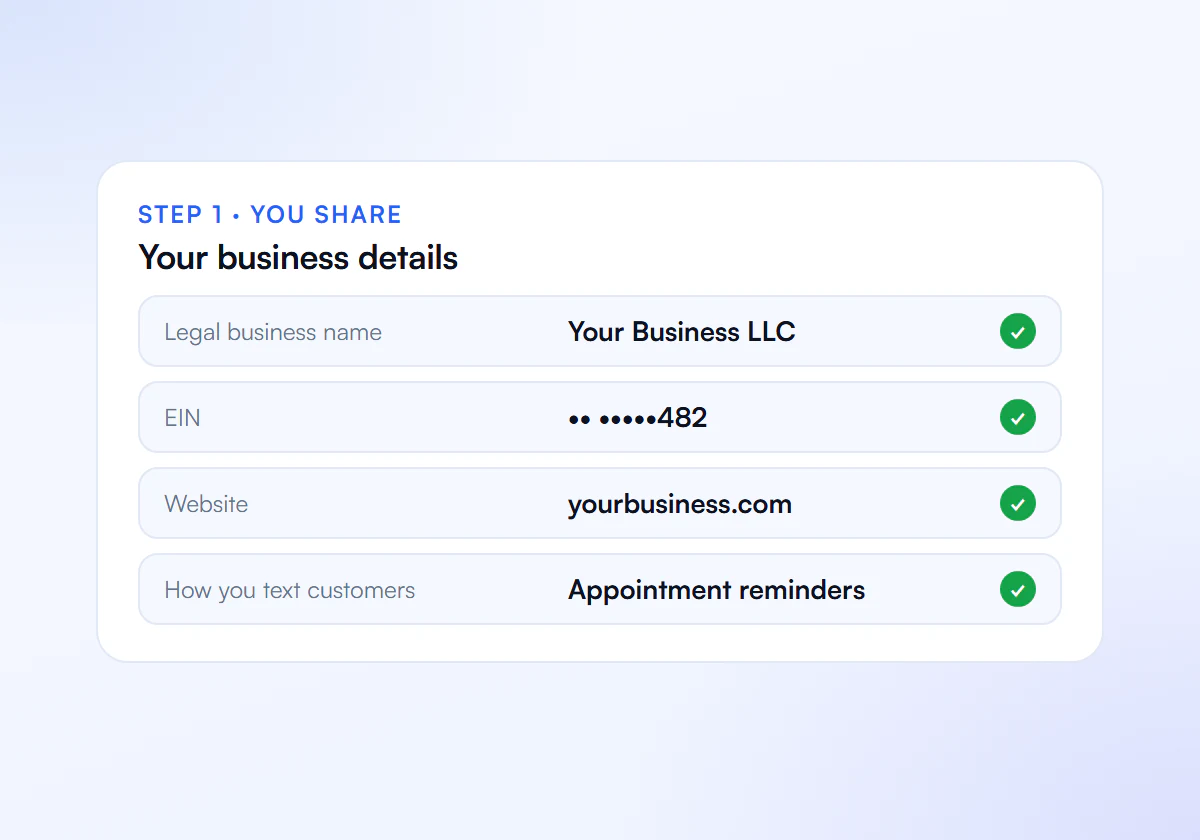
Share Your Details
Send us your business details, website and how you text customers.
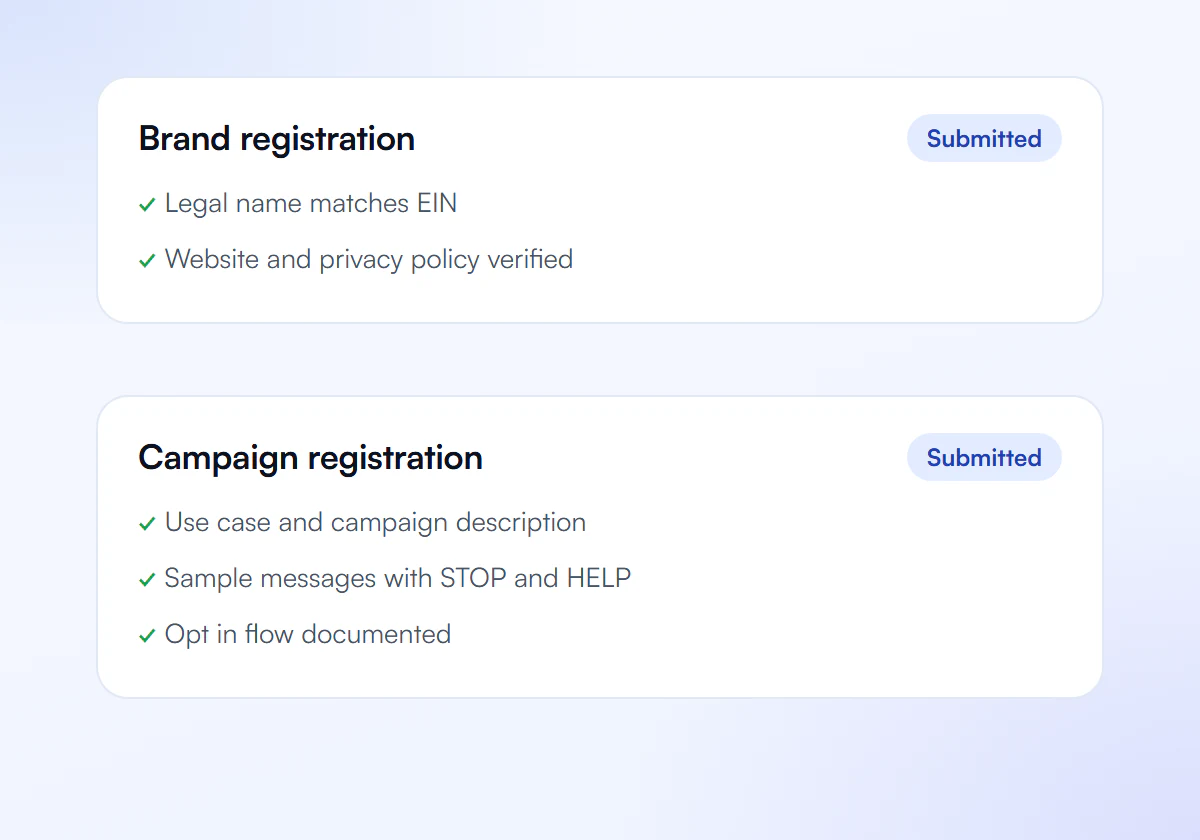
We Prepare and Submit
We write your brand and campaign and submit them to The Campaign Registry.
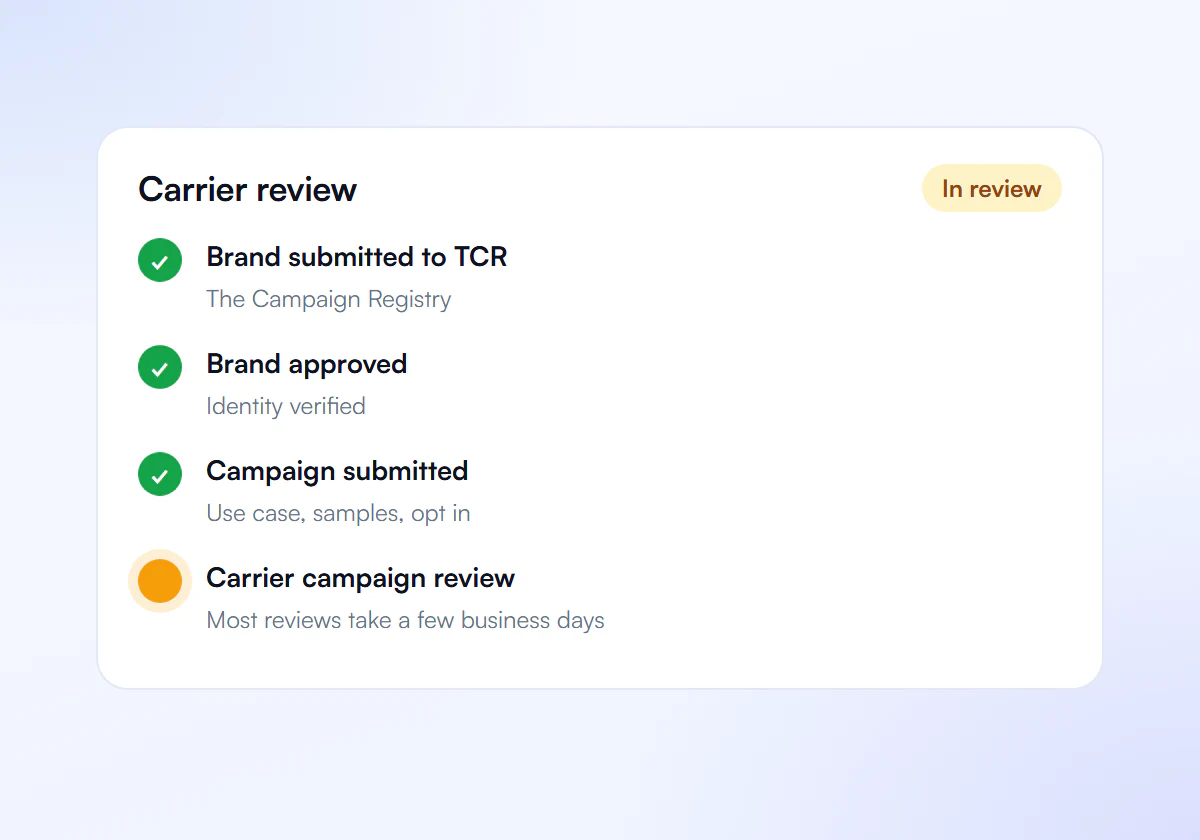
Carrier Review
Carriers review your campaign. Most reviews take a few business days.
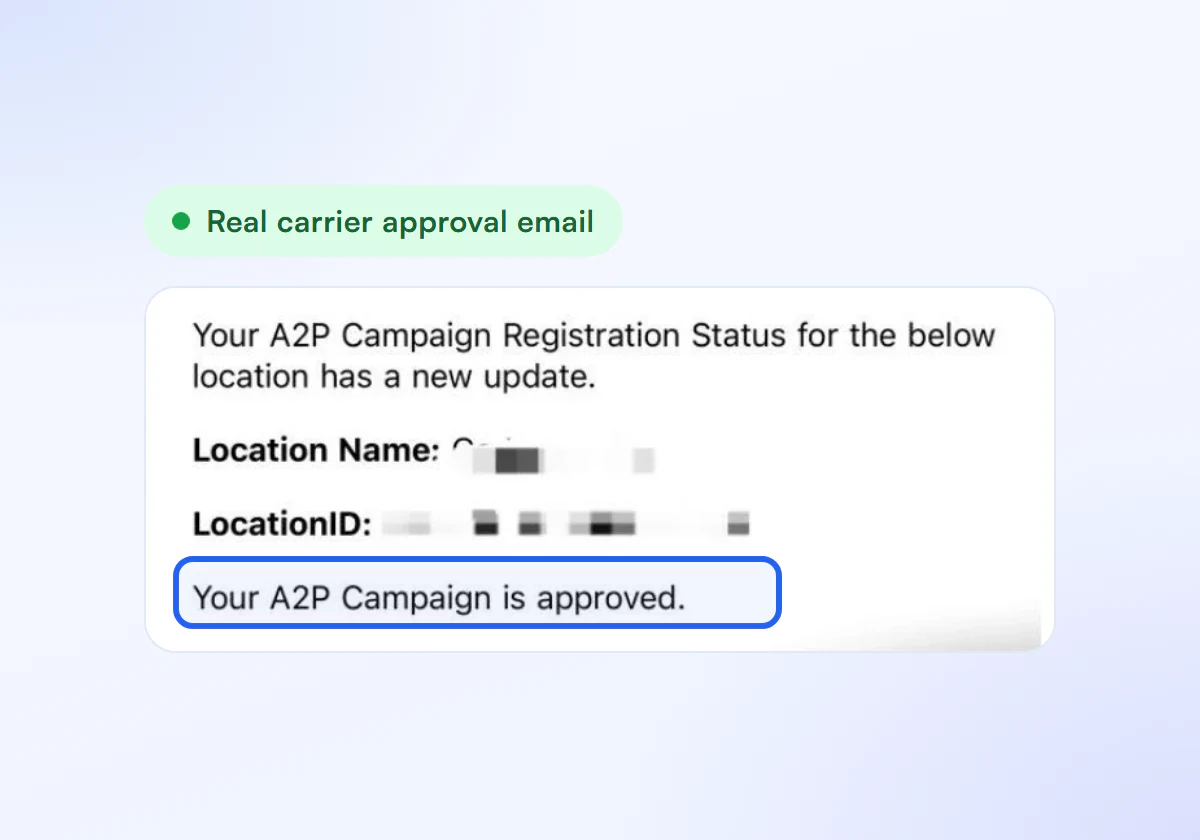
Get Approved
Link your numbers and start sending compliant texts.
Website Checked, Flat Price
Complete A2P 10DLC verification, done for you. $50 for one business, $399 for ten.
Single Verification
$50
per verification, paid once
For one business that needs carrier approval to text its customers.
- Brand registration with The Campaign Registry
- Campaign registration with use case and sample messages
- Opt in, privacy policy and STOP and HELP review
- Fixes and resubmission until approved
10 Verification Pack
$399
10 verifications, $39.90 each
For agencies and multi location businesses verifying several brands. Just $39.90 per verification.
- Everything in Single Verification
- 10 verifications for your clients or locations
- $39.90 each instead of $50, you save $101
- Fixes and resubmission until each one is approved
Registration and carrier fees are charged separately by your SMS provider.
Frequently Asked Questions
Can I register A2P 10DLC without a website?
Reviewers verify the business and the opt-in through the website, and HighLevel lists several website codes for missing or unusable sites. A simple, finished site on your own domain with the required pages is the practical way to pass.
Can my website be a single landing page with a form?
Code 30920 covers form-only sites. Add real business content, such as who you are, what you offer and how to contact you, alongside the privacy policy and terms.
Does my opt-in form have to be on my website?
Reviewers must be able to see the opt-in. Hosting it on a public page of your own site is simplest. Other methods work if the message flow describes them fully and provides an image of the wording.
Does the website domain have to match my brand name?
It should clearly belong to the registered business. Code 30907 covers a URL that does not match the brand, so use your own domain and show the same business name you registered.
Website Holding You Back?
Send us your site and we review what reviewers will see.
