
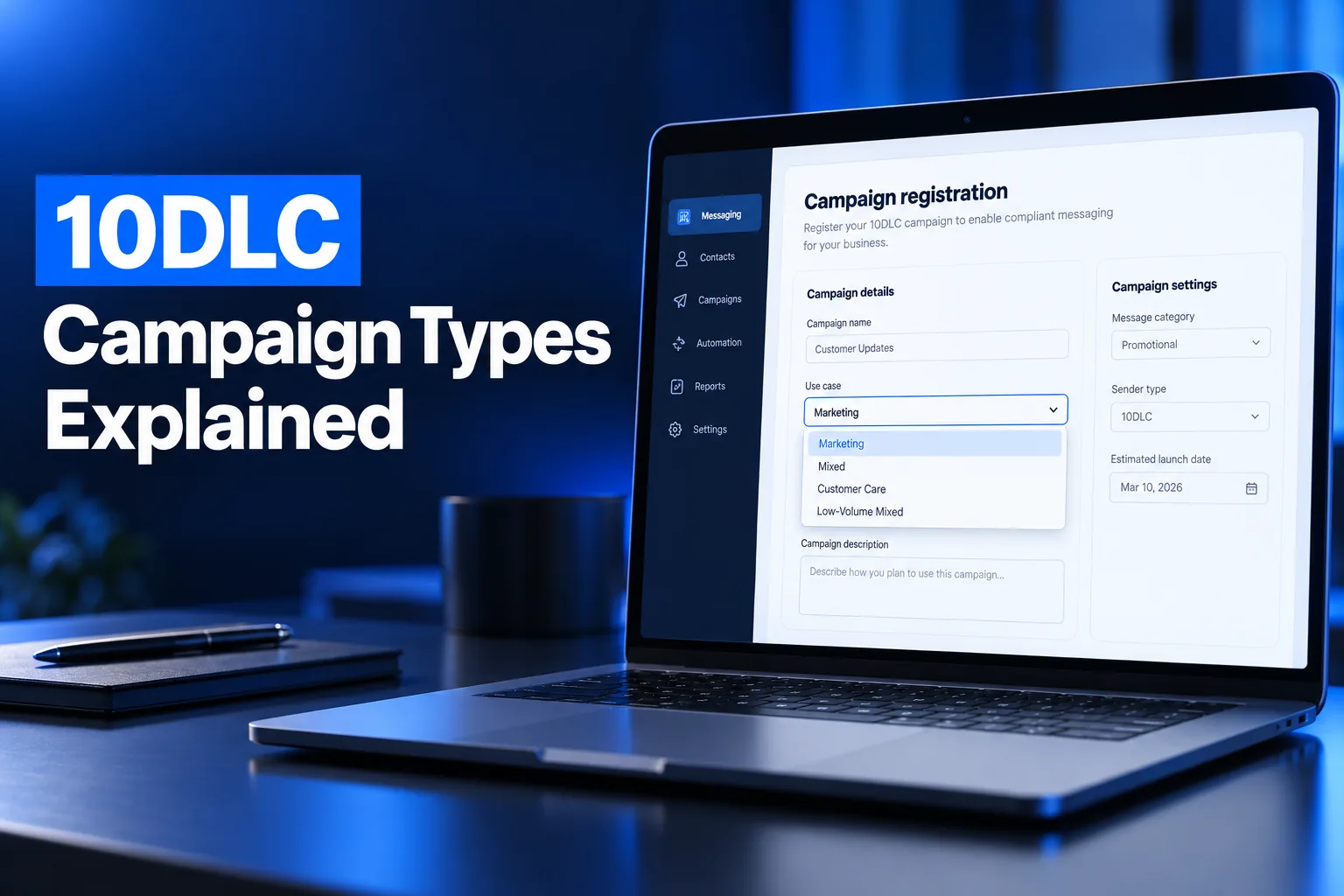
10DLC campaign types are the use case categories you choose when registering an A2P 10DLC campaign: standard use cases like Marketing, Mixed or Account Notifications, the cheaper Low-Volume Mixed option, special use cases like Charity or Political, and the Sole Proprietor use case. The use case sets what you may send, your fees and your throughput.
This guide explains every campaign type, how Mixed differs from Marketing, when Low-Volume Mixed fits, which special use cases need extra vetting, and the wrong picks that most often get campaigns rejected.
What are 10DLC campaign types?
A 10DLC campaign type, or use case, is the label that tells The Campaign Registry (TCR) and the carriers what kind of messages a campaign will send. Carriers review your campaign description, sample messages and opt-in flow against that label, so the use case must match what you actually text.
Every A2P 10DLC registration has two parts: the brand (your business identity, tied to an EIN) and the campaign (what you will send and how people opt in). The campaign type sits on the campaign. There are four groups:
- Standard use cases: the everyday categories, such as Marketing, Customer Care or 2FA.
- Low-Volume Mixed: several use cases in one campaign, at a lower monthly fee and lower throughput.
- Special use cases: categories such as Charity, Political or Emergency with their own rules, fees and sometimes extra vetting.
- Sole Proprietor: the only use case available to sole proprietor brands without an EIN.
If the brand side is still unclear, start with our guide to 10DLC brand registration, then come back to choose the campaign.
What are the standard 10DLC use cases?
The standard 10DLC use cases are 2FA, Account Notifications, Customer Care, Delivery Notifications, Fraud Alert Messaging, Higher Education, Marketing, Mixed, Polling and Voting, Public Service Announcement and Security Alert. Most businesses register one of these, usually Marketing, Customer Care or Mixed.
| Use case | What it covers | Typical sender |
|---|---|---|
| 2FA | One-time passcodes and account verification | Apps, SaaS, banks |
| Account Notifications | Status updates about an account the customer holds | Subscriptions, utilities, portals |
| Customer Care | Support, account management and two-way service conversations | Service businesses, help desks |
| Delivery Notifications | Shipping and delivery status | Retail, logistics |
| Fraud Alert Messaging | Alerts about possible fraudulent activity | Banks, card issuers |
| Higher Education | Messages from colleges and universities | Universities, colleges |
| Marketing | Promotions, sales and limited-time offers | Retail, local businesses, ecommerce |
| Mixed | Several standard use cases in one campaign | Businesses sending reminders, support and promos |
| Polling and Voting | Surveys and polls (not political) | Brands running customer surveys |
| Public Service Announcement | Awareness messages on a topic | Agencies, nonprofits, public bodies |
| Security Alert | Notice of a compromised system | IT and software providers |
Twilio lists the current limit as 200 campaigns per use case for private and public for-profit brands, and 100 for nonprofit and government brands. That limit rarely matters for a single business but can matter for platforms registering many clients.
Mixed vs Marketing: which use case should you pick?
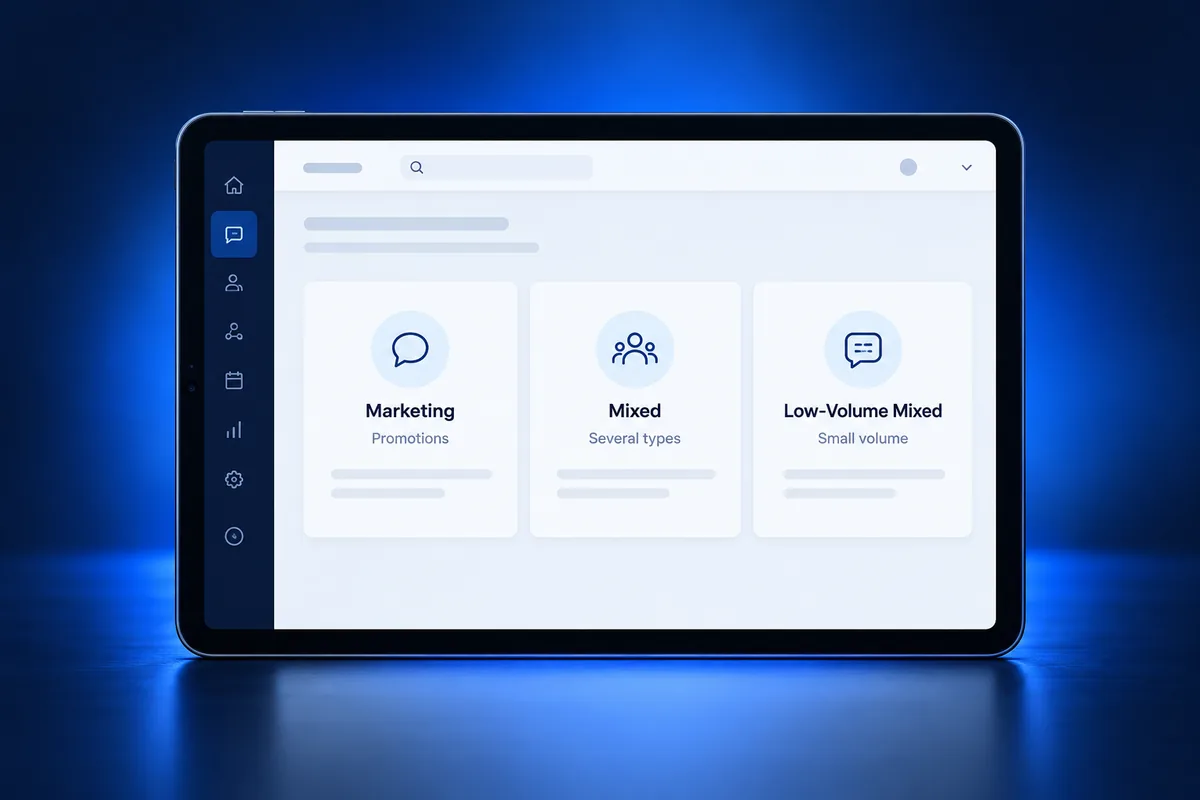
Pick Marketing when every message is promotional, and Mixed when one number sends several kinds of messages, such as appointment reminders, support replies and occasional offers. Mixed is more flexible, but Twilio notes that Mixed campaigns are likely to have lower throughput and a higher cost per message.
- Marketing only: a store texting sales and coupons to subscribers. Every sample message should be promotional and carry opt-out language.
- Mixed: a clinic sending reminders, answering questions and sending a seasonal offer. Your sample messages must show each type you listed.
- Single non-marketing use case: a business that only sends reminders or support replies can register Customer Care or Account Notifications and keep promotional wording out of its samples.
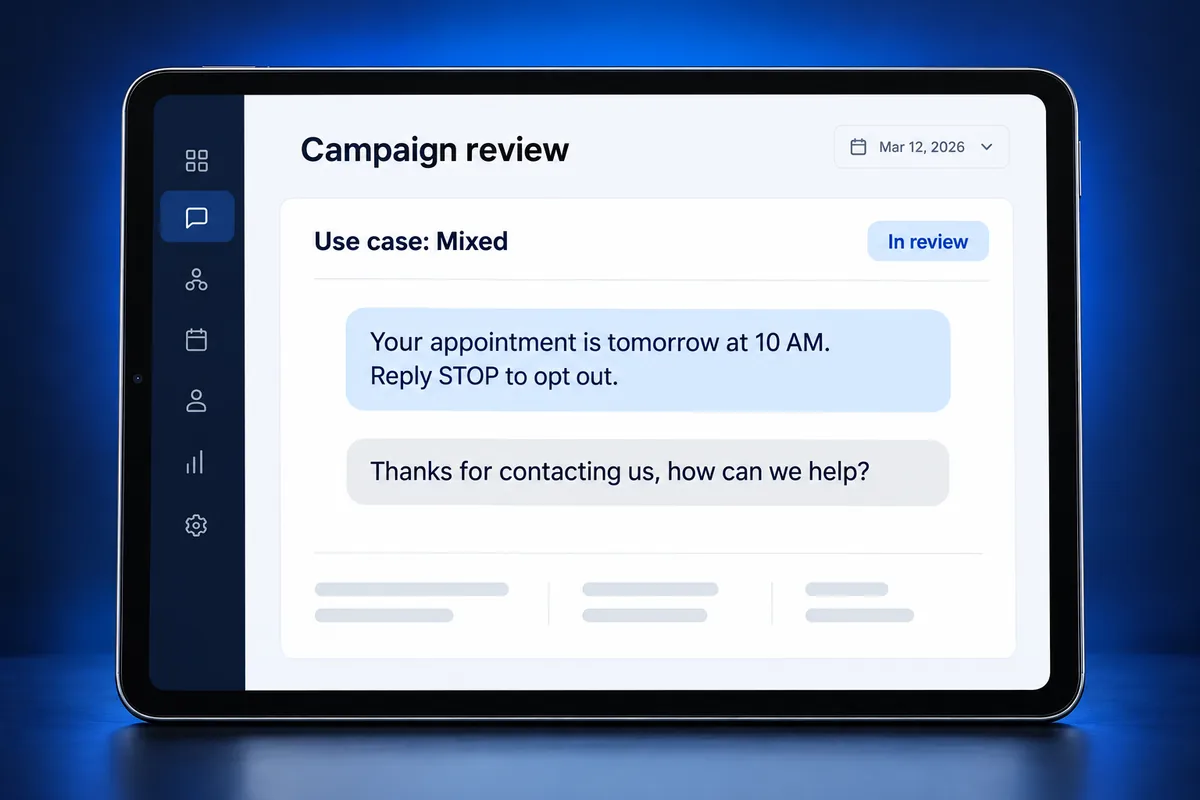
The common mistake is choosing a narrow use case like Customer Care and then adding promotional samples. Reviewers see a mismatch between the label and the content, which is one of the reasons behind error 30893, sample messages rejected.
When should you use Low-Volume Mixed?
Use Low-Volume Mixed when your business sends several message types but fewer than about 2,000 SMS segments per day to T-Mobile. Low-Volume Mixed costs less per month than a standard campaign, but its throughput is fixed at the lowest tier regardless of your brand’s Trust Score.
Low-Volume Mixed is a good fit for:
- Small local businesses sending reminders, confirmations and a few promotions.
- Agencies registering client accounts that text a modest contact list.
- Any business that wants mixed messaging without paying the standard campaign fee.
It is a poor fit for large send-outs, such as texting an entire customer database in one afternoon, because the low throughput will queue or throttle those messages.
What are the special 10DLC use cases?
Special 10DLC use cases are campaign types that carriers treat differently because of who sends them or why: Agents and Franchises, Charity or 501(c)(3) Nonprofit, K-12 Education, Proxy, Emergency, Political and Social. They can have different fees and throughput, and several need extra vetting or approval.
| Special use case | Who it is for | Note |
|---|---|---|
| Agents, franchises, local branches | One brand with many agents or offices, each with its own number | Franchises with a separate EIN register as their own brand |
| Charity / 501(c)(3) Nonprofit | Registered 501(c)(3) organizations | Nonprofit status is verified |
| K-12 Education | Schools and school messaging platforms | For communication with students, faculty and parents |
| Proxy | Pooled numbers that relay messages between two parties | Used to keep both parties’ personal numbers private |
| Emergency | Public safety and health alerts during emergencies | Critical in nature; extra approval applies |
| Political | Organized efforts to influence a group’s decision | Usually requires political vetting |
| Social | Public figures and influencers messaging their communities | Throughput differs from standard use cases |
Do not pick a special use case just because its fees look lower. Carriers check eligibility, and an organization that is not a verified 501(c)(3), for example, will not pass as Charity.
How does the use case affect fees and throughput?
The use case sets the campaign’s recurring monthly fee and can limit how fast messages go out. On Twilio, a standard campaign costs $10 per month, Low-Volume Mixed costs $1.50, Sole Proprietor $2, Charity $3 and Emergency $5, on top of a one-time $15 campaign vetting fee per submission.
| Campaign type (Twilio) | Monthly campaign fee | Throughput note |
|---|---|---|
| Standard use case (including Marketing and Mixed) | $10/month | Based on brand Trust Score |
| Low-Volume Mixed | $1.50/month | Lowest tier; under about 2,000 segments/day to T-Mobile |
| Sole Proprietor | $2/month | Limited; one number per campaign |
| Charity / 501(c)(3) | $3/month | Special-case throughput |
| Emergency | $5/month | Special-case throughput |
Each provider bills these differently, and carrier per-message fees come on top. Our breakdown of A2P 10DLC fees covers brand registration, vetting and carrier surcharges in one place.
How do you match samples to the use case?
Match samples to the use case by writing every sample message as a real text you will send under that label, with your business name and opt-out language. The campaign description, sample messages and opt-in flow must tell the same story, or reviewers reject the campaign for inconsistency.
- Write a campaign description that names your business, who you text and why.
- Write at least one sample for each message type your use case covers.
- Include your brand name and “Reply STOP to opt out” in the samples.
- Declare embedded links and phone numbers if your messages contain them, and show them in the samples.
- Describe exactly where and how people opt in, and make sure that page is live.
Our campaign description and sample message examples show wording that passes review for the most common use cases.
Common wrong use case picks (and the cost of fixing them)
The most common wrong picks are a narrow use case with promotional samples, Marketing for messages that are really reminders, a special use case the business is not eligible for, and Sole Proprietor for a business that has an EIN. Some of these can be edited, but a wrong use case usually means starting over.
- Customer Care with promotions: samples include offers that the use case does not cover.
- Marketing for transactional texts: it works, but it is the wrong label and invites unnecessary scrutiny of consent.
- Ineligible special use case: Charity without verified 501(c)(3) status, or Political without the required vetting.
- Sole Proprietor with an EIN: sole proprietor brands are for businesses without an EIN; see sole proprietor vs standard brand.
Twilio’s own troubleshooting guidance notes that a campaign registered under the wrong use case cannot be fixed by editing; it has to be deleted and recreated, which means a new vetting fee and another wait. Choosing correctly the first time saves both.
Rejected already? Get it right on the next submission
If a campaign was rejected for a use case mismatch or sample problems, the fix is a consistent resubmission: the right use case, samples that match it, and a live opt-in page. Each failed attempt costs time and, in some cases, another vetting fee, so it pays to check everything first.
A2P Ready reviews your brand and campaign details, picks the correct use case and rewrites the description and samples before submission. See what happens when your A2P campaign is rejected, or check our flat registration pricing.
Frequently Asked Questions
How many 10DLC use cases are there?
Twilio lists eleven standard use cases: 2FA, Account Notifications, Customer Care, Delivery Notifications, Fraud Alert Messaging, Higher Education, Marketing, Mixed, Polling and Voting, Public Service Announcement and Security Alert. On top of those are Low-Volume Mixed, the Sole Proprietor use case and seven special use cases such as Charity, Political and Emergency.
Should I choose Mixed or Marketing for 10DLC?
Choose Marketing if every message you send is promotional, such as sales and offers. Choose Mixed if one number sends several types, such as reminders, support replies and occasional promotions. Mixed is more flexible, but Twilio notes it is likely to have lower throughput and a higher cost per message than a single use case.
What is the Low-Volume Mixed use case?
Low-Volume Mixed is a 10DLC campaign type for businesses sending several message types at low volume, fewer than about 2,000 SMS segments per day to T-Mobile. It has a lower monthly fee than a standard campaign, $1.50 on Twilio, but its throughput stays at the lowest tier regardless of the brand’s Trust Score.
Can I change my 10DLC use case after approval?
Generally no. Twilio’s guidance says a campaign registered under the wrong use case must be deleted and recreated rather than edited, which means paying the campaign vetting fee again and waiting for a new review. You can update some details, such as the description or samples, but not the use case itself.
Does the 10DLC use case affect cost?
Yes. The use case sets the recurring monthly campaign fee. On Twilio, standard use cases cost $10 per month, Low-Volume Mixed $1.50, Sole Proprietor $2, Charity $3 and Emergency $5, plus a one-time $15 vetting fee per campaign submission. Carrier per-message fees are added on top.
Will choosing the wrong use case get my campaign rejected?
Often, yes. Reviewers compare the use case with your campaign description, sample messages and opt-in flow. If your samples include promotions under a Customer Care use case, or you pick a special use case you are not eligible for, the campaign is likely to be rejected and must be resubmitted.
