
A2P Registration Status: What Each Stage Means
Your brand and campaign move through review before approval. Here is how to read the status and what to do at each stage.
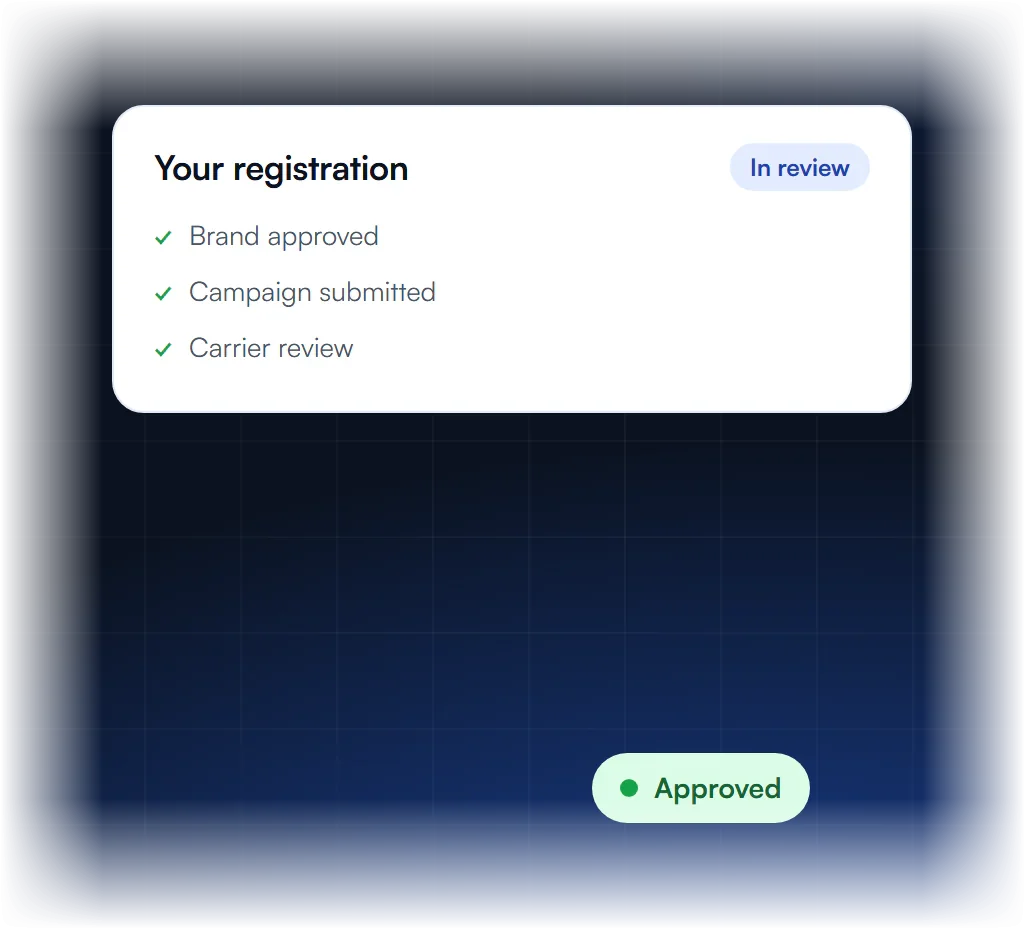
Understanding Your Status
You see your status in the platform where you submitted the brand and campaign, such as Twilio’s Trust Hub. The brand and the campaign each have their own status. Most move from submitted or pending to in review, then to approved or rejected. If it says rejected, read the reason before you edit and resubmit.
Where do I see my status?
In your messaging platform, where your brand and campaign were submitted, such as Twilio’s Trust Hub or your provider’s registration area.
What stages will I see?
Typically submitted or pending, in review, then approved or rejected. Brand and campaign each have their own status.
How long does review take?
Most reviews take a few business days to a few weeks, depending on carrier review.
What if it says rejected?
Read the rejection reason. Most rejections can be fixed by editing and resubmitting the campaign.
What Does Each A2P Registration Status Mean?
A2P registration status shows where your brand and campaign are in review. Pending or in progress means reviewers have it; approved or verified means it passed; failed, rejected or unverified means you must fix something before resubmitting. The brand, the campaign and each number have their own status, so check all three.
| Status | Meaning | What to do |
|---|---|---|
| Pending / In progress | Submitted and in review. | Wait; don’t delete and recreate. |
| Approved / Verified | Passed review. | Link your numbers to the campaign. |
| Unverified (brand) | Identity details did not match. | Fix the legal name and EIN; see brand rejections. |
| Failed / Rejected (campaign) | The campaign failed vetting with one or more codes. | Fix every code, then resubmit; see error codes. |
| Suspended | Carriers stopped an approved campaign later. | Contact your provider with the details. |
Exact labels vary by provider.
What Does "Campaign Registration Is in Progress" Mean?
“Campaign registration is in progress” means your provider submitted the campaign and it is waiting for or going through vetting. Nothing is wrong yet; the campaign is in the queue. While it is in progress, the number is not registered, so texts from it can still fail with error 30034 until approval.
- Don’t resubmit or recreate while it is in progress; that can restart the queue.
- Expect days, not hours. Our A2P 10DLC timeline covers typical stages.
- Prepare the fix list in case it comes back rejected; the A2P 10DLC checklist helps.
- If it is urgent, check with your provider whether another sender type suits you meanwhile.
How Do You Check Your A2P Registration Status?
You check A2P status in your SMS provider’s console. On Twilio, look in the Trust Hub and the Messaging Service’s compliance view. On GoHighLevel, look in the sub-account’s Trust Center. Look at the brand, the campaign and each number’s registration, and read any rejection codes in full.
- Twilio: brand and campaign status in the console; the number’s status under the Messaging Service.
- GoHighLevel: the sub-account’s Trust Center; see GoHighLevel A2P registration.
- Other platforms: see A2P registration by platform.
Stuck or rejected? We take it from here for $50.
What Each Stage Means
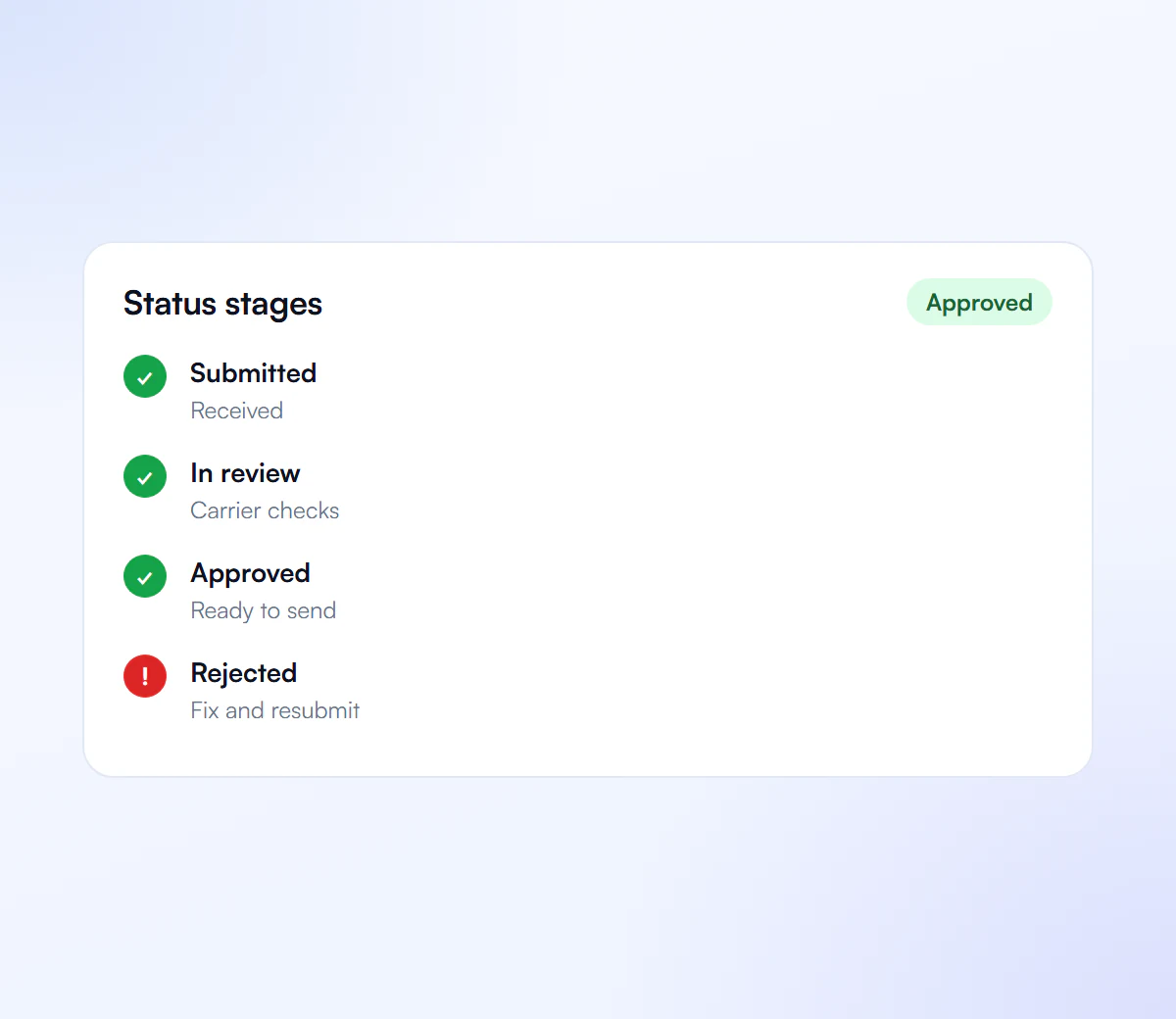
Each stage tells you what to do next. Submitted means the provider received your registration and it waits for review. In review means carriers are checking the details. Approved means you can link numbers and start sending. Rejected means you read the reason, fix the details it names and resubmit.
Submitted
Received and waiting for review.
In Review
Carriers are checking your details.
Approved
Link numbers and start sending.
Rejected
Read the reason, fix and resubmit.
We Track It to Approval
We submit your brand and campaign to The Campaign Registry and follow the registration through review. If the status turns to rejected, we read the reason, fix the details and resubmit. Once the campaign is live, we help you link your numbers so your texts count as registered 10DLC traffic.
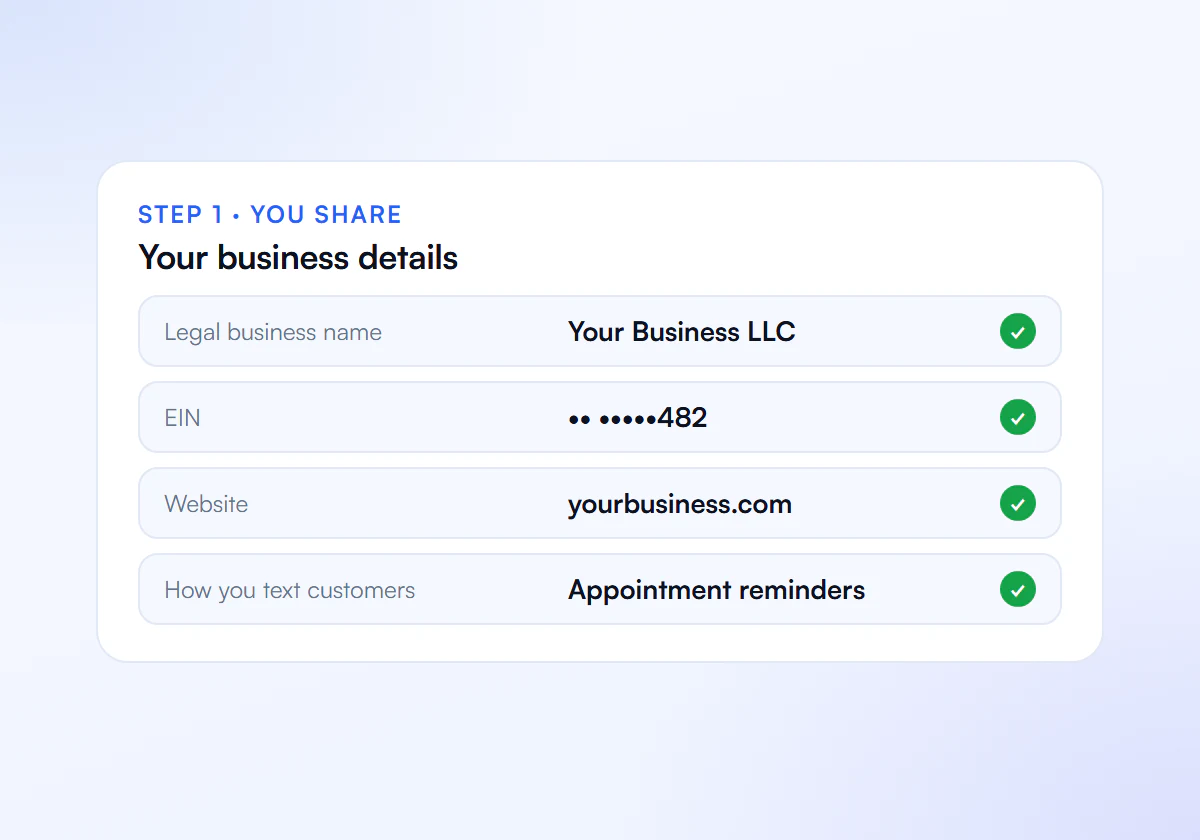
Share Your Details
Send us your business details, website and how you text customers.
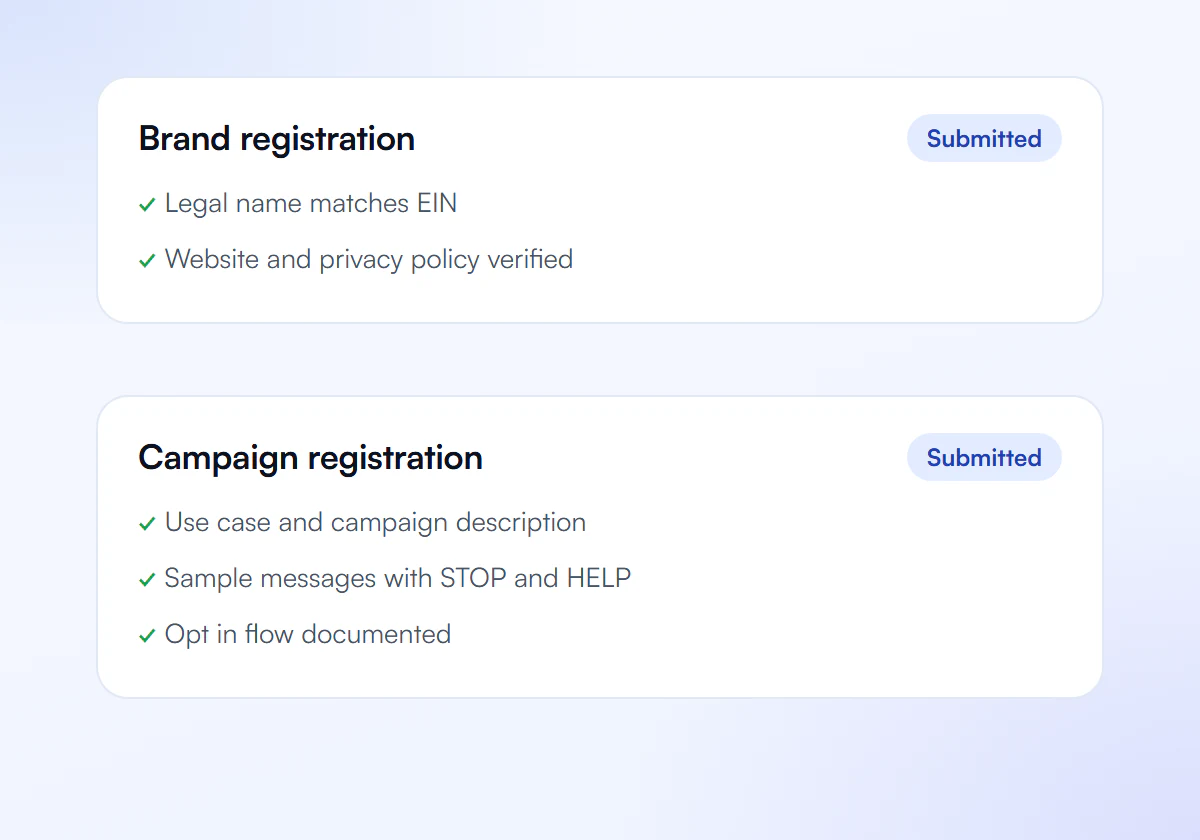
We Prepare and Submit
We write your brand and campaign and submit them to The Campaign Registry.
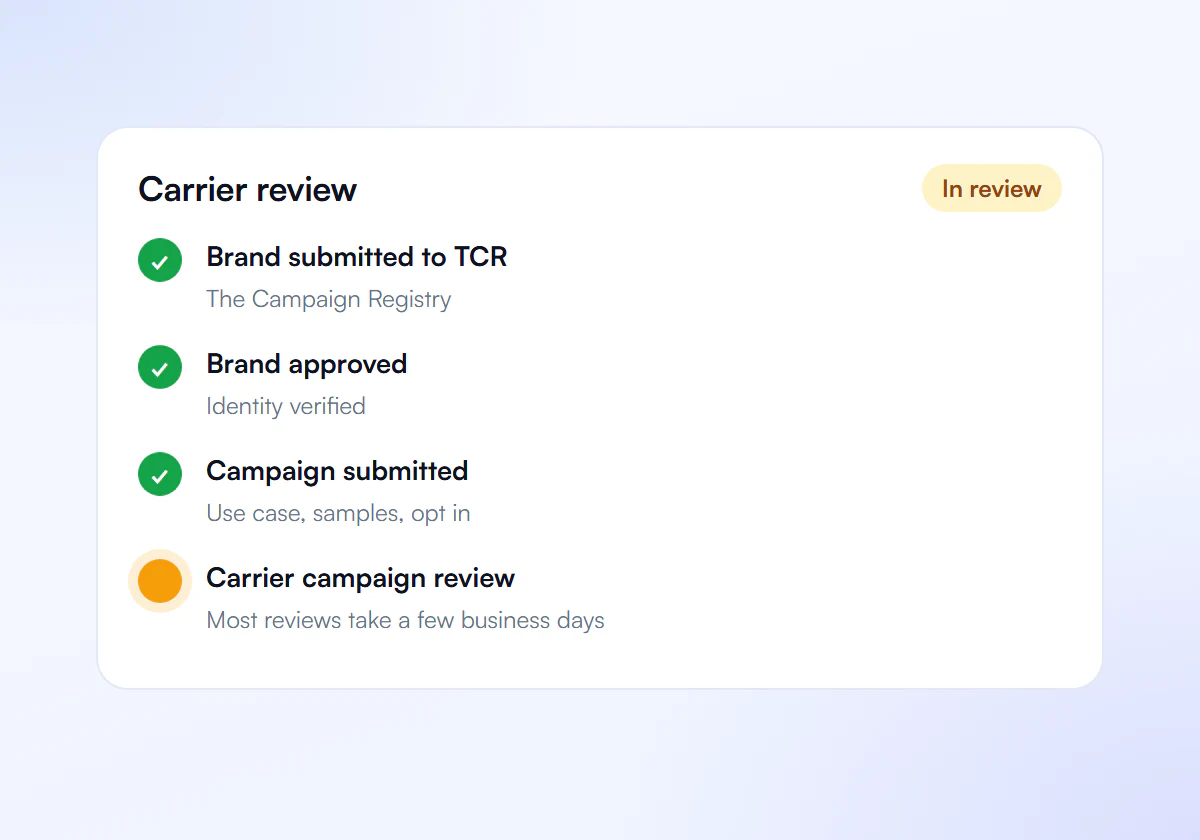
Carrier Review
Carriers review your campaign. Most reviews take a few business days to a few weeks.
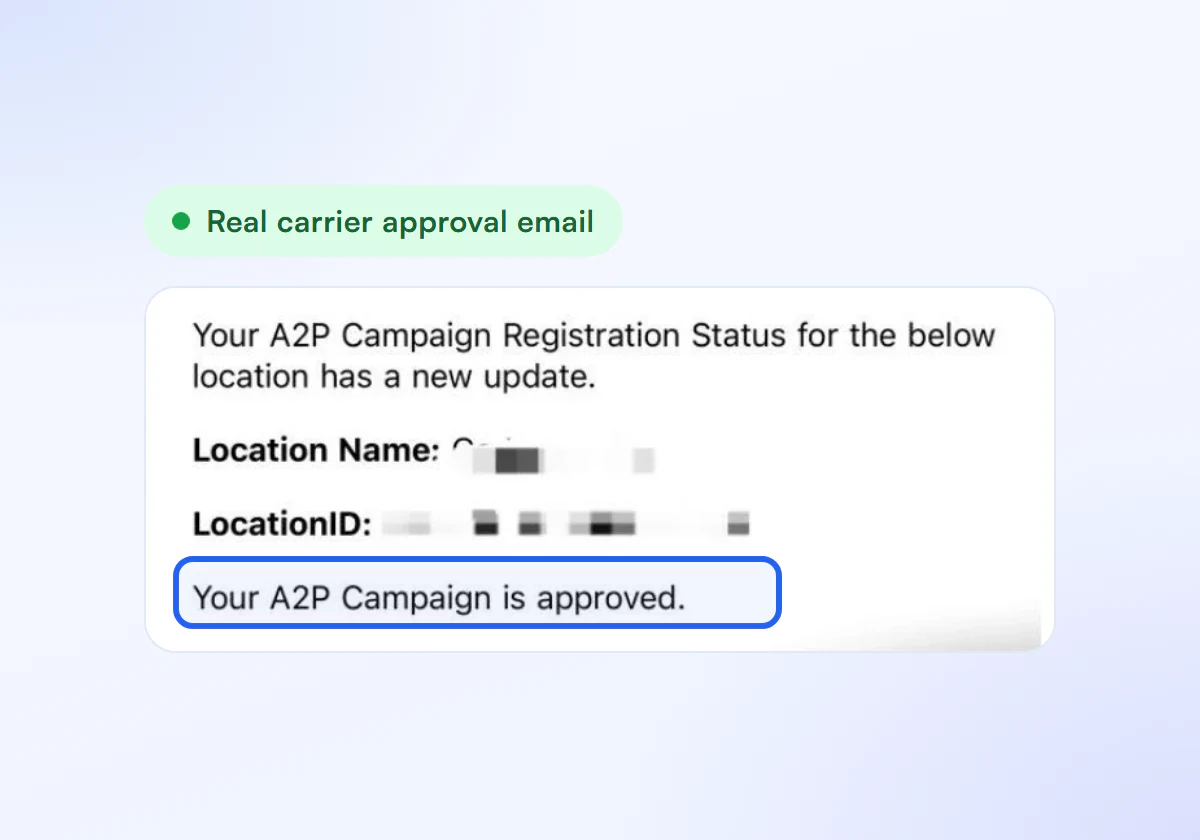
Get Approved
Link your numbers and start sending compliant texts.
Tracked to Approval, Flat Price
We submit your registration and follow it through review for a flat fee. One business costs $50, paid once, and a pack of ten costs $399, or $39.90 each. Rejection fixes and resubmission are part of the price. Your SMS provider charges registration and carrier fees separately.
Single Verification
$50
per verification, paid once
For one business that needs carrier approval to text its customers.
- Brand registration with The Campaign Registry
- Campaign registration with use case and sample messages
- Opt in, privacy policy and STOP and HELP review
- Fixes and resubmission until approved
10 Verification Pack
$399
10 verifications, $39.90 each
For agencies and multi location businesses verifying several brands. Just $39.90 per verification.
- Everything in Single Verification
- 10 verifications for your clients or locations
- $39.90 each instead of $50, you save $101
- Fixes and resubmission until each one is approved
Your SMS provider charges registration and carrier fees separately.
Frequently Asked Questions
Can I send texts while my A2P campaign is in progress?
Not as registered 10DLC traffic. Until the campaign is approved and the number is linked, texts from that 10DLC number can be blocked with error 30034. Wait for approval or use a sender type that suits your case.
Should I delete a campaign that has been pending for a long time?
Usually not. Deleting and recreating can mean new fees and a new place in the queue. Check the status details first and ask your provider if it seems stuck.
What does brand unverified mean?
It means the brand’s identity details, usually the legal name or EIN, could not be matched to official records. Correct them to match your IRS letter exactly and resubmit the brand.
Why does my number still fail after the campaign was approved?
The number may not be linked to the approved campaign, or a sole proprietor campaign may have more than one number. Each number must sit in the Messaging Service or sub-account tied to the approved campaign.
Stuck in Review?
Send us your status and we tell you what is holding it up.
