
SMS Opt-In Language Carriers Accept
Reviewers must be able to verify how customers agree to your texts. Here is how to collect and describe consent so your campaign is approved.
How to Collect Valid Consent
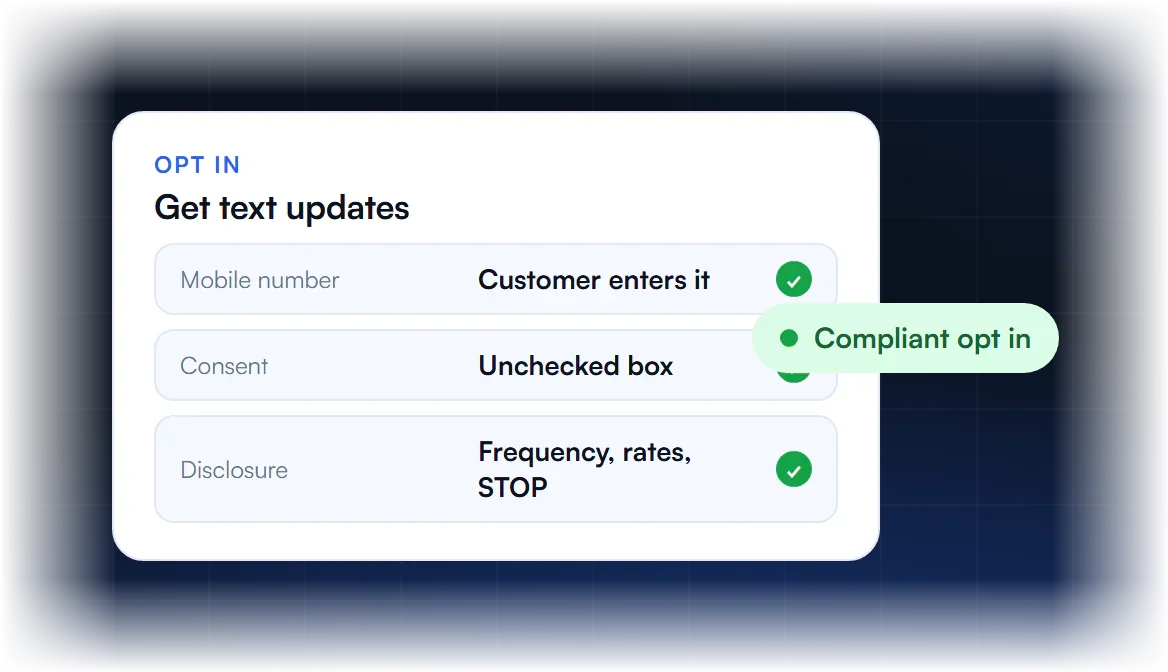
What counts as opt in?
A customer actively agreeing to receive your texts, for example by checking an unchecked box on a web form or texting a keyword to your number.
What must the disclosure say?
Your business name, what messages they will get, message frequency, that message and data rates may apply, and that they can reply STOP to opt out and HELP for help.
What if my opt in is offline?
Verbal, paper or in store opt ins are allowed, but you must describe the full process in your campaign so reviewers can verify it.
Why was my opt in rejected?
Common reasons are an opt in page behind a login, missing disclosures, or links to terms and privacy policy that are missing from the form.
What Must SMS Opt-In Language Include?
SMS opt-in language must name the business, say the person agrees to receive text messages, describe what the messages are about and how often they come, state that message and data rates may apply, explain how to get help and how to opt out, and link the Terms and Privacy Policy. The consent must be optional, unchecked by default, and separate from other consent.
| Part | Example wording | Code if missing |
|---|---|---|
| Brand name | “from [Business name]” | 30568 |
| SMS named | “by text message” | 30551 |
| Purpose | “appointment reminders and account updates” | 30544 |
| Frequency | “Message frequency varies” | 30545 |
| Rates | “Message and data rates may apply” | 30569 |
| Help | “Reply HELP for help” | 30570 |
| Opt-out | “Reply STOP to opt out” | 30547 |
| Policy links | Links to Terms and Privacy Policy | 30549 / 30550 |
Codes are those Twilio lists alongside error 30909.
SMS Opt-In Language Examples
Good SMS opt-in language fits in one or two sentences next to an unchecked checkbox or a keyword prompt. Adapt the bracketed parts to your real program, keep marketing consent separate when you also send transactional texts, and make sure the same wording appears in your campaign’s message flow.
- Web form checkbox: “I agree to receive [appointment reminders] by text message from [Business name] at the number provided. Message frequency varies. Message and data rates may apply. Reply HELP for help or STOP to opt out. [Terms] [Privacy Policy]”
- Separate marketing box: “I also agree to receive promotional text messages from [Business name]. Consent is not a condition of purchase.” plus the same disclosures.
- Keyword opt-in: “Text JOIN to [number] to get [weekly offers] from [Business name]. Msg frequency varies. Msg and data rates may apply. Reply HELP for help, STOP to cancel.”
- Confirmation reply: “[Business name]: You are subscribed to [program]. Msg frequency varies. Msg and data rates may apply. Reply HELP for help, STOP to cancel.”
The free opt-in language generator drafts these for your business.
Why Does Opt-In Language Get Rejected?
Opt-in language is rejected when it is missing a required part, when consent is bundled into mandatory terms, when the box is pre-checked, when marketing and transactional consent share one box, or when reviewers cannot see the opt-in at all. Each has its own code, so the rejection tells you which one to fix.
- Bundled into terms (30923): consent must be optional.
- Pre-checked or missing box (30925): it must start unchecked.
- Marketing not separate (30913): give promotions their own consent.
- Bundled with other channels (30556): SMS consent separate from email or calls.
- Not verifiable (30909): show a live page or screenshot.
The full fix path is on opt-in and consent rejections; the legal side is in SMS consent laws.
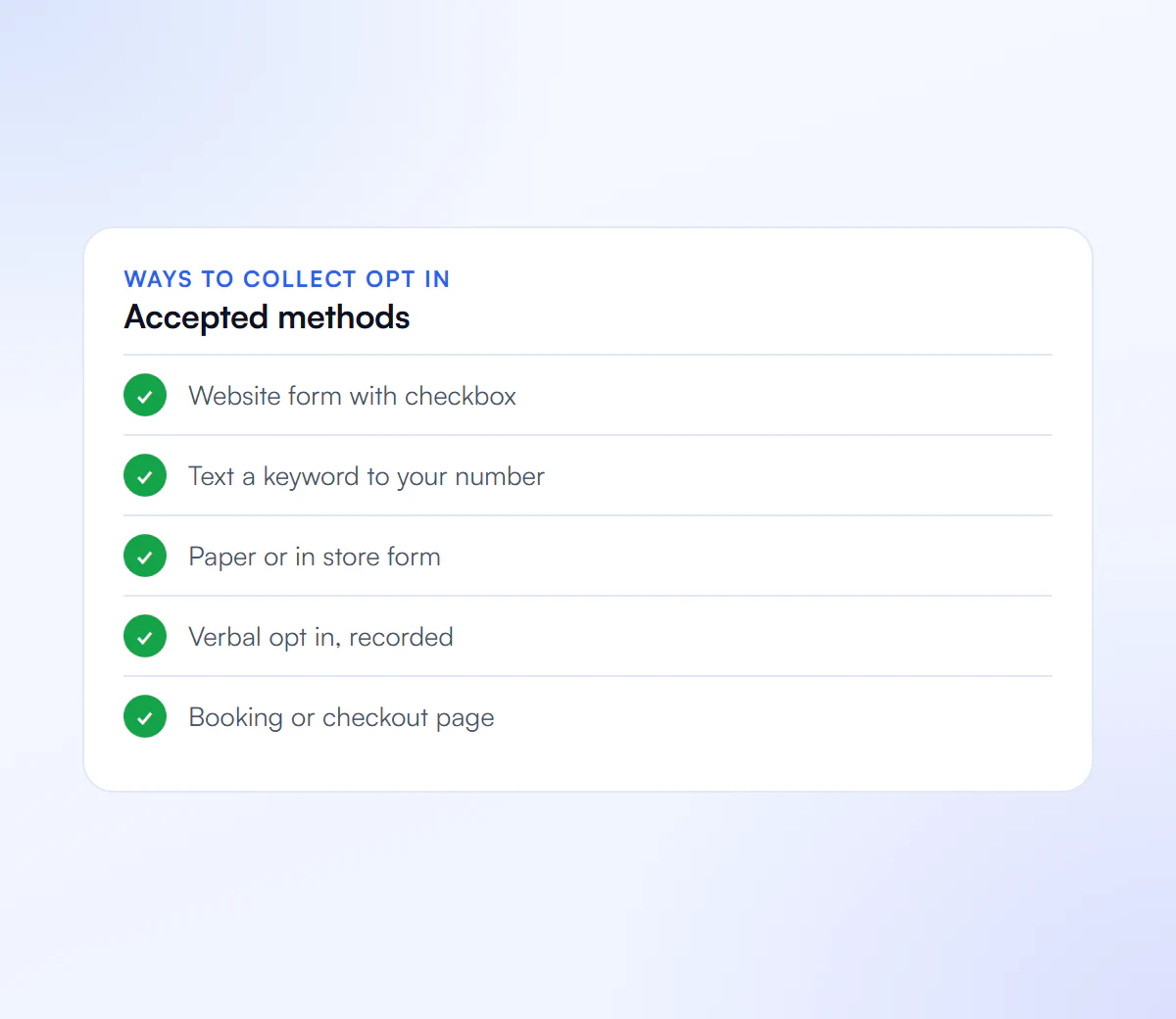
Ways to Collect SMS Consent
Whichever you use, describe it fully in your campaign.
Website Form
An unchecked consent box with full disclosure.
Text Keyword
Customers text a keyword to your number.
Paper or In Store
A signed form that includes the disclosure.
Verbal
Consent given on a call, with the script described.
We Write Your Opt In Flow
We describe your consent flow clearly and handle the full registration.
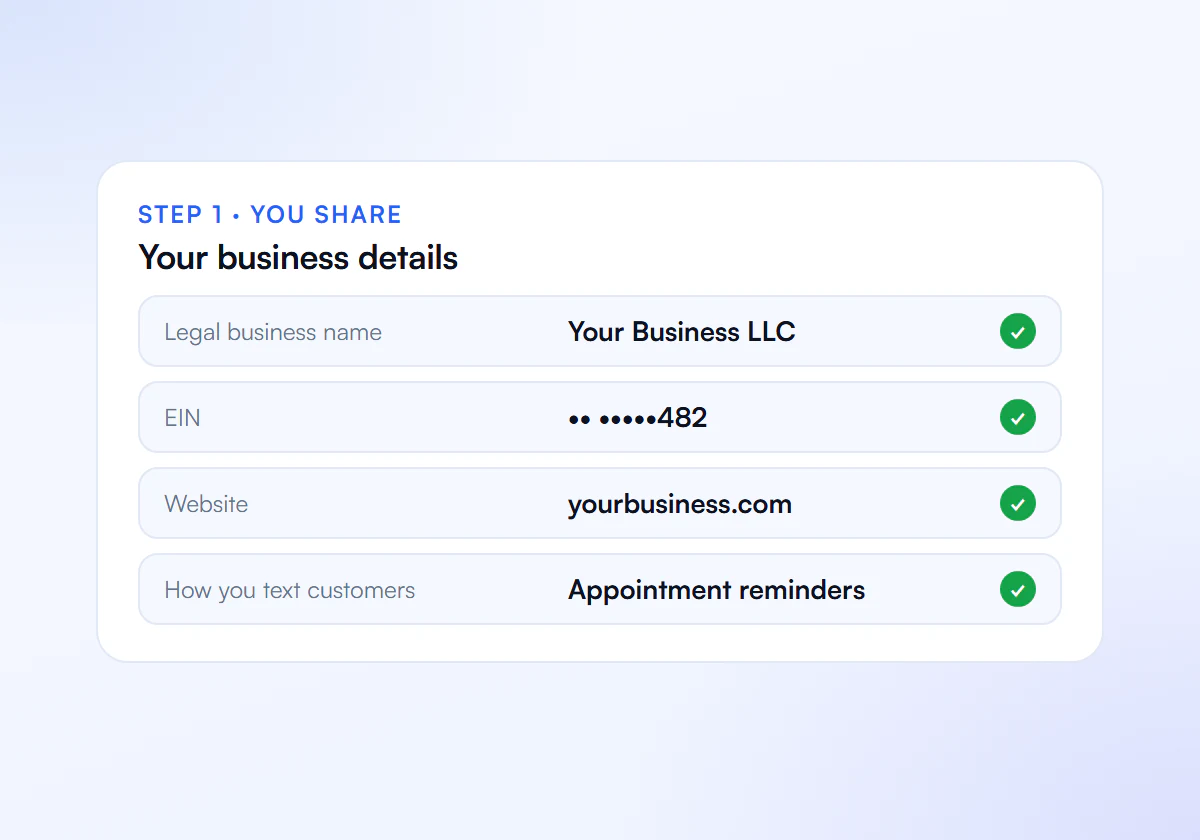
Share Your Details
Send us your business details, website and how you text customers.
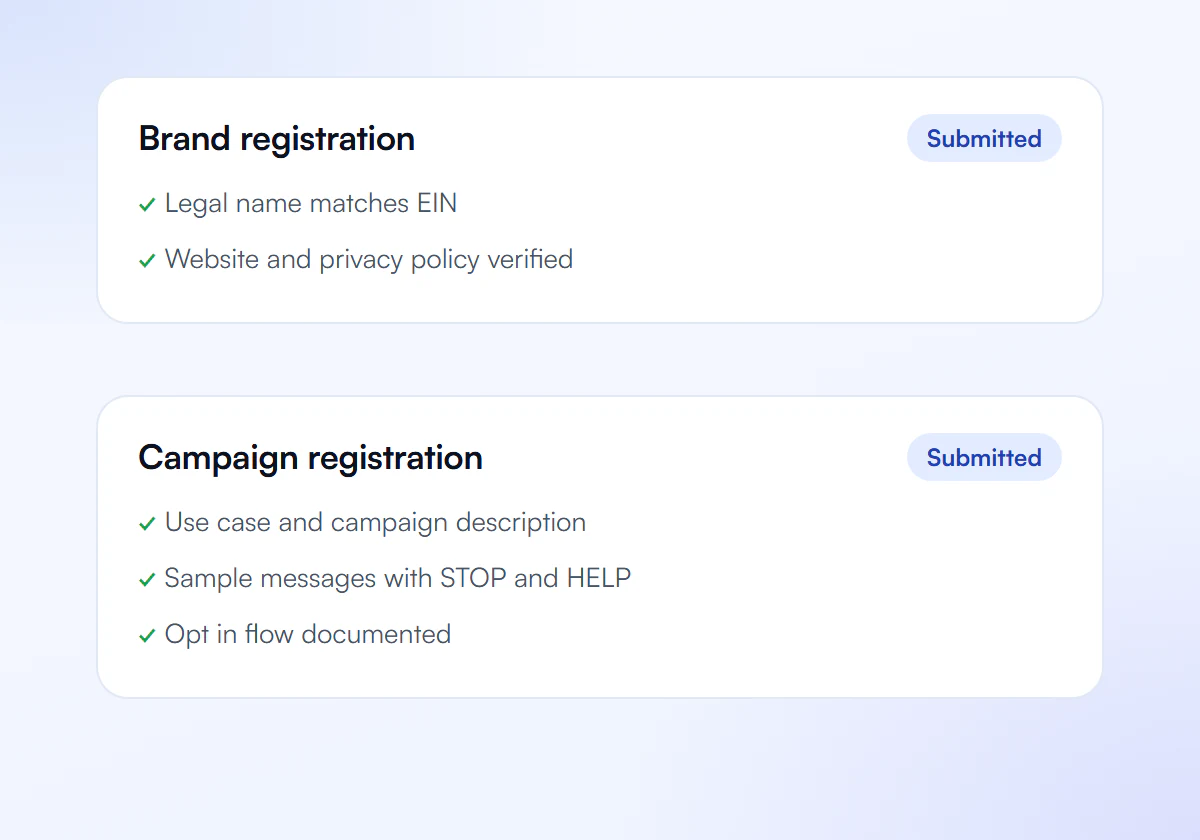
We Prepare and Submit
We write your brand and campaign and submit them to The Campaign Registry.
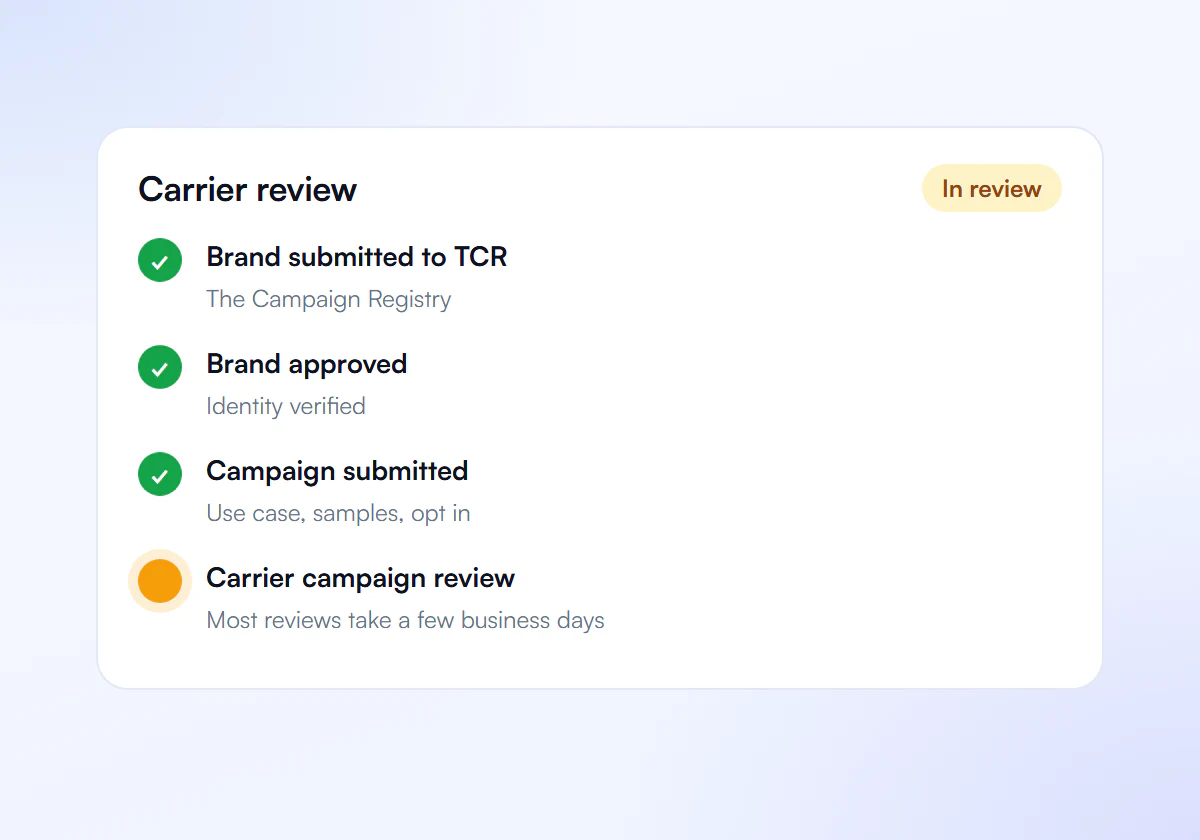
Carrier Review
Carriers review your campaign. Most reviews take a few business days.
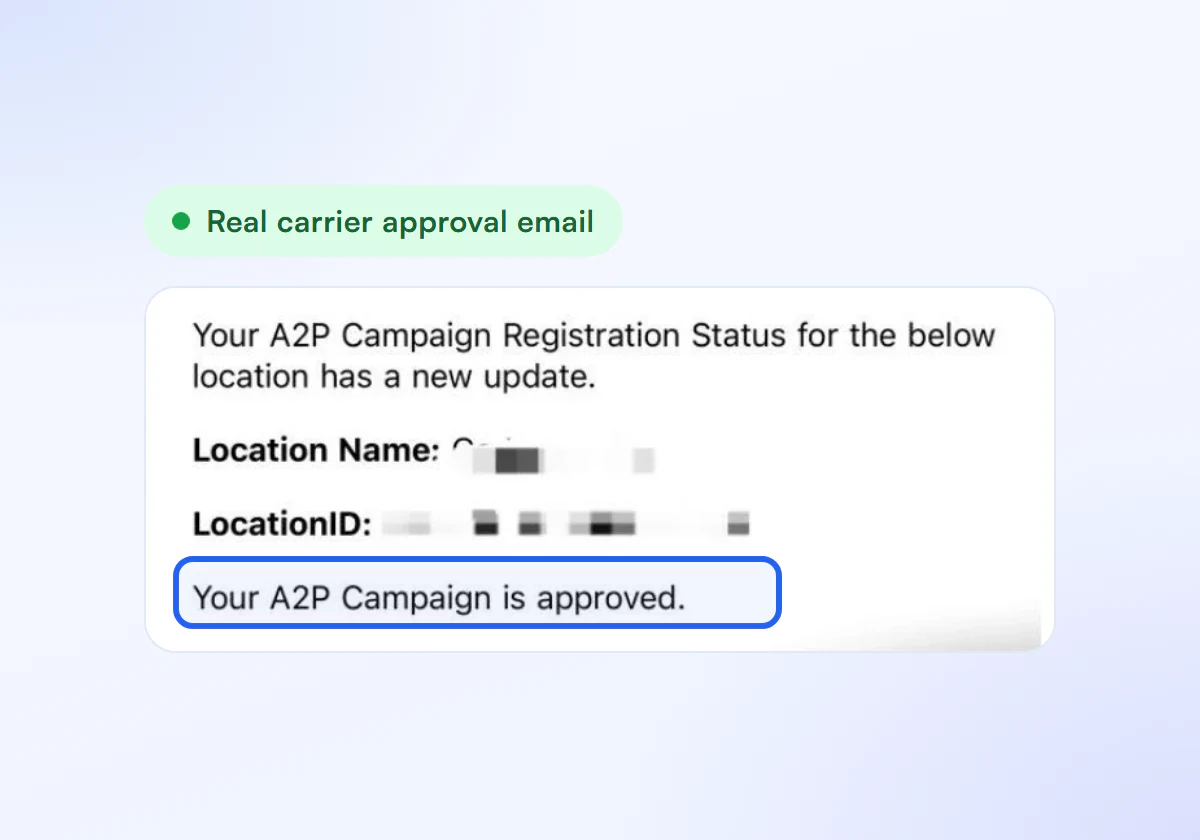
Get Approved
Link your numbers and start sending compliant texts.
Clear Opt In, One Flat Price
Complete A2P 10DLC verification, done for you. $50 for one business, $399 for ten.
Single Verification
$50
per verification, paid once
For one business that needs carrier approval to text its customers.
- Brand registration with The Campaign Registry
- Campaign registration with use case and sample messages
- Opt in, privacy policy and STOP and HELP review
- Fixes and resubmission until approved
10 Verification Pack
$399
10 verifications, $39.90 each
For agencies and multi location businesses verifying several brands. Just $39.90 per verification.
- Everything in Single Verification
- 10 verifications for your clients or locations
- $39.90 each instead of $50, you save $101
- Fixes and resubmission until each one is approved
Registration and carrier fees are charged separately by your SMS provider.
Frequently Asked Questions
Does the SMS consent checkbox have to start unchecked?
Yes. A pre-checked or missing checkbox is rejected with code 30925. The person must tick the box themselves so the consent is an action they chose.
Can I put SMS consent inside my terms and conditions?
No. Consent bundled into mandatory terms is rejected with code 30923. SMS consent must be optional, so people can buy, book or submit the form without agreeing to texts.
Do I need separate consent for marketing texts?
Yes, when you also send transactional messages. Code 30913 covers marketing consent that is not separate from transactional consent, so add a separate line or checkbox for promotions.
Should the opt-in wording match my campaign registration?
Yes. Reviewers compare the opt-in they see with the message flow in your campaign, so use the same wording and describe every place people can opt in.
Need Help With Your Opt In?
Tell us how customers sign up and we prepare the wording and description.
