
Twilio Error 30007: Message Filtered
Twilio or a carrier blocked the message, for example as spam, phishing or content that is not allowed. Here is how to find the cause and fix it.
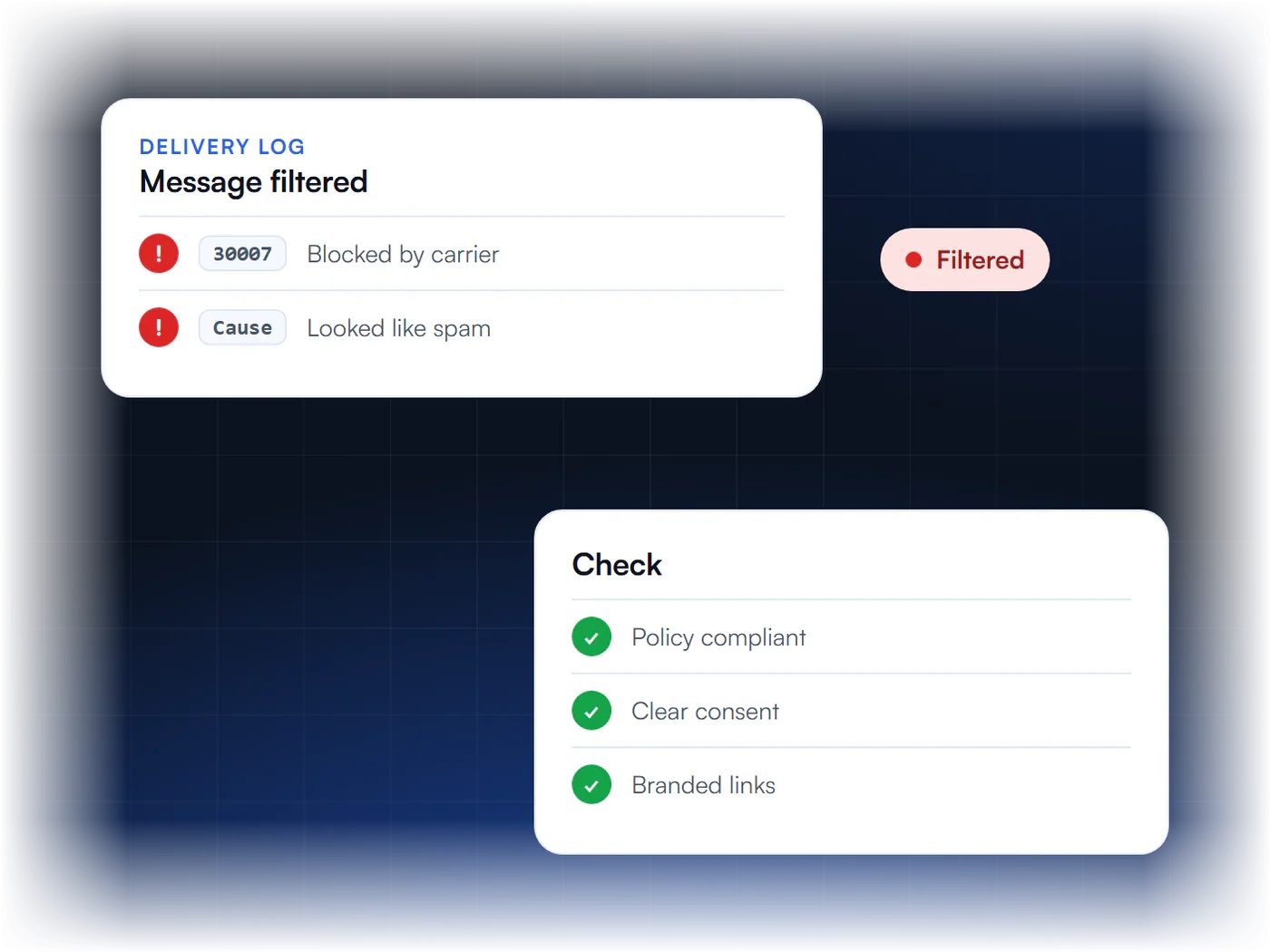
Why Messages Get Filtered
What does error 30007 mean?
The message was blocked by Twilio’s filters or by a carrier because it looked like spam, phishing, fraud or content not allowed on that network.
Is it a registration problem?
Not directly. It is about the content or sending practice, so fixing the message and how you send it is the main step.
What should I check first?
That your use case and message content follow Twilio’s Messaging Policy and Acceptable Use Policy, and that recipients opted in.
What if I am compliant and still filtered?
Twilio asks you to contact Support with at least three undelivered Message SIDs that show error 30007 so they can investigate.
What Does Error 30007 Mean?
Error 30007 means a text was filtered, or blocked, before it reached the phone. Either Twilio’s own filter flagged it under its Messaging Policy or Acceptable Use Policy, or a wireless carrier’s filter blocked it under carrier rules. It is a delivery error about the message and how it is sent, not a registration rejection.
That difference matters for the fix. Registering again, or buying a new number, rarely clears 30007, because the filter is reacting to what the message says and how the sending looks. Twilio describes filtering as protection against spam, phishing and fraud, and carriers run their own filters on top of that.
| Filter | What it looks at | What to change |
|---|---|---|
| Twilio filtering | Content and use cases that break Twilio’s Messaging Policy or Acceptable Use Policy, such as spam, phishing or fraud. | Bring the use case and message content inside both policies. |
| Carrier filtering | Traffic the carrier treats as abusive or not allowed on its network. | Make every message clearly expected, identified and opted-in, and keep it to the registered use case. |
Why Do Messages Get Filtered?
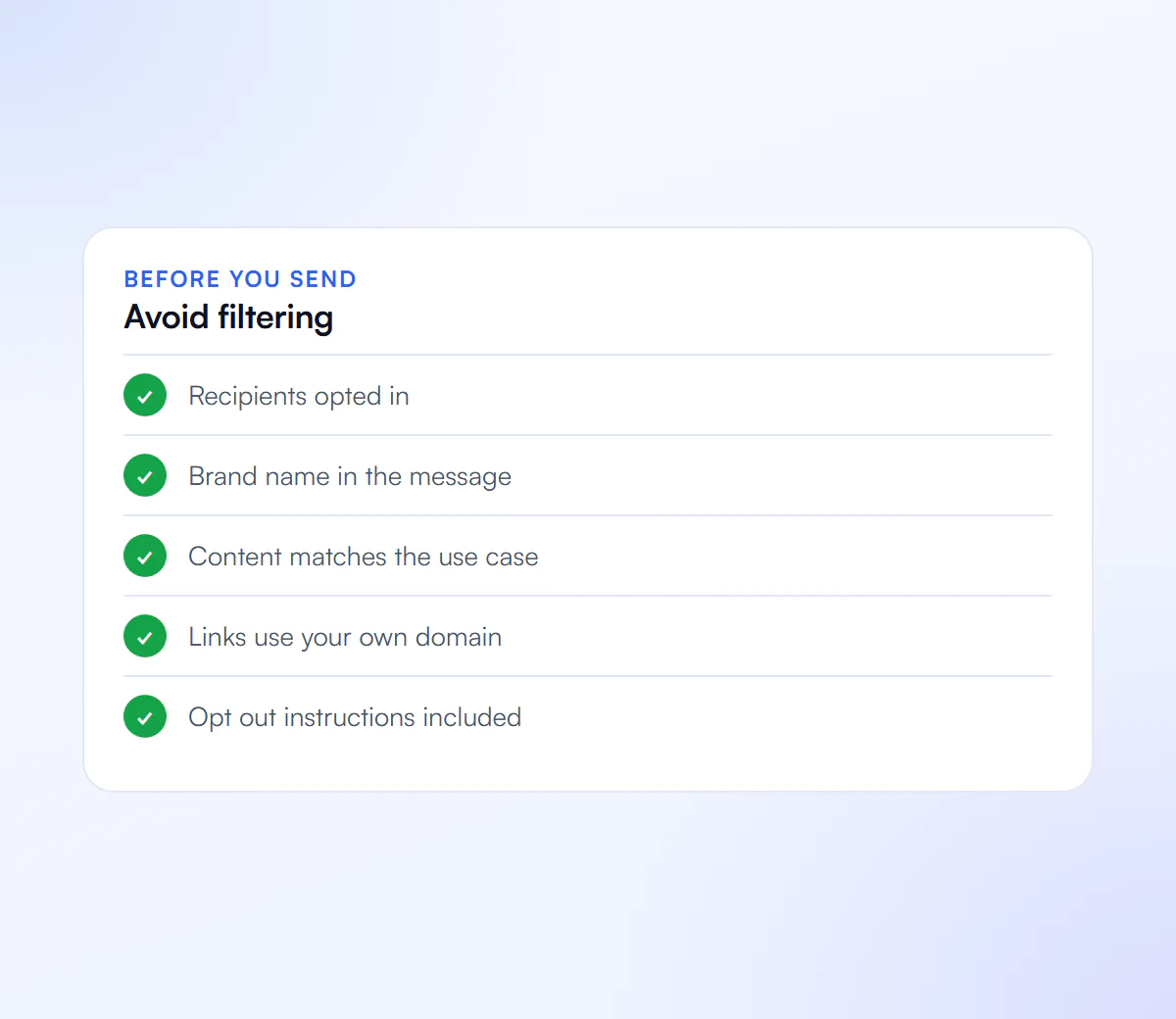
Messages usually get filtered when they look unexpected or risky to an automated system. The common triggers are texts to people who never opted in, content outside the registered use case, risky links, missing sender identification, and sudden spikes in volume. None of these needs a policy breach to cause trouble; they only need to look like one.
- No clear consent. Recipients who did not opt in are the ones who report texts as spam. Our guide to SMS opt-in language shows the wording carriers expect.
- Off-use-case content. Promotions sent on a campaign registered for appointment reminders read as a mismatch.
- Risky links. Public link shorteners and links to unrelated domains are a classic filtering signal. Use your own domain (see error 30892).
- No sender name or opt-out line. Every program should identify the business and offer a way to stop.
- Restricted content. Some content categories are restricted or banned by carriers outright, whatever the consent.
- Volume jumps. A sudden burst of identical messages from a quiet number looks automated in the worst way.
How Do You Fix Error 30007?
To fix error 30007, find which messages were filtered, compare them with the policies and your registered use case, rewrite whatever looks risky, and resend to opted-in recipients only. If you are sure the messages are compliant, Twilio asks for at least three Message SIDs that failed with 30007 so its support team can review them.
- Pull the failed messages. Note the exact text, the link, the sending number and the time of each 30007 failure.
- Check consent. Confirm that every recipient opted in to this kind of message from this business.
- Check the content against the use case. Compare each message with the use case and sample messages on your campaign. See campaign descriptions and sample messages.
- Rewrite the risky parts. Name the business, replace shortened or third-party links with your own domain, and include opt-out wording.
- Send gradually. Resend to a small group first rather than the whole list at once.
- Escalate with evidence. If compliant messages are still filtered, open a ticket with your provider and include three or more failed Message SIDs.
If filtering keeps returning, the problem is usually the program, not one message. Our A2P 10DLC checklist covers the consent, content and website basics carriers look for.
Is Error 30007 a Registration Problem?
Not directly. Registration problems have their own codes: error 30034 for an unregistered 10DLC number, and error 30032 for an unverified toll-free number. Error 30007 can still appear on a fully registered number, because approval does not stop filters from judging each message.
A clean registration helps in a quieter way. A campaign whose description, samples and opt-in flow match how you really text is easier to keep within the rules, because there is a written standard to compare each message against. If you want a second pair of eyes on the program, our review is a flat $50.
What Gets Messages Filtered
Fixing these reduces filtering.
Spam Signals
Content that looks unsolicited or misleading.
Risky Links
Links that do not clearly belong to your business.
Missing Consent
Texting people who did not opt in.
Off Use Case
Messages that do not match your registered campaign.
We Review Your Messages
We check your content and campaign against carrier rules and fix what is causing filtering.
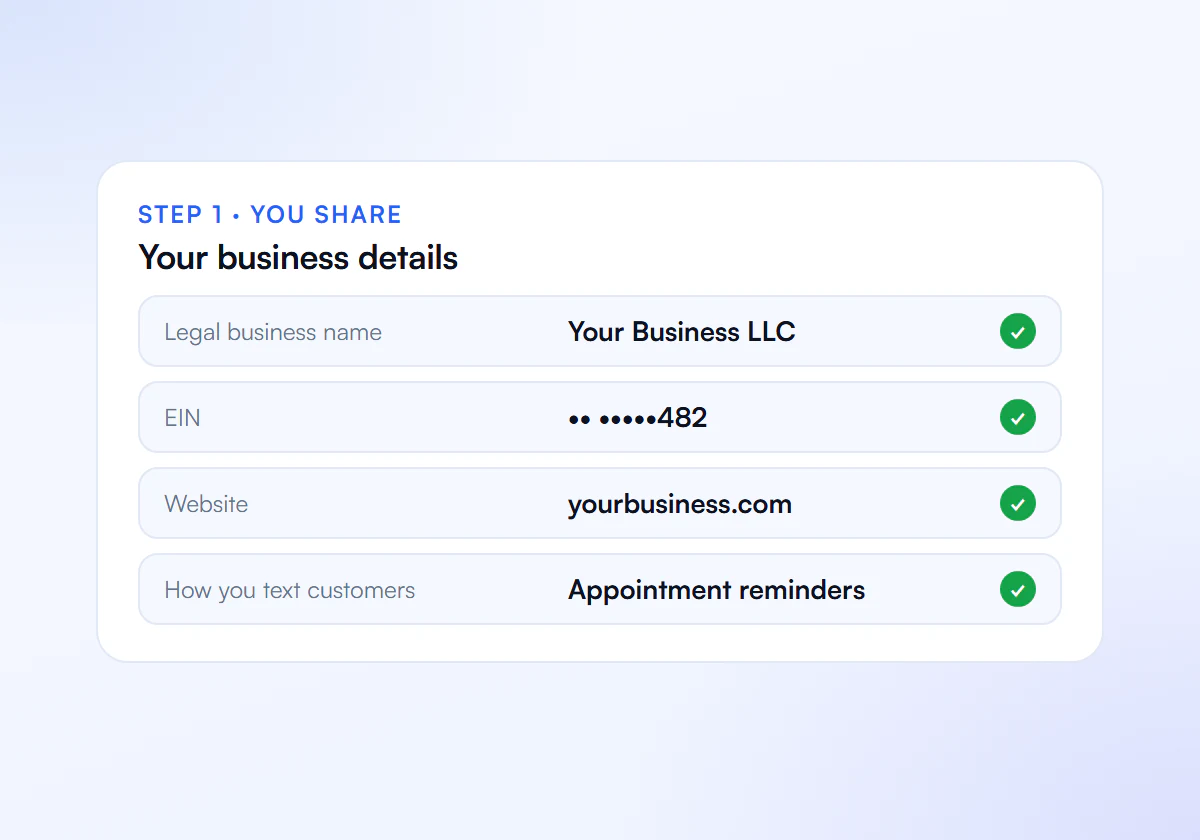
Send Us the Failed Messages
Share your message templates, your opt-in flow and a few Message SIDs that returned error 30007.
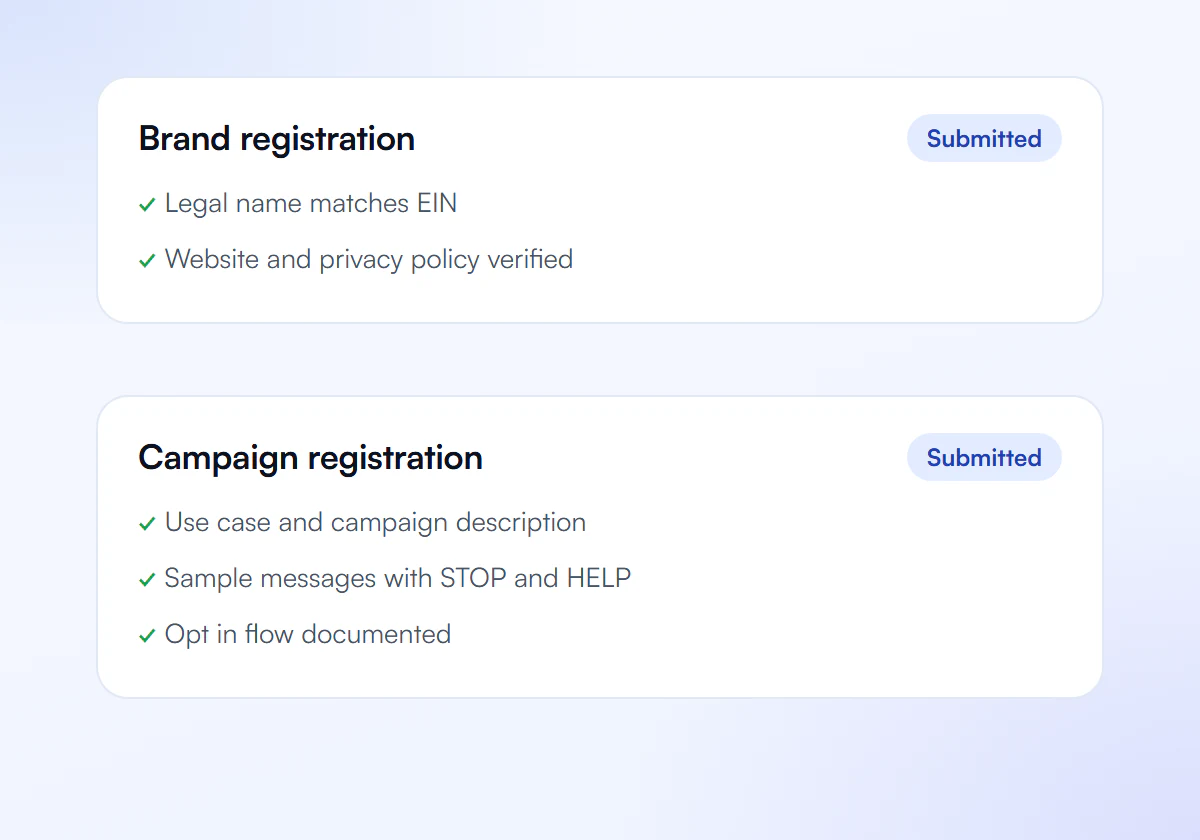
We Review Content and Links
We check wording, links and sending patterns against Twilio's Messaging Policy and carrier rules.
We Fix and Retest
We rewrite what reads like spam, replace risky links and keep your texts inside your registered use case.
Escalate if Needed
If compliant messages are still filtered, we prepare the Message SIDs Twilio Support asks for.
Compliance Help, Flat Price
Complete A2P 10DLC verification, done for you. $50 for one business, $399 for ten.
Single Verification
$50
per verification, paid once
For one business that needs carrier approval to text its customers.
- Brand registration with The Campaign Registry
- Campaign registration with use case and sample messages
- Opt in, privacy policy and STOP and HELP review
- Fixes and resubmission until approved
10 Verification Pack
$399
10 verifications, $39.90 each
For agencies and multi location businesses verifying several brands. Just $39.90 per verification.
- Everything in Single Verification
- 10 verifications for your clients or locations
- $39.90 each instead of $50, you save $101
- Fixes and resubmission until each one is approved
Registration and carrier fees are charged separately by your SMS provider.
Frequently Asked Questions
Will a new phone number stop error 30007?
Usually not. Filters react to the message content, consent and sending pattern, so the same messages from a new number tend to be filtered again. Fix the content and the consent first, then decide whether a different number or sender type actually suits the program.
Do I need to re-register my campaign after error 30007?
Only if your real messaging has drifted away from the registered use case. Then the honest fix is to update or register a campaign that matches what you send. If the campaign still describes your messages accurately, change the messages instead.
How many examples does Twilio need to review a 30007 block?
Twilio’s error reference asks for at least three Message SIDs that show the undelivered status with error 30007. Include the message text and when it was sent so the support team can see the pattern rather than a single failure.
Can link shorteners cause error 30007?
Yes, they are a common filtering signal. Public shorteners hide the destination, which spam often does. Use links on your own domain, or a branded short domain you control, and keep the destination matching the business named in the message.
Does error 30007 mean my account is in trouble?
Not on its own. It means those messages were blocked. Repeated filtering on the same program is a warning sign, though, so treat it as a reason to review consent, content and volume before it grows into a wider problem.
Messages Being Filtered?
Send us an example and we review what is triggering it.
