
Twilio Error 30032: Toll-Free Number Not Verified
Messages from a toll free number that is not verified are blocked. Here is how to check your status and get verified.
Why Error 30032 Appears
What does 30032 mean?
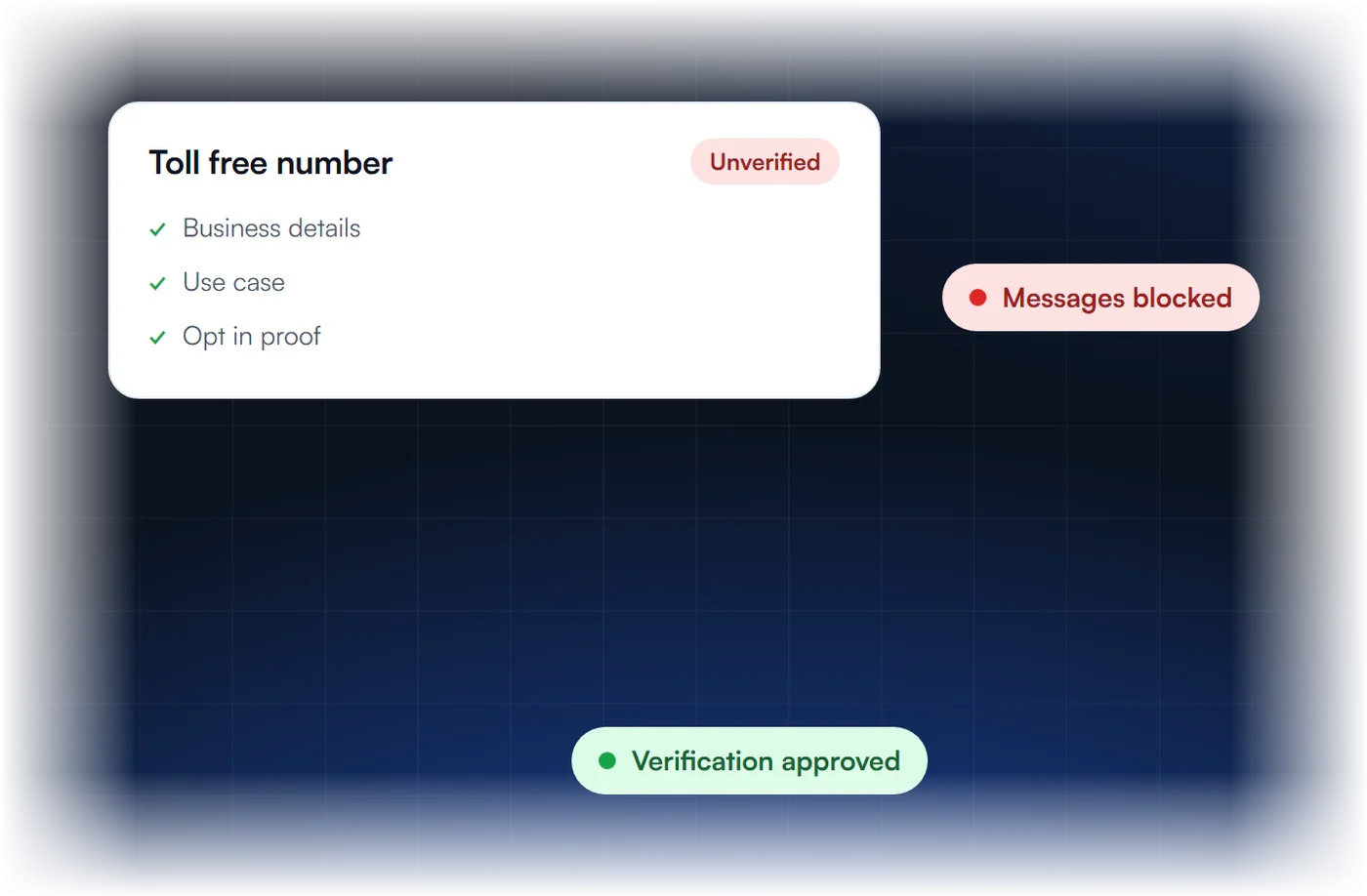
You texted a US or Canadian mobile number from a toll free number that is not approved. Since January 31, 2024, traffic from unverified toll free numbers has been blocked.
What causes it?
The number was never submitted for verification, verification is still pending, or it was rejected.
How do I check the status?
In Twilio, open the phone number and check its Regulatory Information tab.
What if verification was rejected?
If the rejection is eligible, edit and resubmit within 7 days of the first request. Otherwise submit a new request.
What Does Twilio Error 30032 Mean?
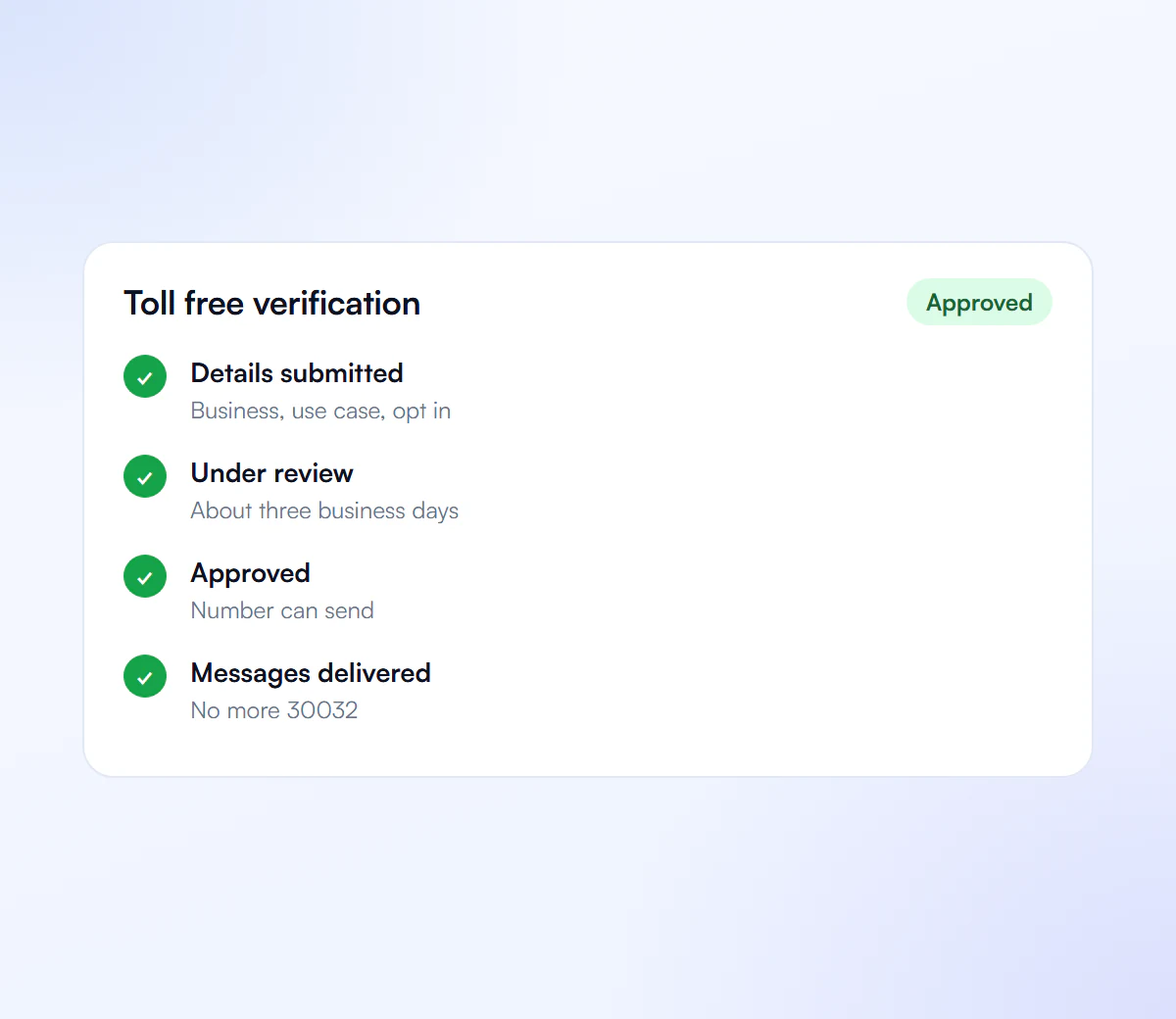
Twilio error 30032 means a text was sent from a toll-free number to a mobile number in the United States or Canada before that toll-free number finished toll-free verification. Since January 31, 2024, traffic from unverified toll-free numbers in Restricted or Pending status is blocked and returns 30032. The message is not delivered.
Three statuses lead to the block, according to Twilio’s error reference:
- Not submitted: the number was never sent for verification and stays Restricted.
- In review: the request is Pending, and pending traffic is blocked until approval.
- Rejected: the request was turned down, so the number is not approved.
Toll-Free Verification vs 10DLC Registration
Toll-free verification and A2P 10DLC registration are two separate programs for two separate number types. A toll-free number is verified directly through your provider; it does not use The Campaign Registry. A local 10-digit number needs 10DLC brand and campaign registration instead. Error 30032 is the toll-free version of the 10DLC block, error 30034.
| Point | Toll-free verification | A2P 10DLC registration |
|---|---|---|
| Number type | 8XX toll-free numbers | Local 10-digit numbers |
| Where it is reviewed | Your provider’s toll-free verification process | The Campaign Registry and carriers |
| Block code when unregistered | 30032 | 30034 |
| Common rejection code | 30527 (registration number) | 30886, 30893, 30909 and others |
Not sure which to use? See toll-free vs 10DLC.
How Do You Fix Error 30032?
To fix error 30032, check the toll-free number’s verification status, submit a verification request if none exists, stop sending until it is approved, and correct and resubmit any rejected request while it is still eligible for edits. Twilio sets that edit window to seven days from the initial request.
- Check the status. In the Twilio Console it is under the number’s Regulatory Information tab.
- Submit verification in the console or through the Messaging Compliance API if the number has none.
- Pause traffic from that number until the status is approved.
- Fix a rejection before the edit deadline, or submit a new request if it has passed. Registration-number problems are covered under error 30527.
- Resend once approved; blocked messages are not delivered later.
We prepare and submit toll-free verification for a flat $50, including fixes until it is verified.
How to Clear Error 30032
Follow these steps.
Check Status
Look at the number's verification status.
Submit Verification
Send toll free verification if not done.
Wait for Approval
Do not send until it is approved.
Fix Rejections
Edit and resubmit eligible rejections.
We Handle Your Toll Free Verification
We prepare and submit your verification, and fix it if it is rejected.
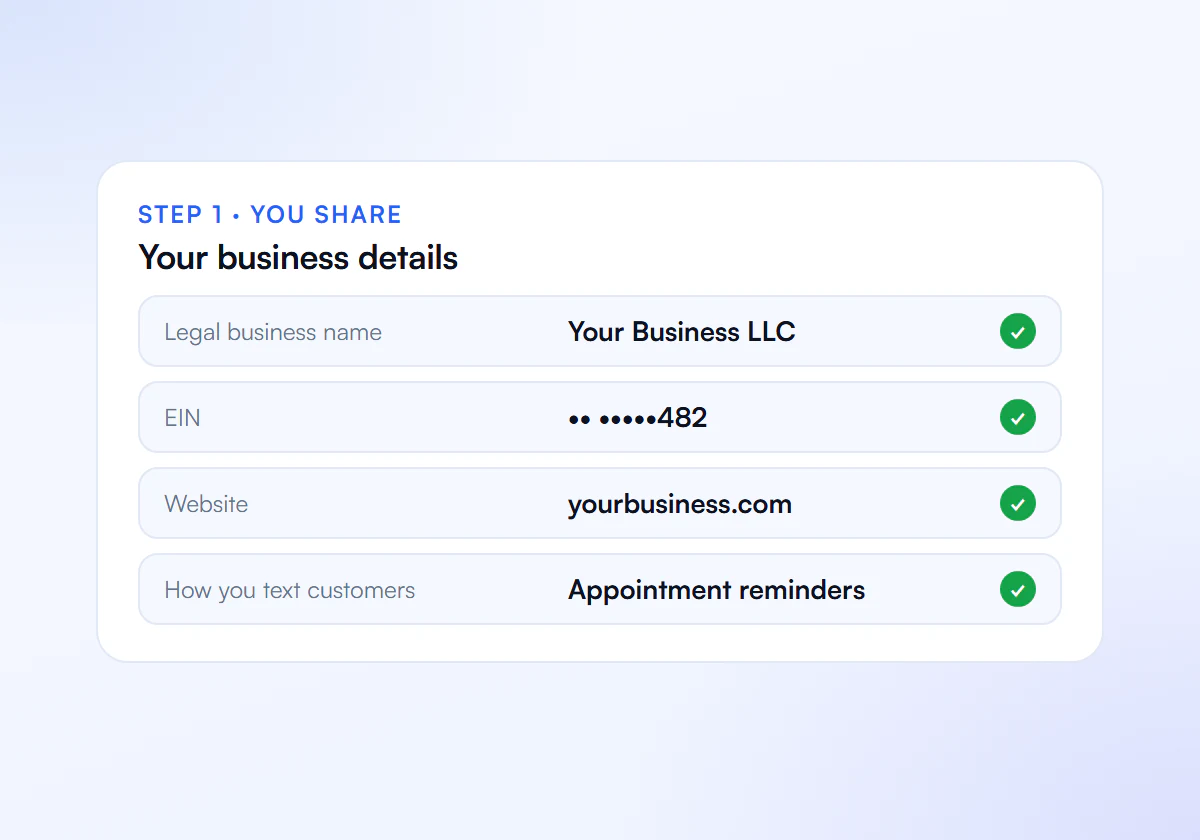
Share Your Details
Send us your business details, website, opt-in flow and the toll-free number you text from.
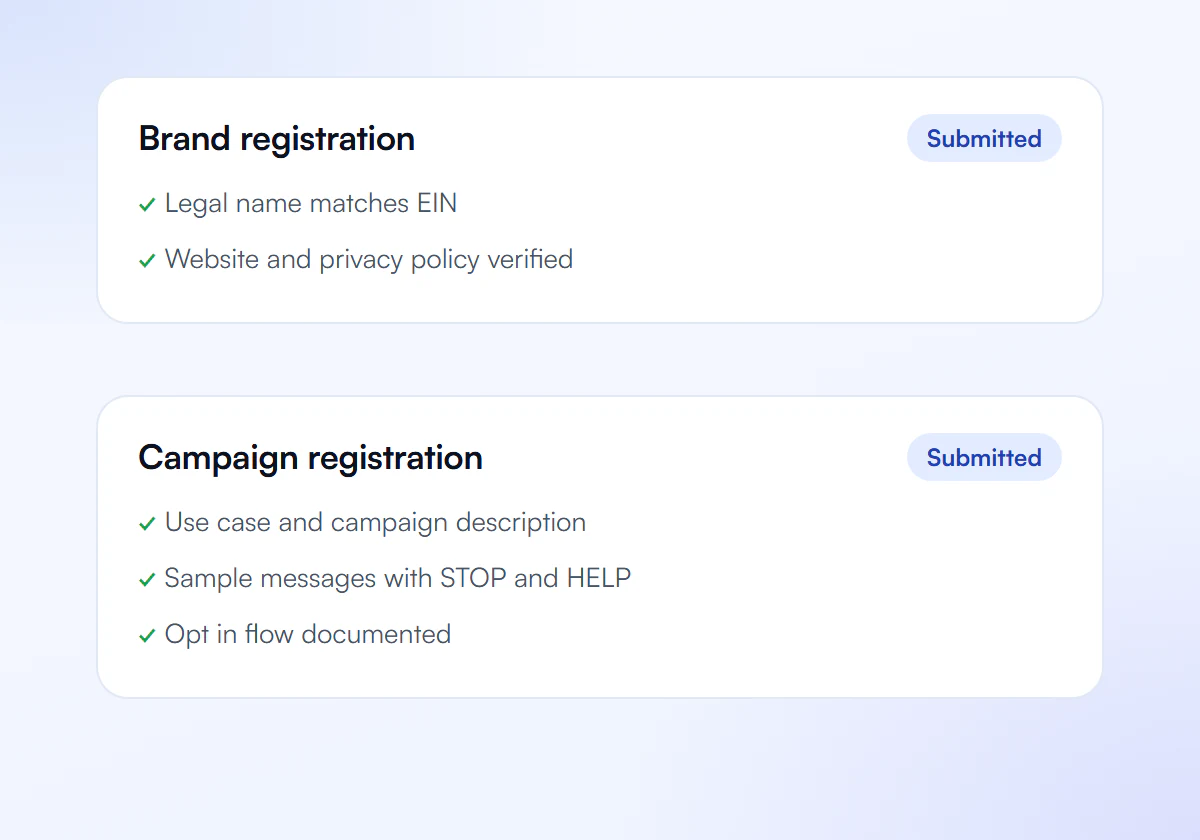
We Prepare the Verification
We complete your toll-free verification through your provider. Toll-free numbers are verified separately from 10DLC, not through The Campaign Registry.
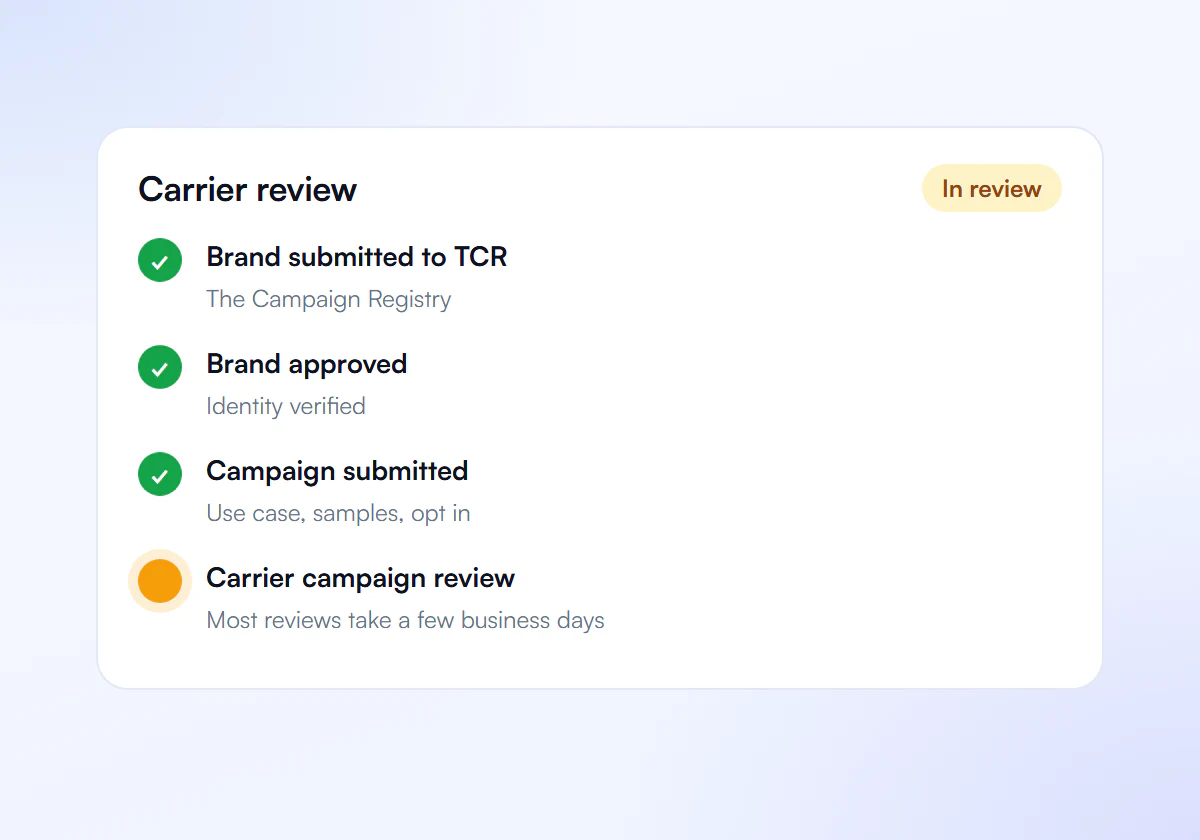
Carrier Review
The toll-free verification team reviews your use case, opt-in and sample messages. If it is rejected, we fix the cause and resubmit.
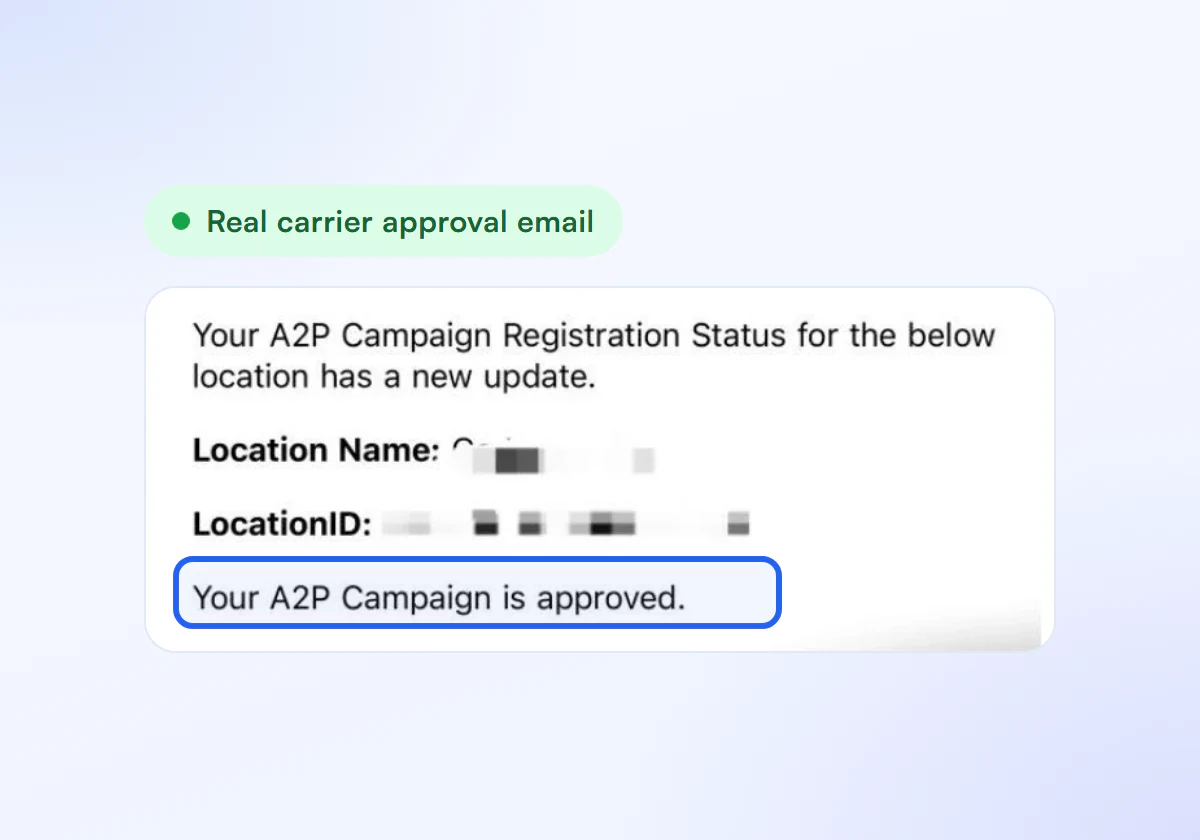
Start Sending
Once verified, your toll-free messages are no longer blocked as unverified traffic.
Toll Free Verification, Flat Price
Complete A2P 10DLC verification, done for you. $50 for one business, $399 for ten.
Single Verification
$50
per verification, paid once
For one business that needs carrier approval to text its customers.
- Brand registration with The Campaign Registry
- Campaign registration with use case and sample messages
- Opt in, privacy policy and STOP and HELP review
- Fixes and resubmission until approved
10 Verification Pack
$399
10 verifications, $39.90 each
For agencies and multi location businesses verifying several brands. Just $39.90 per verification.
- Everything in Single Verification
- 10 verifications for your clients or locations
- $39.90 each instead of $50, you save $101
- Fixes and resubmission until each one is approved
Registration and carrier fees are charged separately by your SMS provider.
Frequently Asked Questions
Can I text from a toll-free number while verification is pending?
Not to the United States or Canada. Twilio blocks traffic from toll-free numbers in Pending status, as well as Restricted ones, and returns error 30032 until the verification is approved.
Does error 30032 affect messages to other countries?
Error 30032 is returned for texts from an unverified toll-free number to mobile subscribers in the United States and Canada. Rules for other destinations differ, so check the destination country’s requirements separately.
Do I need 10DLC registration for a toll-free number?
No. Toll-free numbers use toll-free verification, not 10DLC brand and campaign registration. If you also send from local 10-digit numbers, those numbers need 10DLC registration separately.
What happens if my toll-free verification was rejected?
Correct the rejected details and resubmit before the edit window closes, which Twilio sets at seven days from the initial request. If it is not eligible for resubmission, fix the underlying information and submit a new request.
Seeing Error 30032?
Send us your details and we get your toll free number verified.
