
A2P Error Codes and 10DLC Rejection Fixes
A2P error codes tell you why a text or a registration failed. Each code below names the problem, the program it belongs to (10DLC, toll-free or message delivery) and the exact fix.
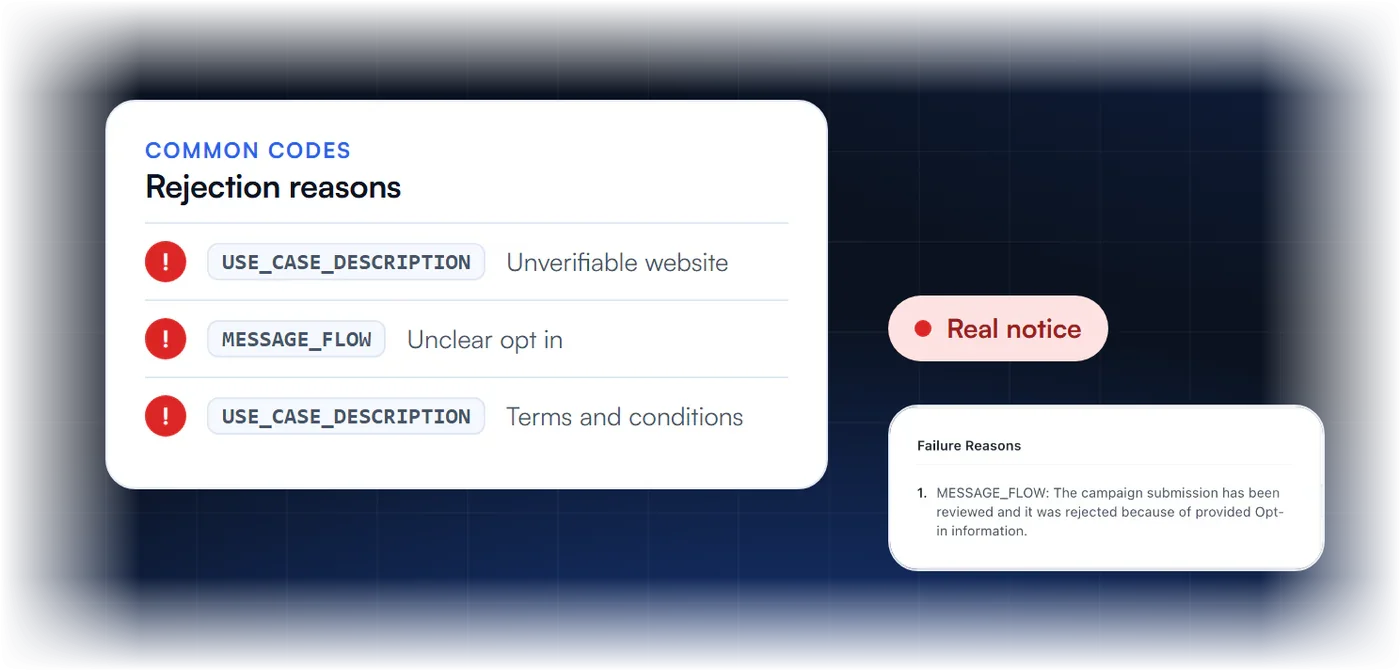
Common SMS Error Codes
These delivery codes come from your message logs. Error 30034 means an unregistered 10DLC number, 30007 means carrier filtering and 30032 means an unverified toll-free number. Each card below explains what the code means. It links to a page that shows where to fix it, step by step, with the official rules behind it.
Unregistered Number
Someone sent the message from a US 10DLC number that is not linked to an approved A2P campaign.
Message Filtered
Twilio or a carrier filtered the message as spam, phishing or content that is not allowed.
Toll Free Not Verified
Someone sent the message from a toll-free number that has not completed toll-free verification.
Unreachable Handset
The destination phone is off, out of service or cannot receive messages right now.
Landline or Unreachable
The destination is a landline or a number that cannot receive text messages.
Rejections by Category
This section groups rejection reasons by what reviewers check. Opt-in and consent problems, brand identity mismatches, website issues, missing STOP and HELP replies and toll-free rejections each have their own page. Pick the group that matches your rejection notice to see the cause, the fix and whether you can resubmit.
Opt In and Consent Rejections
Problems with how you collect and show consent.
Brand Identity Rejections
Business details that do not match official records.
Website Rejections
Missing privacy policy, terms or a website that does not match the brand.
STOP and HELP Issues
Missing opt out or help instructions in your messages.
Toll-Free Rejections
Twilio 304xx and 305xx codes for denied toll-free verifications.
Final Rejections
Rejections that cannot be resubmitted, and your options.
Guides for Fixing A2P Rejections
These guides give step-by-step help for the most common A2P messaging issues. One explains why campaigns get rejected and how to fix them. Another walks through campaign registration and review. The checklist covers every requirement before you submit, and our team can help with your specific error or rejection.
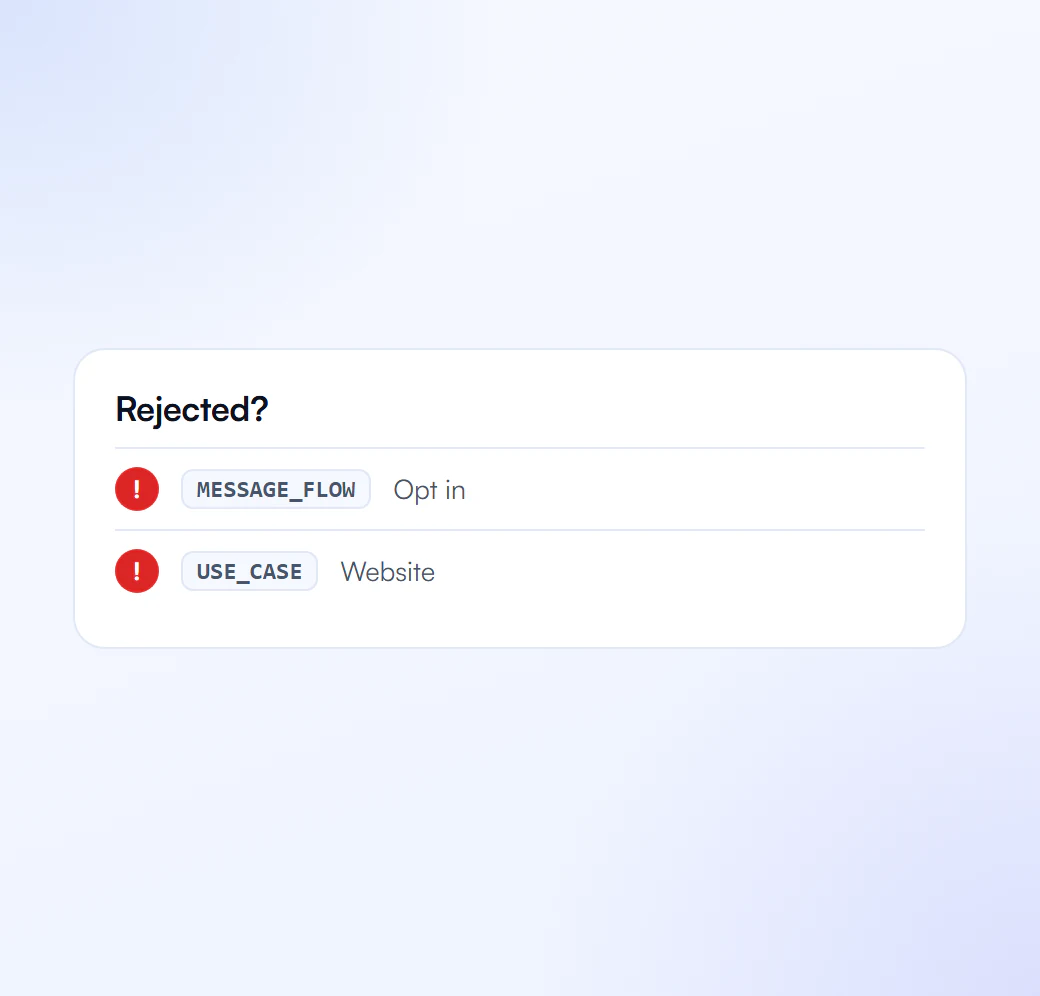
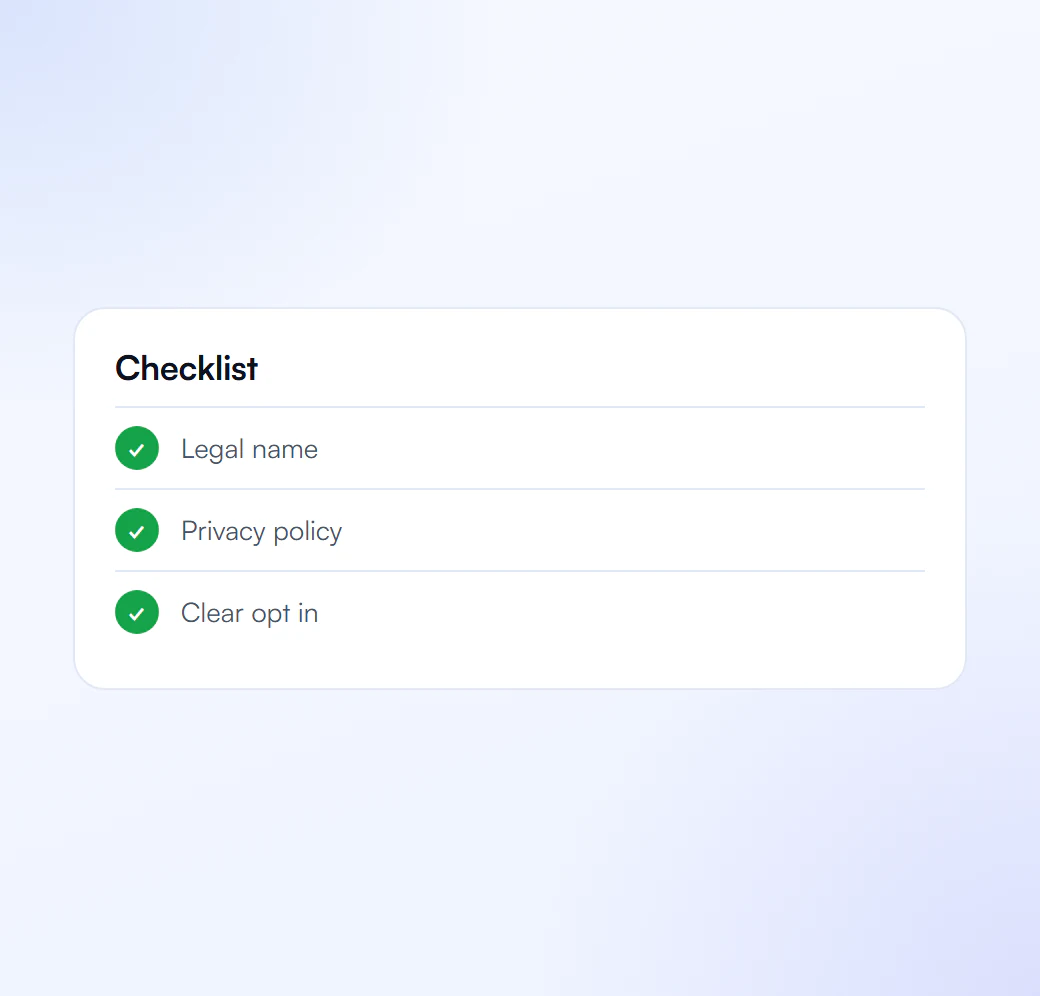
Types of A2P Message Rejections
Every code falls into one of four groups, and the group shows where to fix it. Content rejections come from prohibited content, links or keywords. Registration rejections come from the brand, campaign or use case. Carrier filtering blocks risky or spam-like traffic, and rate limiting holds back messages over sending limits.
Content Rejections
Messages blocked because of prohibited content, links or keywords.
Registration Rejections
Problems with brand, campaign or use case registration.
Carrier Filtering
Messages filtered by carriers for risk, spam or policy reasons.
Rate Limiting
Messages held back because of sending limits or unusual traffic.
Every A2P Error and Rejection We Cover
Pick the code your provider returned, or the reason on your rejection notice. The list covers delivery codes such as 30007, 30032 and 30034, and campaign codes such as 30886, 30893 and 30909. It also covers toll-free codes such as 30527, and rejection types that group the same problems by what reviewers check.
By error code
Error 30007
Message filtered by the carrier
Error 30032
Toll-free number not verified
Error 30034
Unregistered 10DLC number
Error 30527
Business registration problem
Error 30886
Campaign description rejected
Error 30892
Link shortener not allowed
Error 30893
Sample messages rejected
Error 30909
Consent flow not accepted
Error 30932
Privacy policy rejected
By rejection type
Opt-in and consent rejections
See the cause and the fix
Brand identity rejections
See the cause and the fix
Website and privacy policy rejections
See the cause and the fix
Errors 30887 and 30890
STOP and HELP replies
Toll-free verification rejections
See the cause and the fix
Non-resubmittable rejections
See the cause and the fix
Newer Twilio 10DLC Rejection Codes
Since March 2026, Twilio returns more specific 10DLC campaign codes, and from September 15, 2026 toll-free verification shares some call-to-action codes with them. Each code names one gap. Fix that field and resubmit the same campaign; only the prohibited content codes are final.
Error 30918: DBA Mismatch
The campaign uses a trade name that does not match the legal name on the brand. Use the exact name on the IRS CP 575 or 147C letter.
Error 30922: Website Not Verified
The site does not load, does not match the brand, or does not show reviewers how people opt in.
Error 30913: Consent Not Separate
The business collected marketing and informational consent together. Give promotional texts their own opt-in.
Error 30924: Consent Wording Missing
The opt-in lacks the required consent language next to the phone field, such as purpose, frequency, rates or STOP.
Error 30925: Pre-Checked Opt-In
The SMS consent box must start unchecked, so the person actively agrees to receive texts.
Errors 30933 and 30934: Policy URLs
New 10DLC campaigns must include a privacy policy URL (30933) and a terms and conditions URL (30934).
Error 30544: CTA Purpose Missing
The call to action does not say what the texts are about. The code applies to 10DLC and toll-free.
Error 30569: Rates Disclosure Missing
The call to action does not say "Message and data rates may apply". Terms alone do not cover it.
Errors 30952 to 30959: Prohibited Content
Federal non-compliance, SHAFT content and fraud. Twilio marks these campaigns as not eligible for resubmission.
Your 10DLC Compliance Partner for the Long Term
We help before, during and after registration. We know what The Campaign Registry and carriers check, so your details match from the start. When carriers ask for fixes, we handle the resubmission. After approval, we stay available when you add new campaigns or numbers, so each one starts from the same clean details.
- Experts who know what The Campaign Registry and carriers check
- Fewer rejections because details match from day one
- Help with fixes and resubmissions when carriers ask
- Support after approval when you add new campaigns
A2P Error Code FAQs
Answers to common questions about A2P error codes and rejections. They explain what a code means, where to find it and which rejections you can resubmit. In short, the code names the problem, and your SMS provider shows it in message logs and rejection notices. You can fix and resubmit most rejections.
What does my A2P error code mean?
It names the problem. Delivery codes like 30034 or 30007 explain a blocked text; campaign codes like 30886 or 30909 name the field reviewers could not verify.
How do I find the error code?
Your SMS provider shows it in message logs, delivery reports and rejection notices.
Which A2P rejections can be resubmitted?
Most can: fix the named field and resubmit. Prohibited content codes such as 30952 to 30959 are final.
We Fix It, Then Resubmit
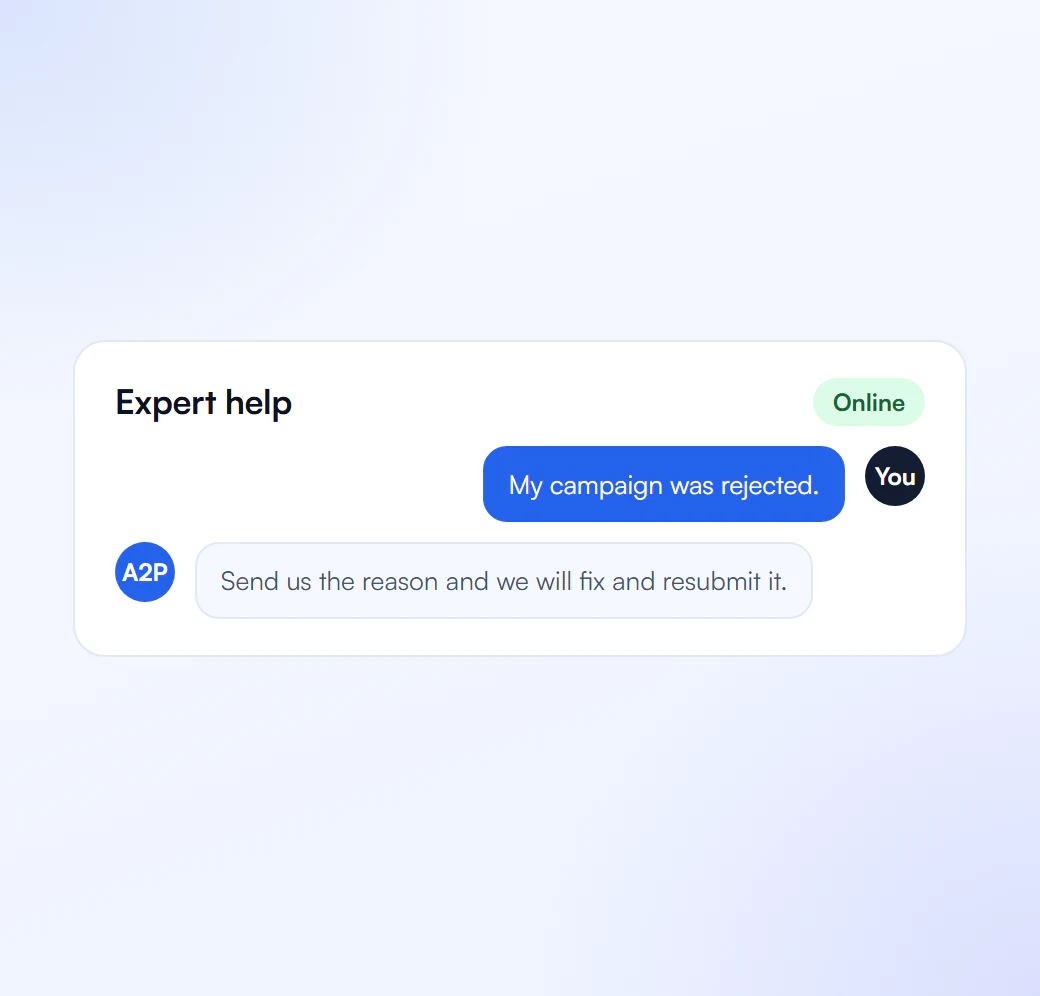
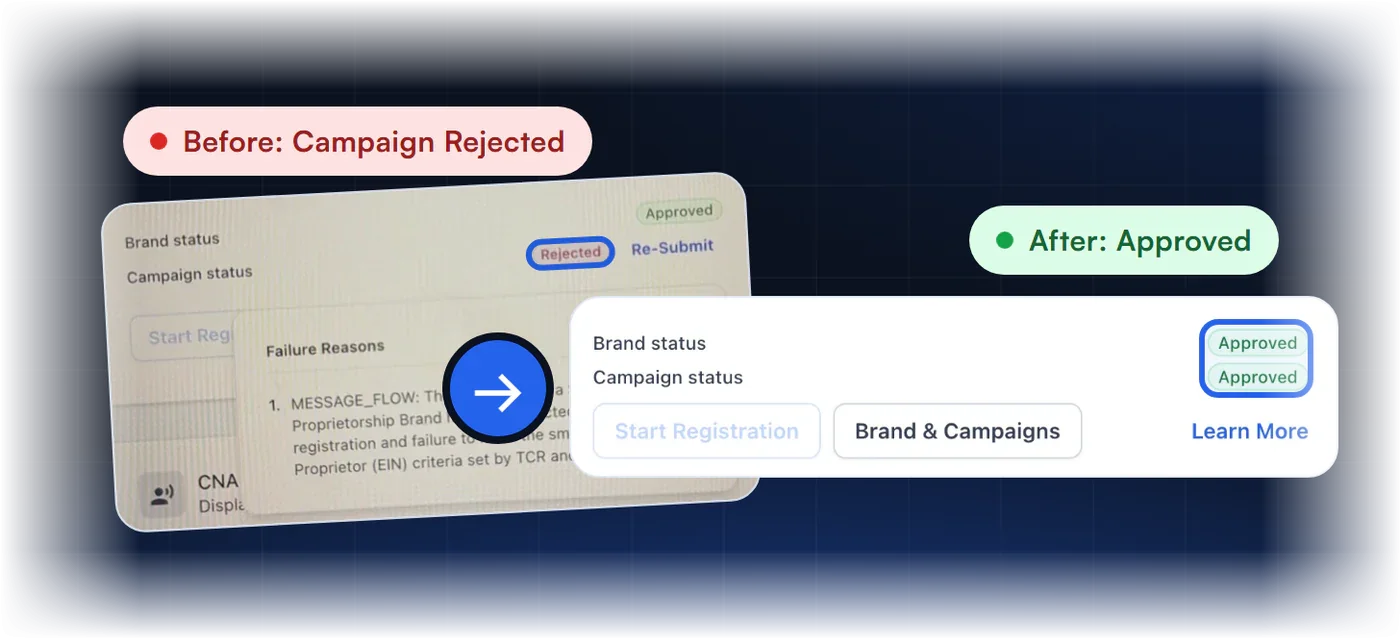
Send us the rejection and we fix the cause before we resubmit. One business costs $50, paid once, and a pack of ten costs $399, or $39.90 each. Rejection fixes and resubmission are part of the price. Your SMS provider charges registration and carrier fees separately.
Single Verification
$50
per verification, paid once
For one business that needs carrier approval to text its customers.
- Brand registration with The Campaign Registry
- Campaign registration with use case and sample messages
- Opt in, privacy policy and STOP and HELP review
- Fixes and resubmission until approved
10 Verification Pack
$399
10 verifications, $39.90 each
For agencies and multi location businesses verifying several brands. Just $39.90 per verification.
- Everything in Single Verification
- 10 verifications for your clients or locations
- $39.90 each instead of $50, you save $101
- Fixes and resubmission until each one is approved
Your SMS provider charges registration and carrier fees separately.
Still Need Help?
Our compliance experts help you fix errors and get your messaging back on track.
